
Free Document Editor
Free AI Document Editor to generate, create, build, and customize ready-to-use documents in seconds — fully editable, fast, and on-brand.
Generate Document with AI

Document Generator

Resume Generator

Budget Generator

Lesson Plan Generator

Story Generator

Summarize Text Generator

Essay Generator

Mission Statement Generator

Itinerary Generator

To Do List Generator

CV Generator

Meal Plan Generator

Business Proposal Generator

Cover Letter Generator

Business Plan Generator

Checklist Generator

Smart Goals Generator

Executive Summary Generator

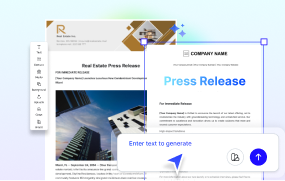
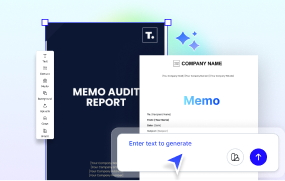
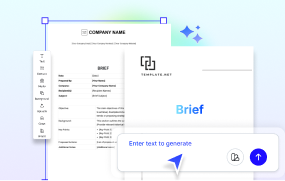
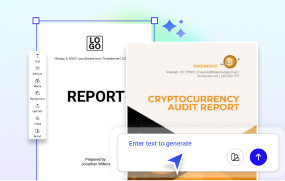
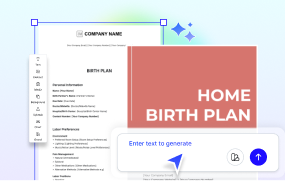
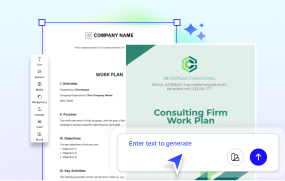
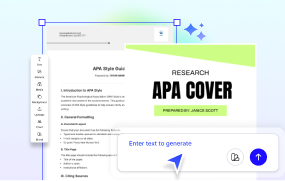
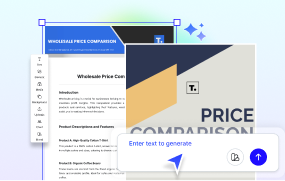
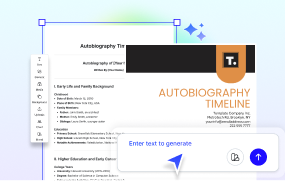
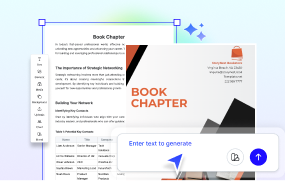
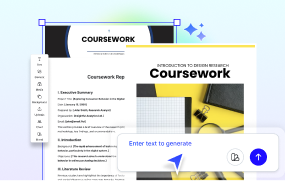
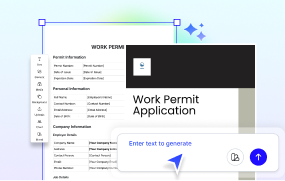
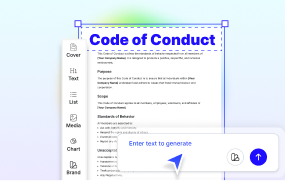
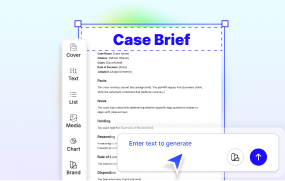
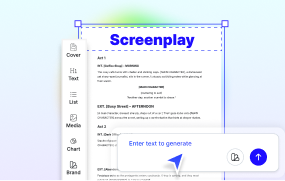
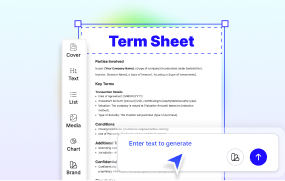
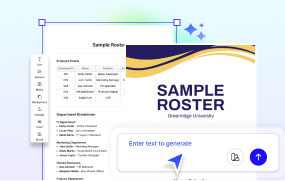
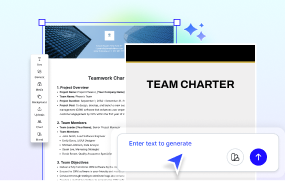
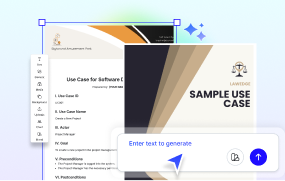
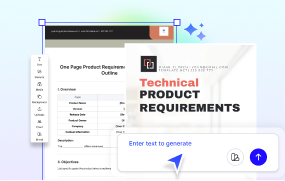
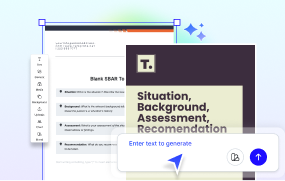
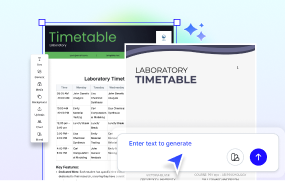
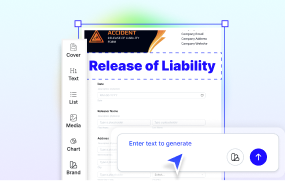
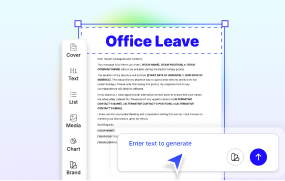
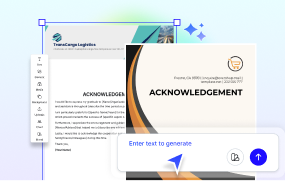
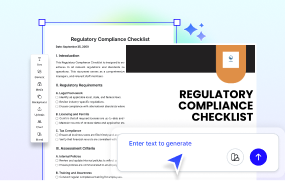
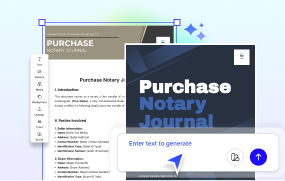
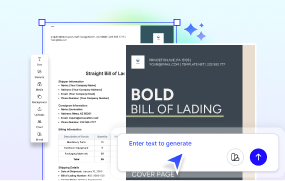
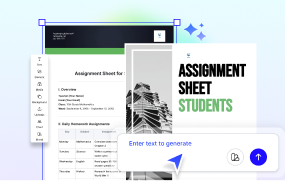
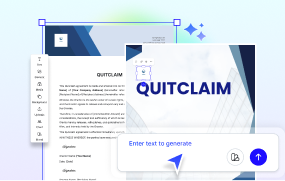
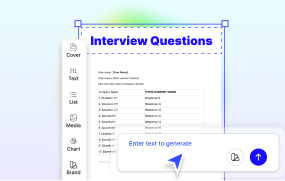
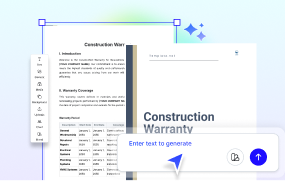
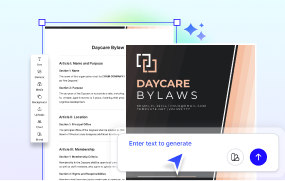
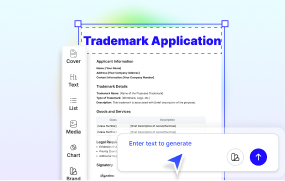
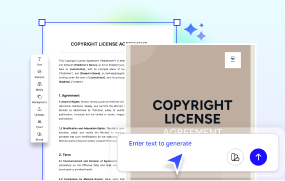
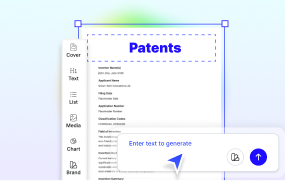
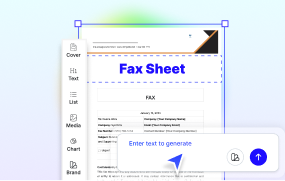
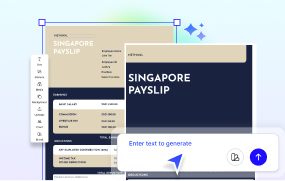
-generator-maker.webp "Free AI Standard Operating Procedure (SOP) Generator, Maker Tool")
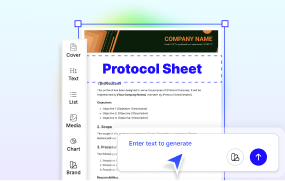
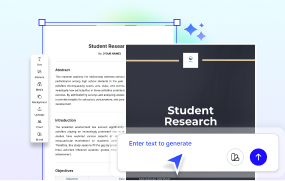
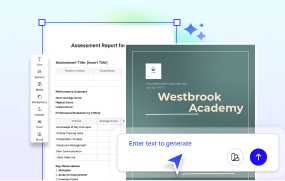
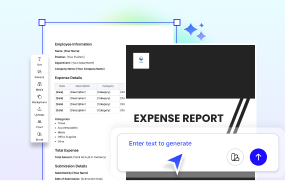
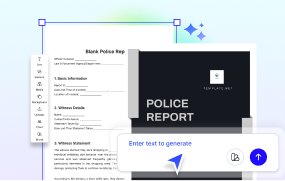
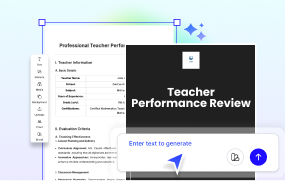
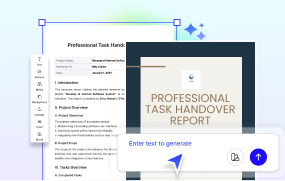
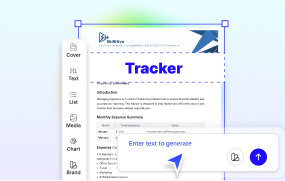
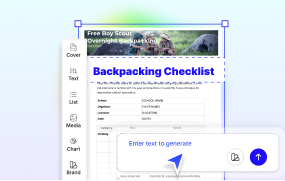
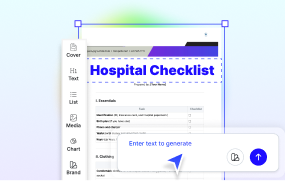
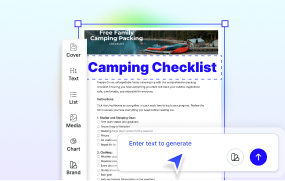
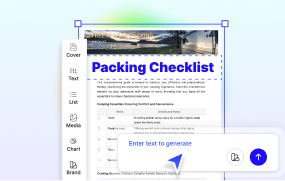
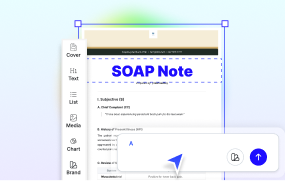
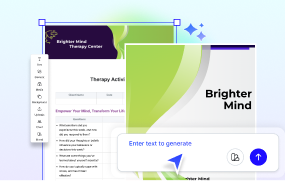
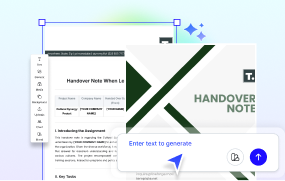
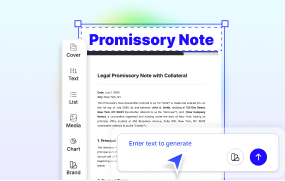
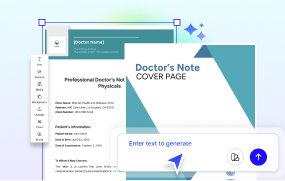
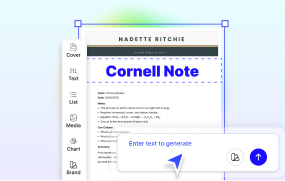
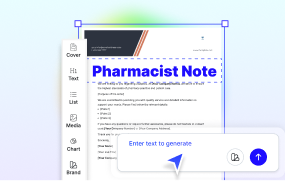
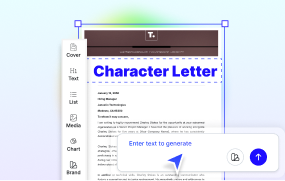
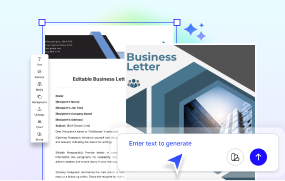
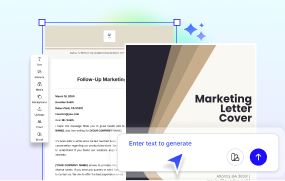
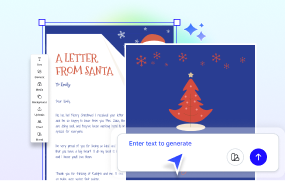
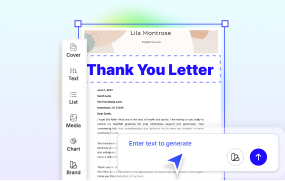
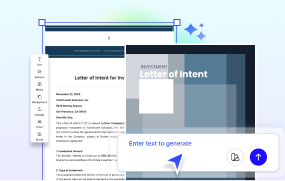
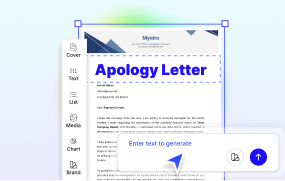
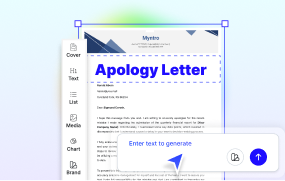
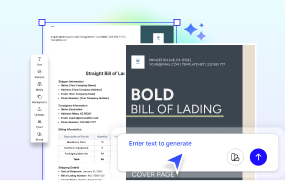
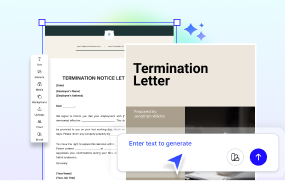
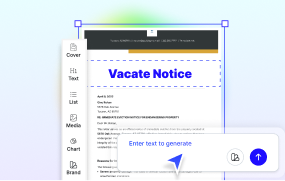
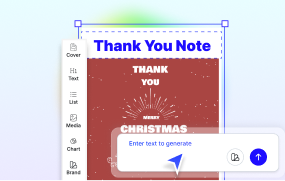
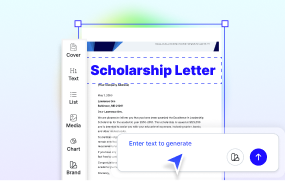
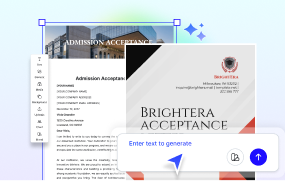
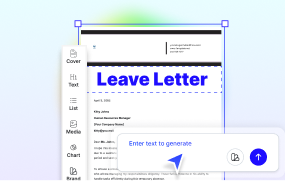
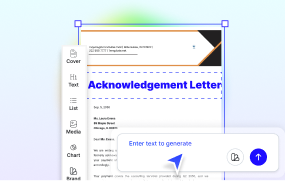
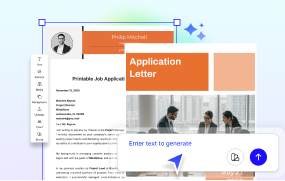
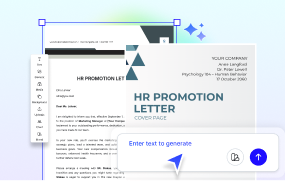
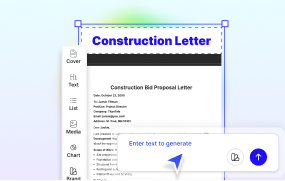
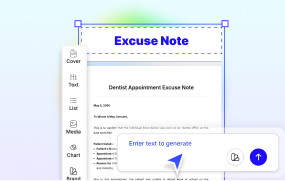
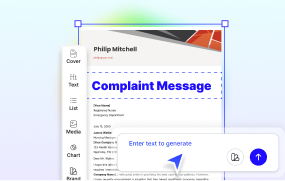
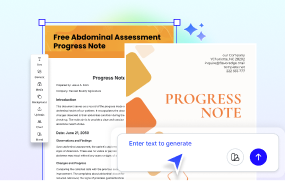
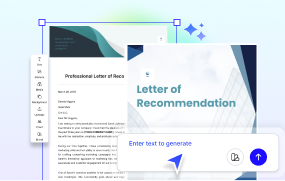
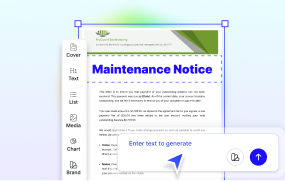
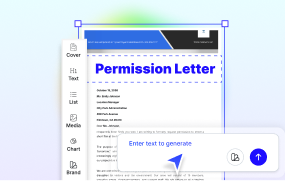
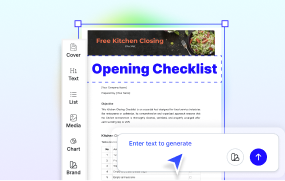
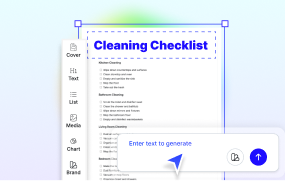
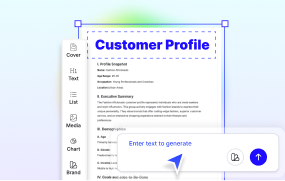
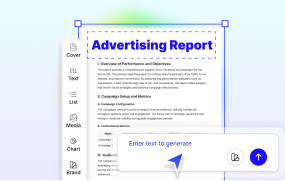
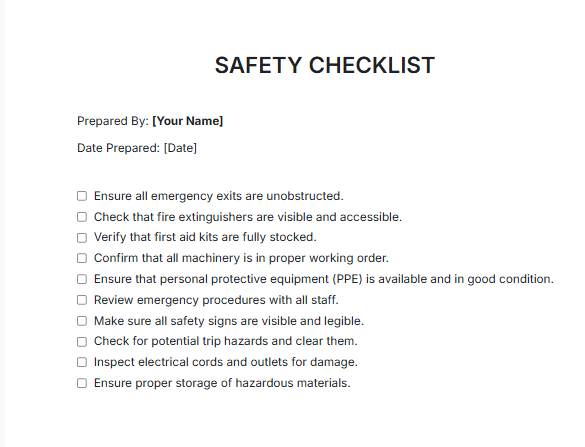
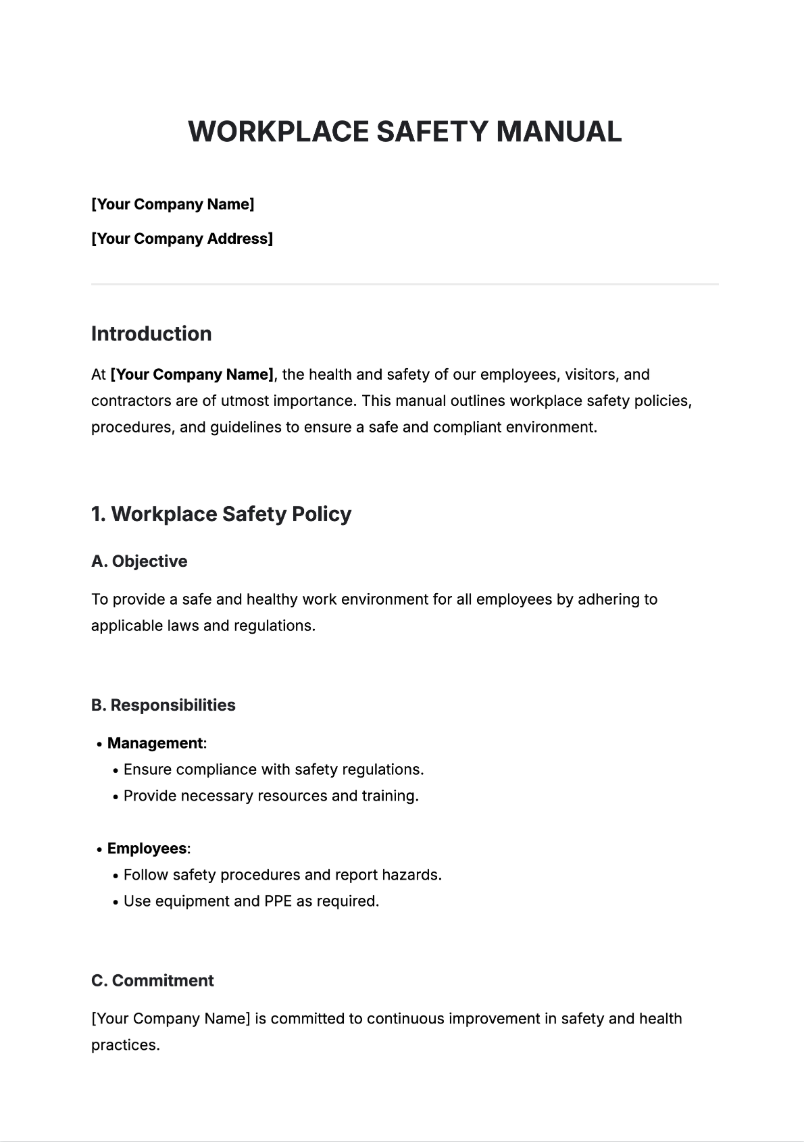
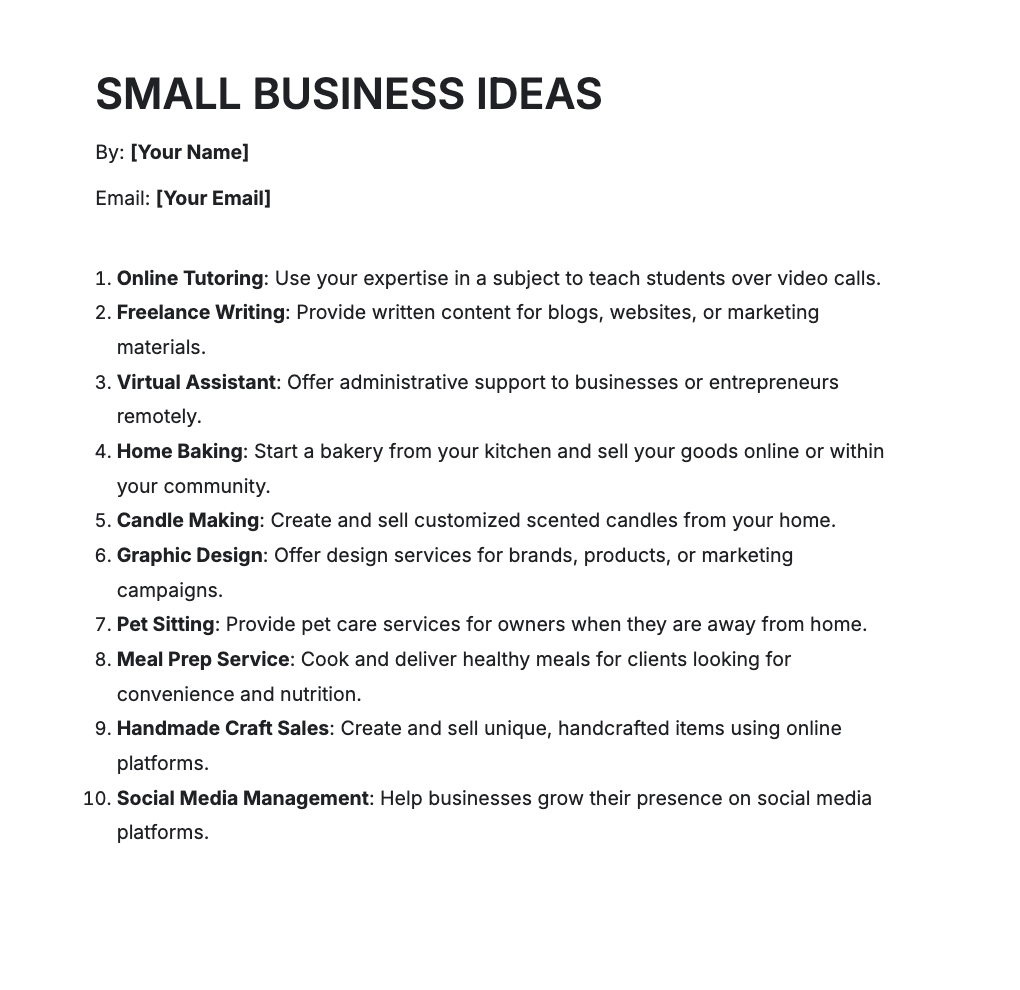
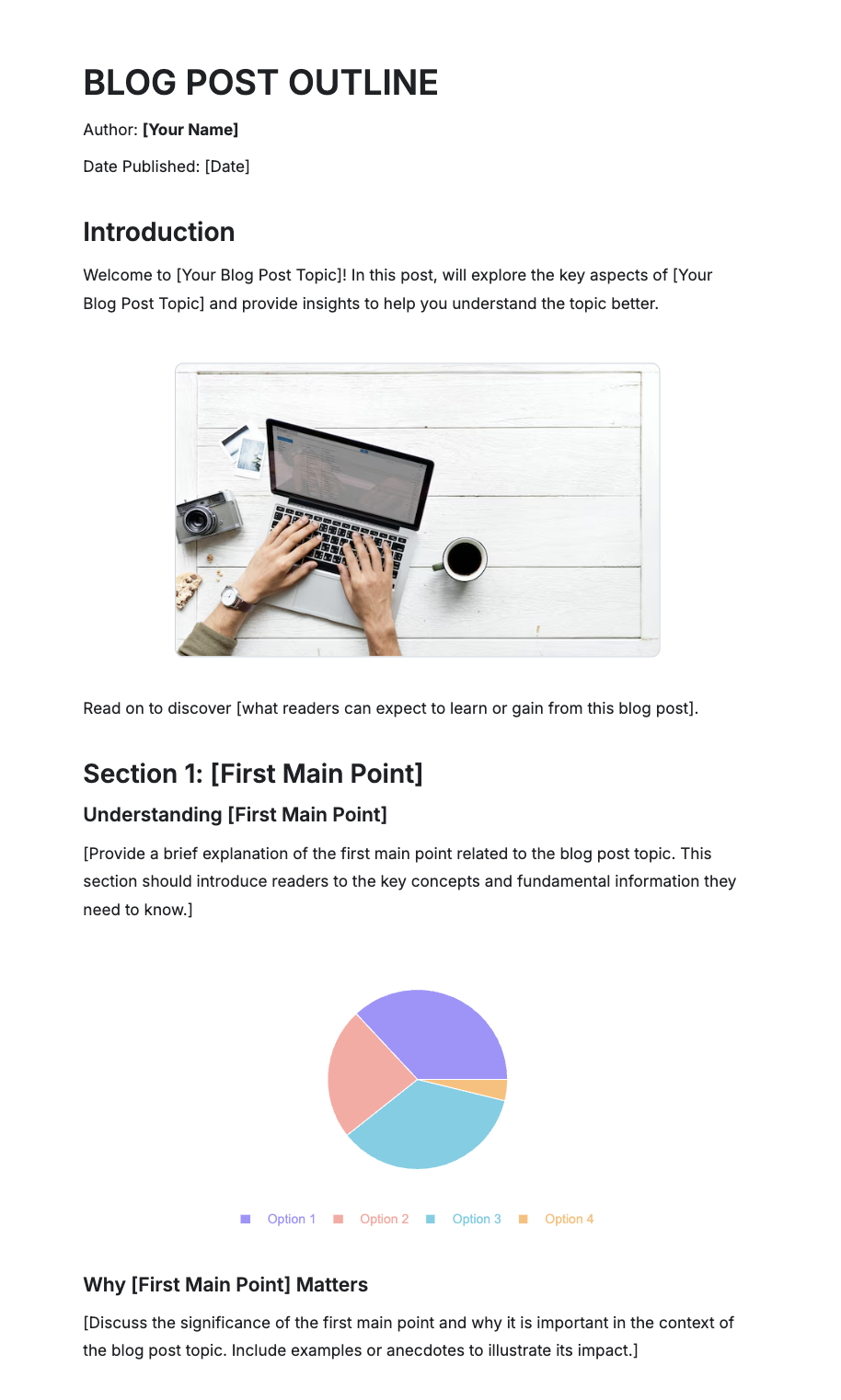
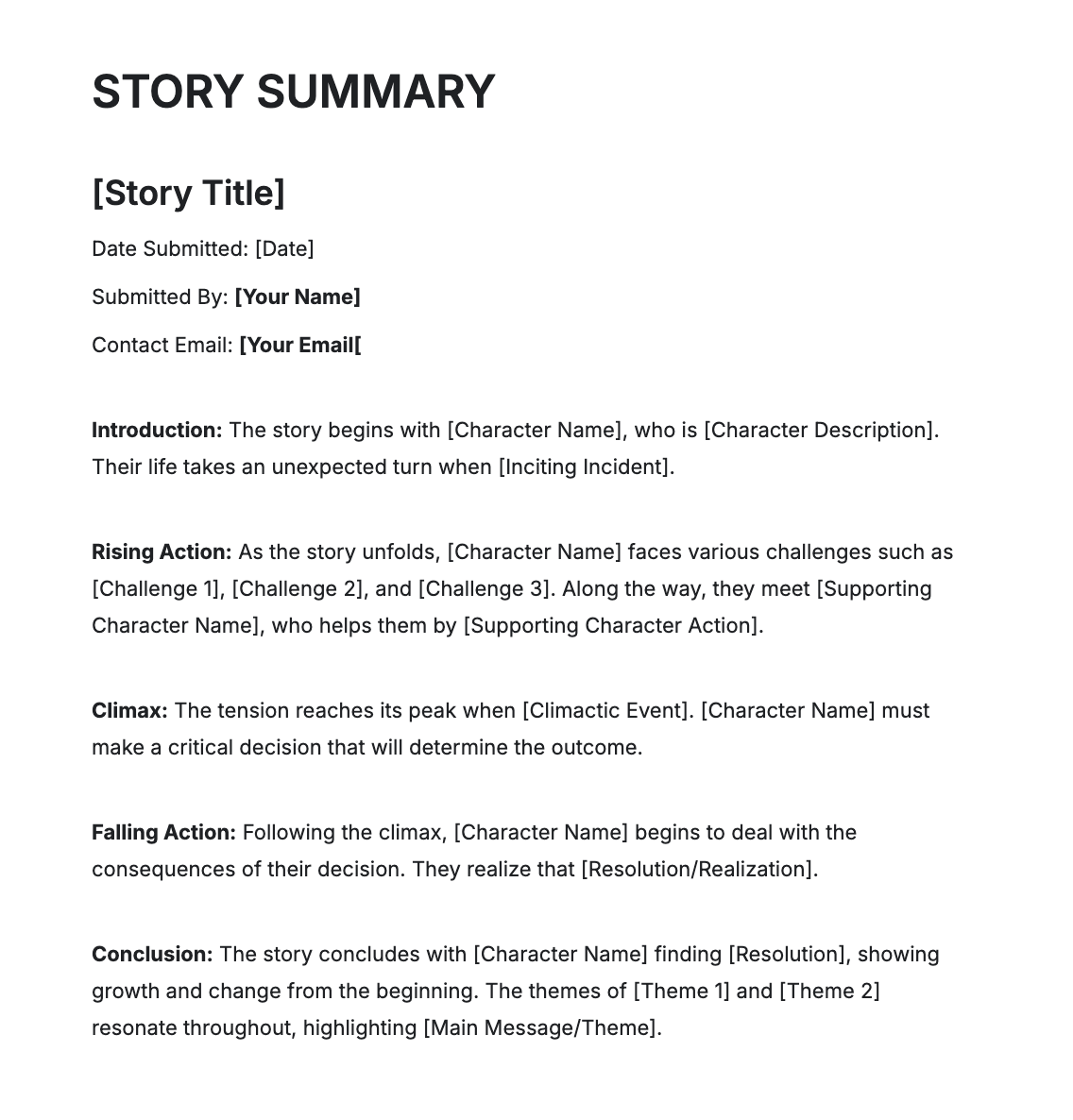
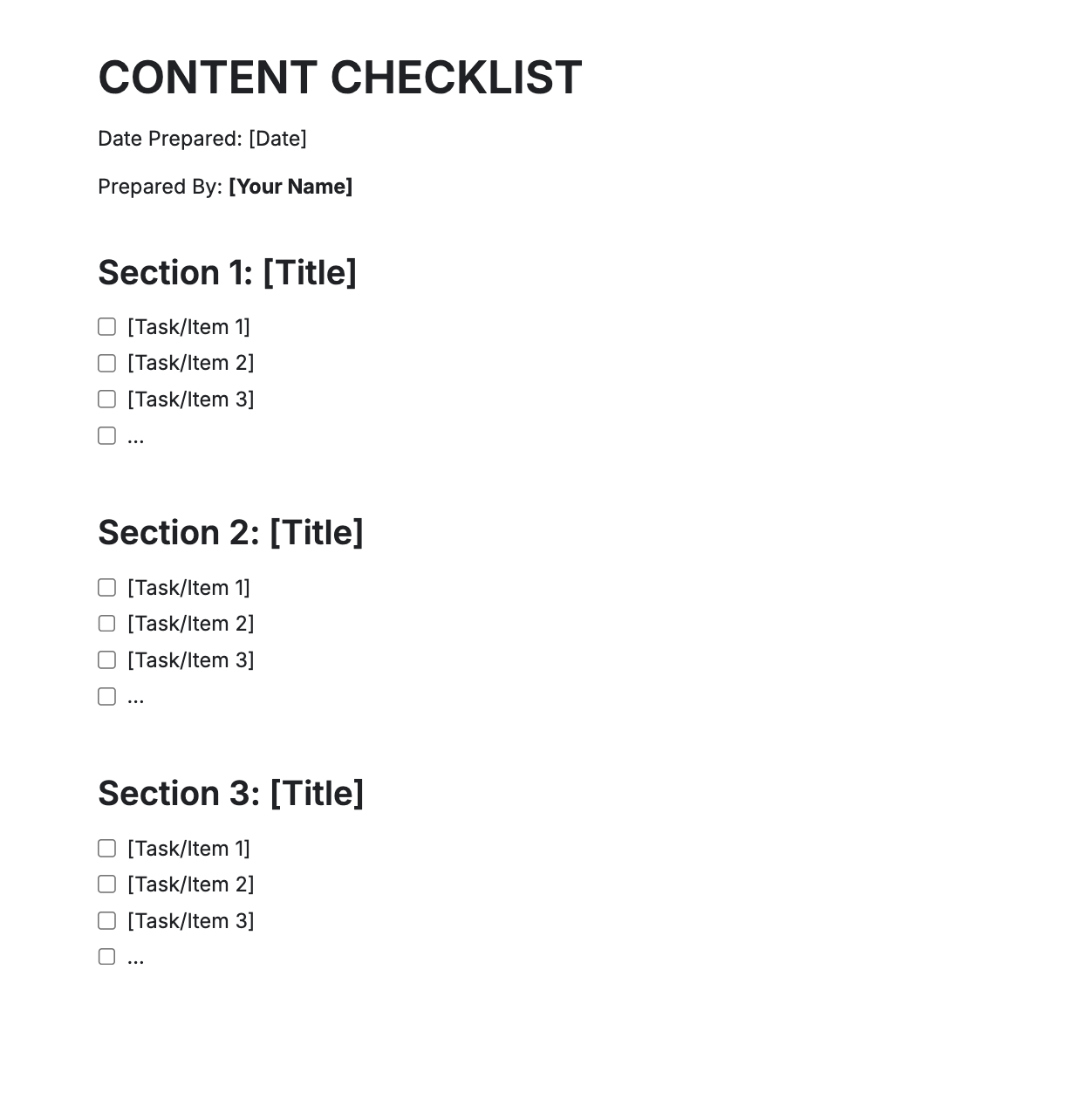
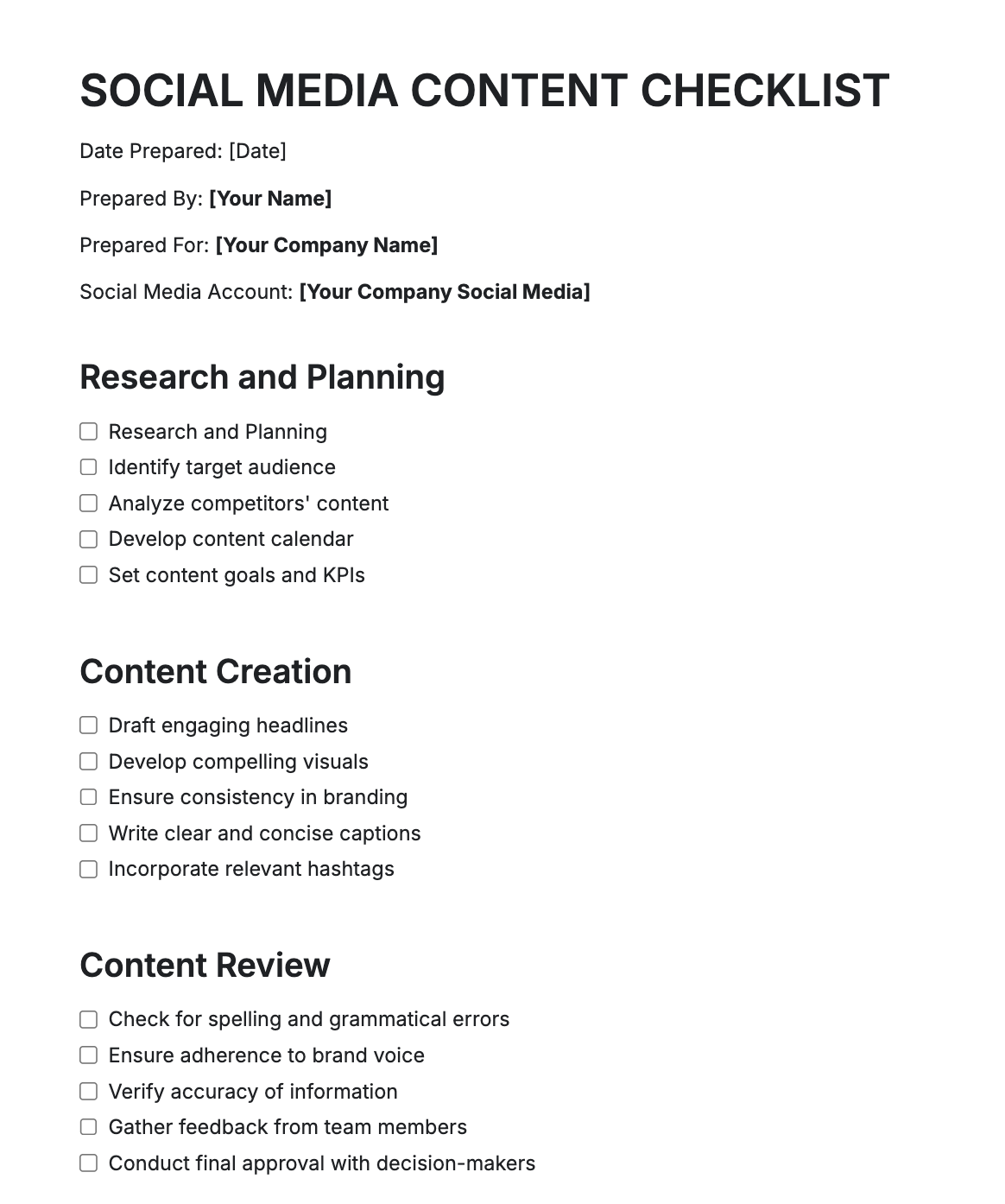
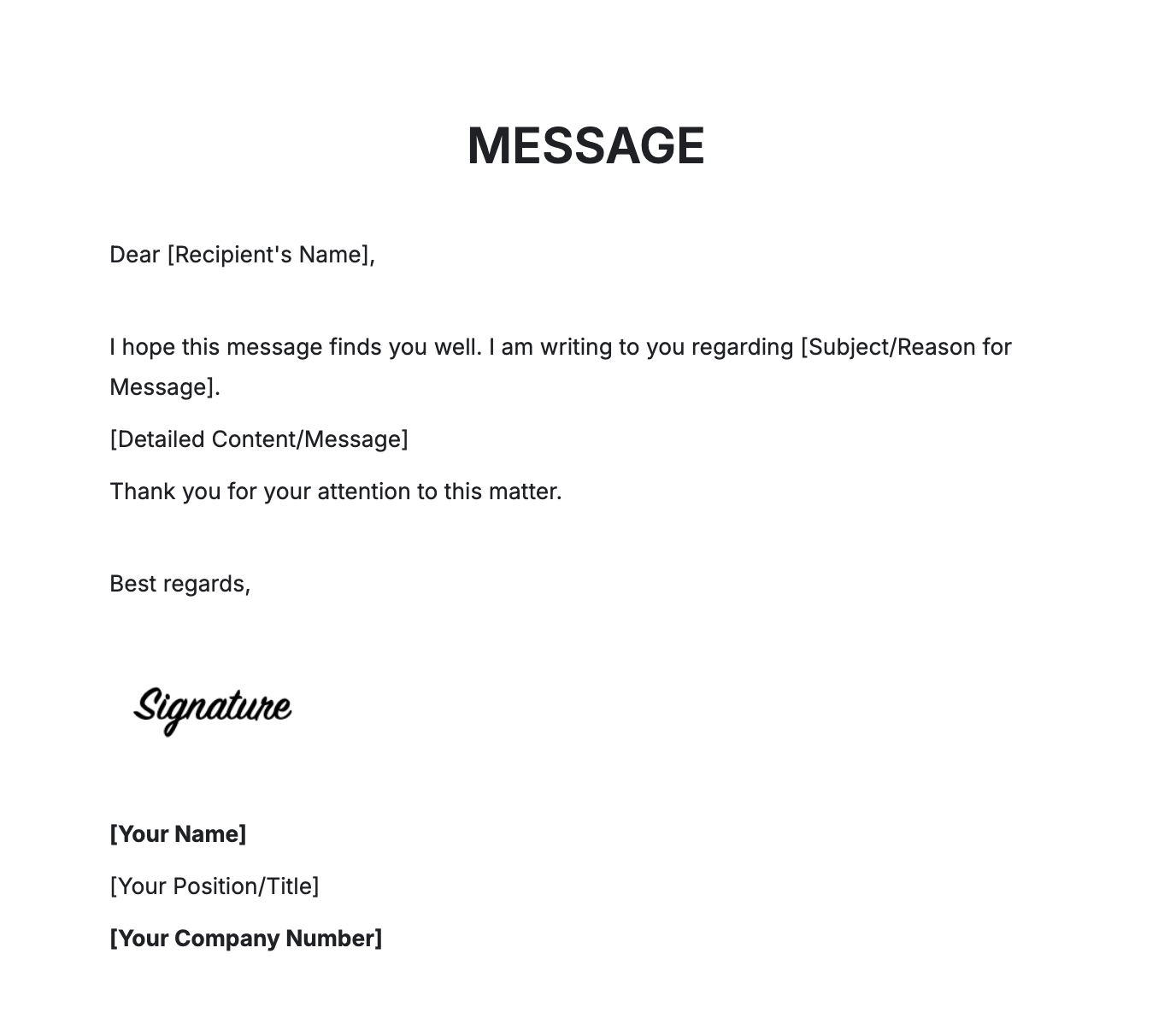
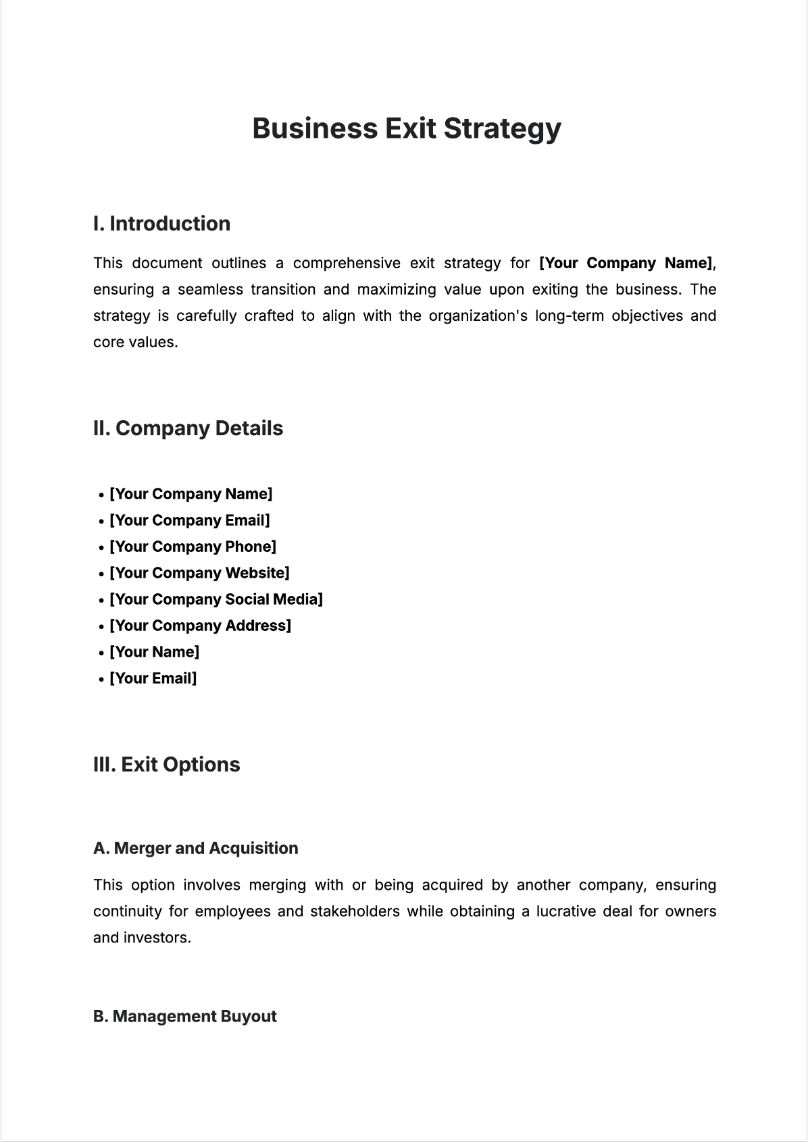
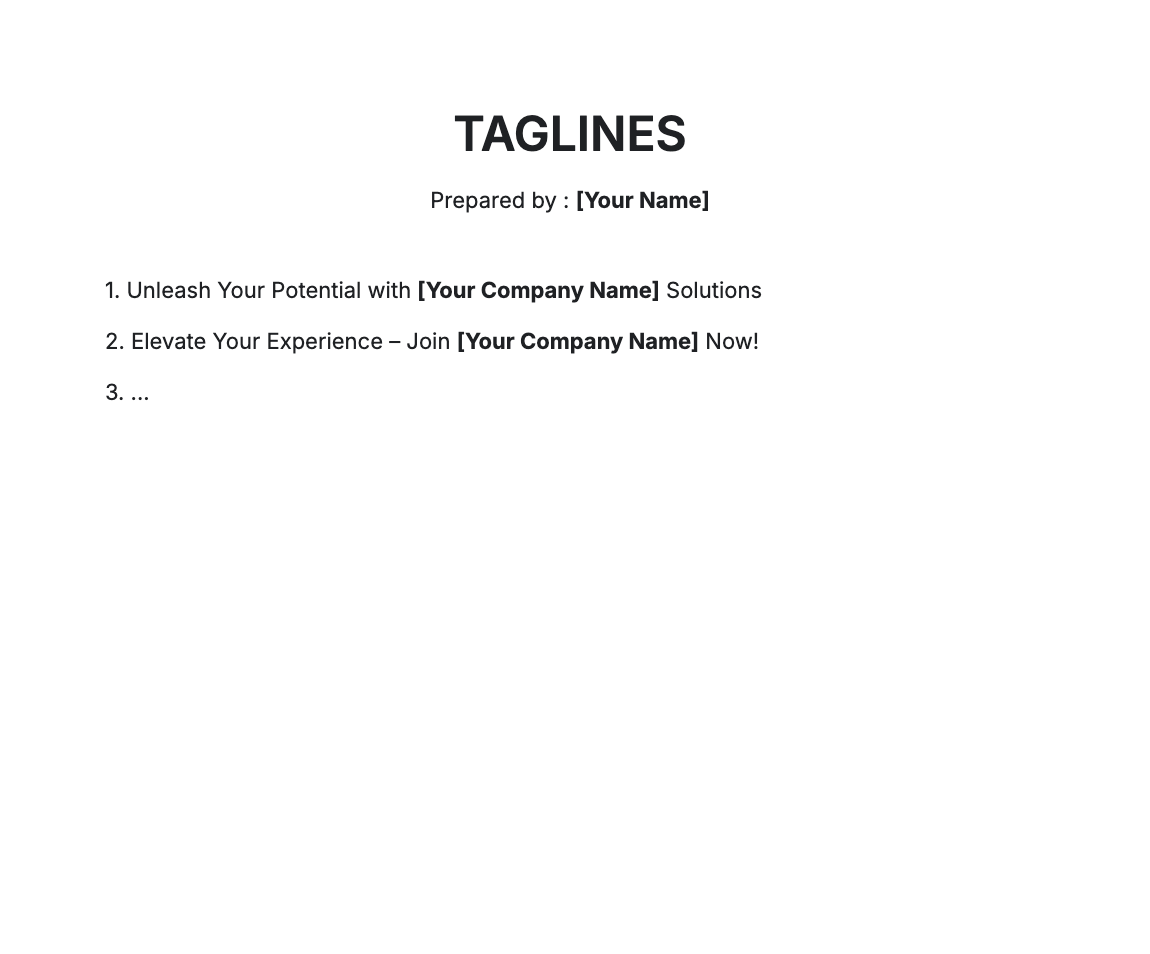
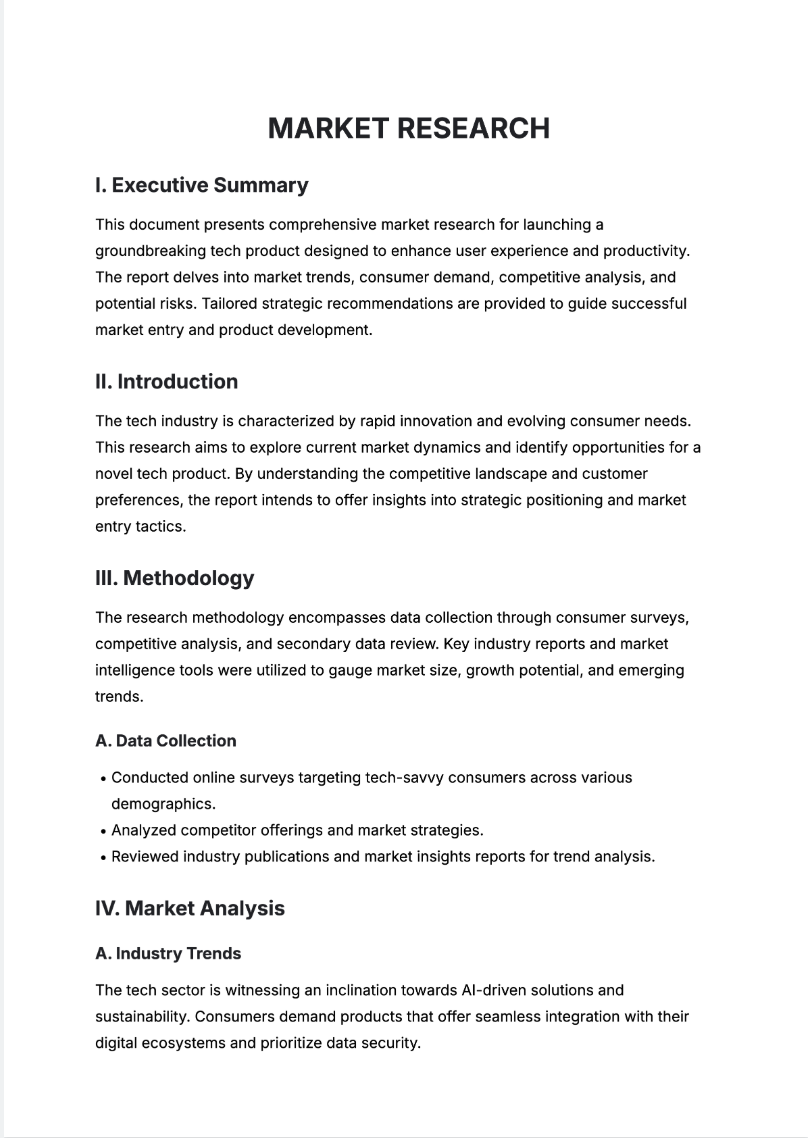
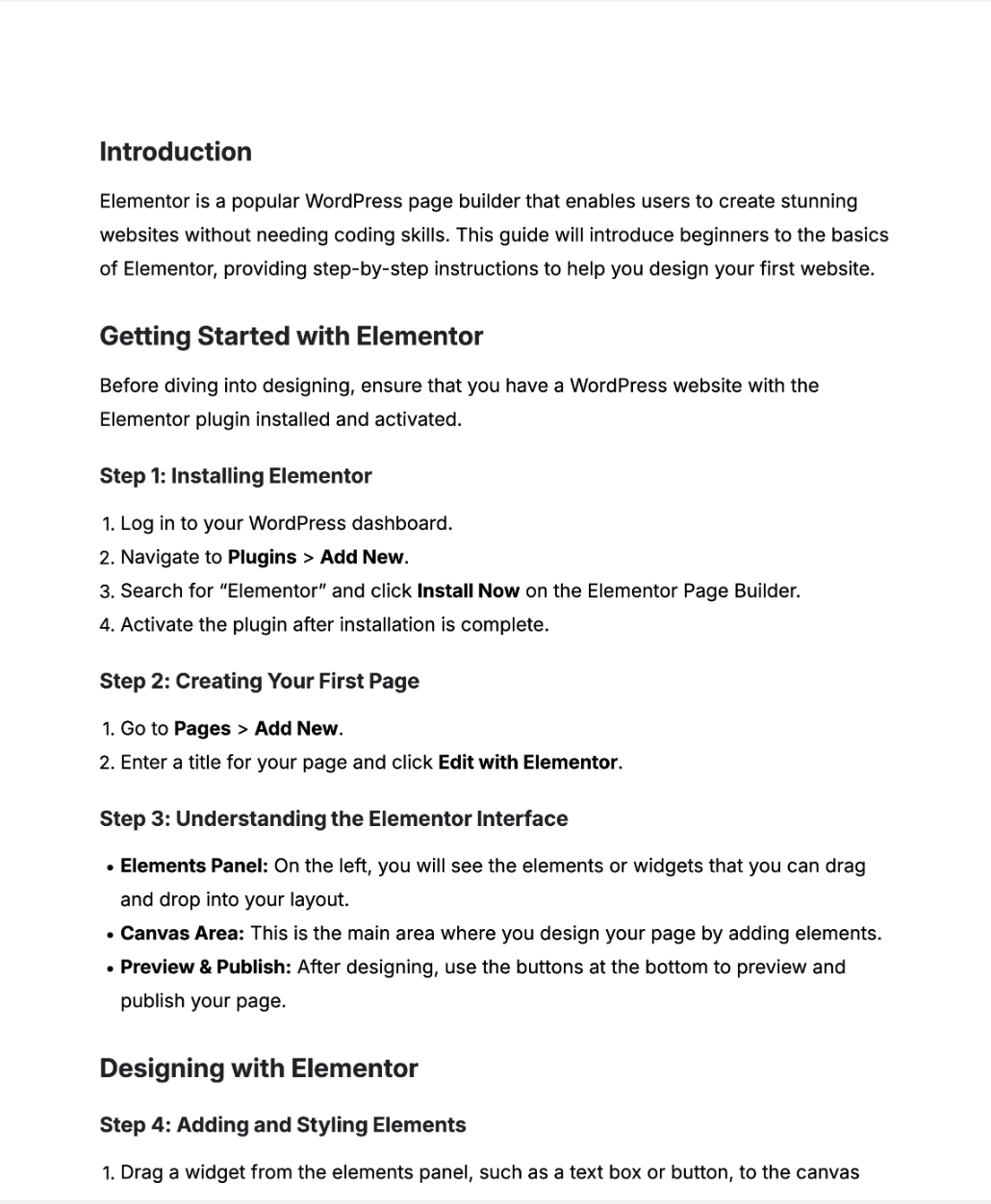
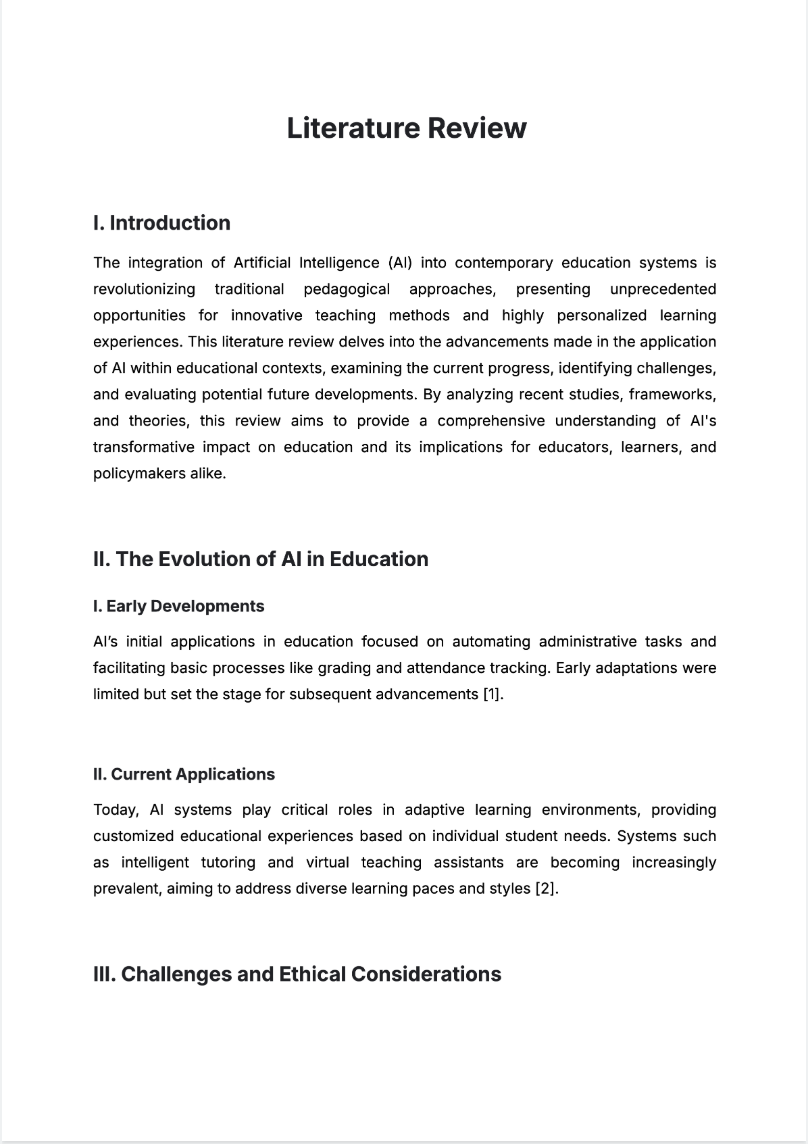
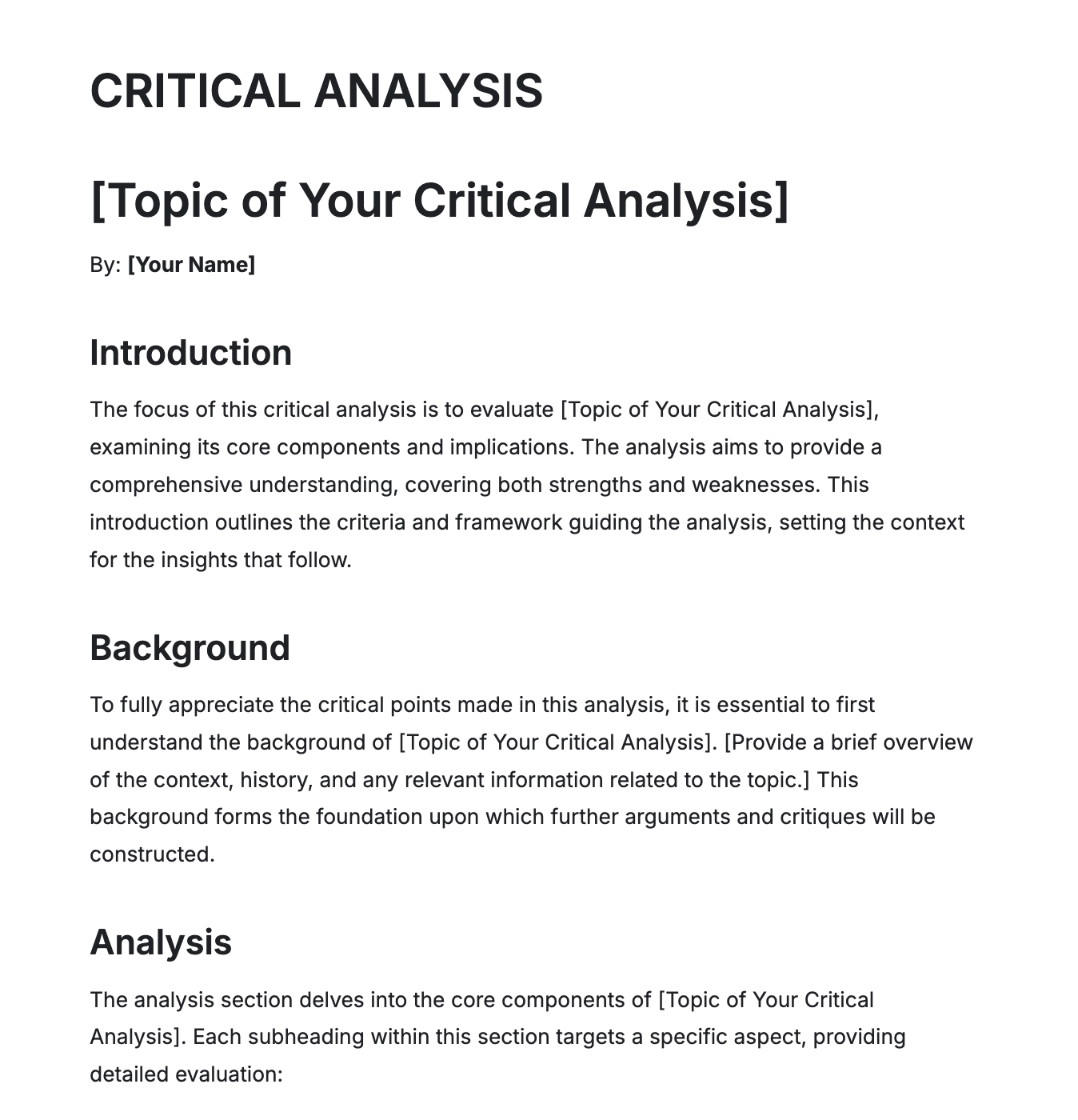
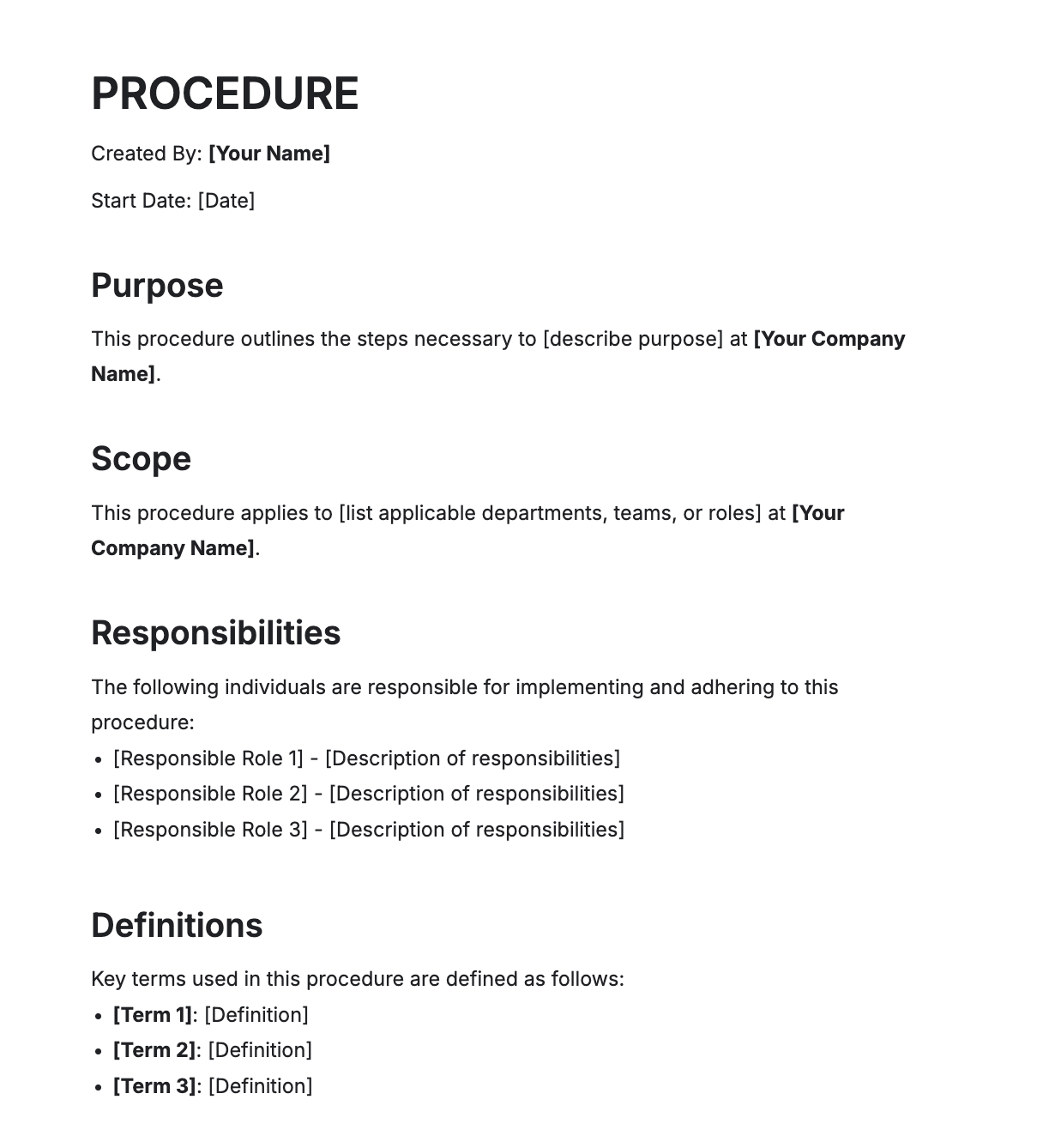
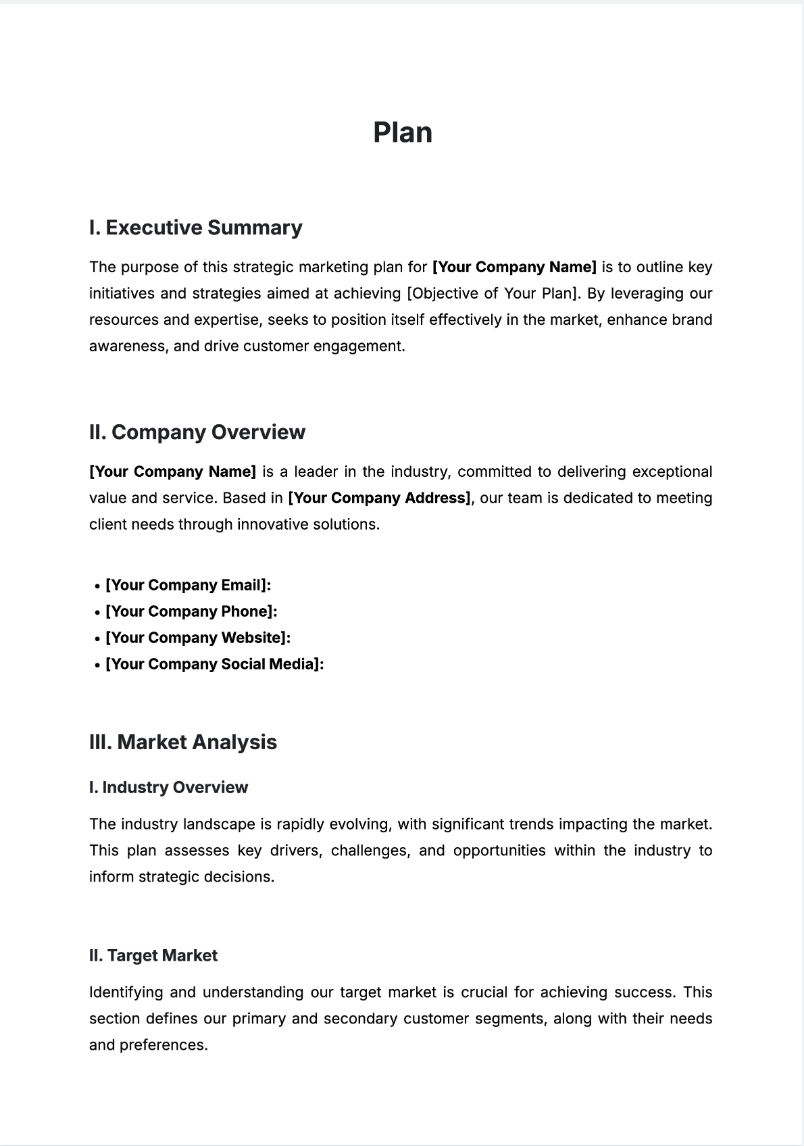
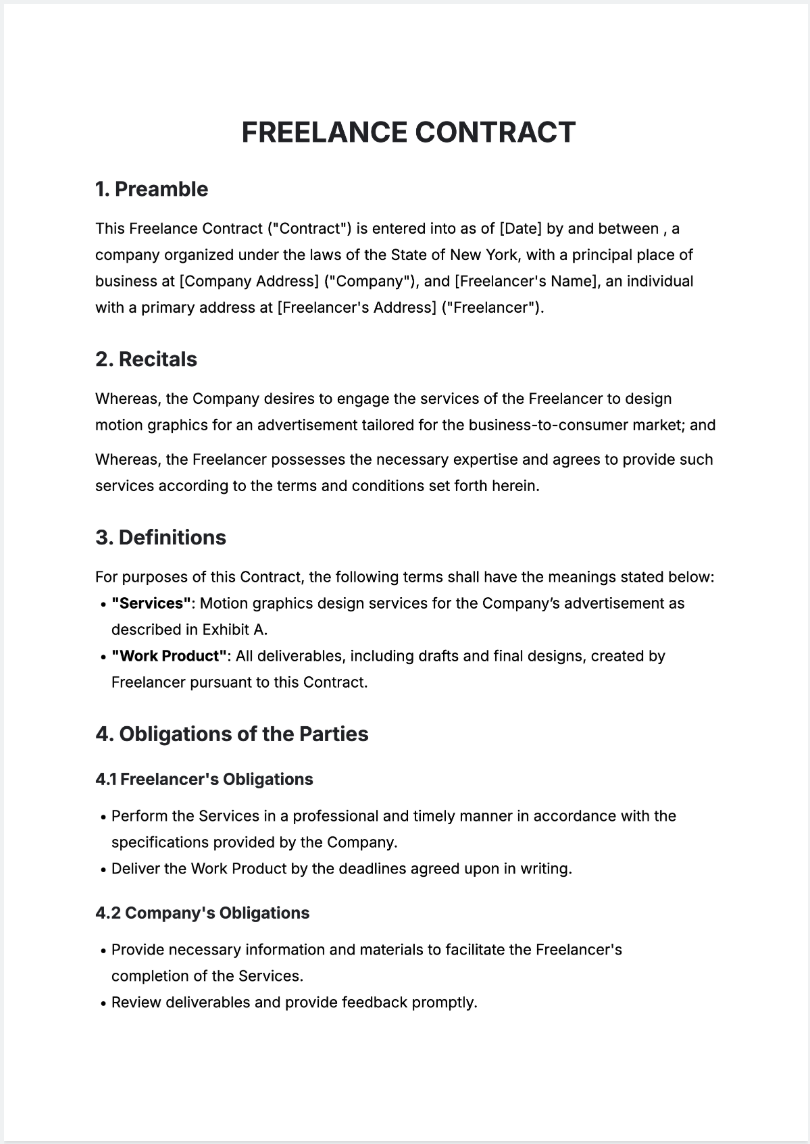
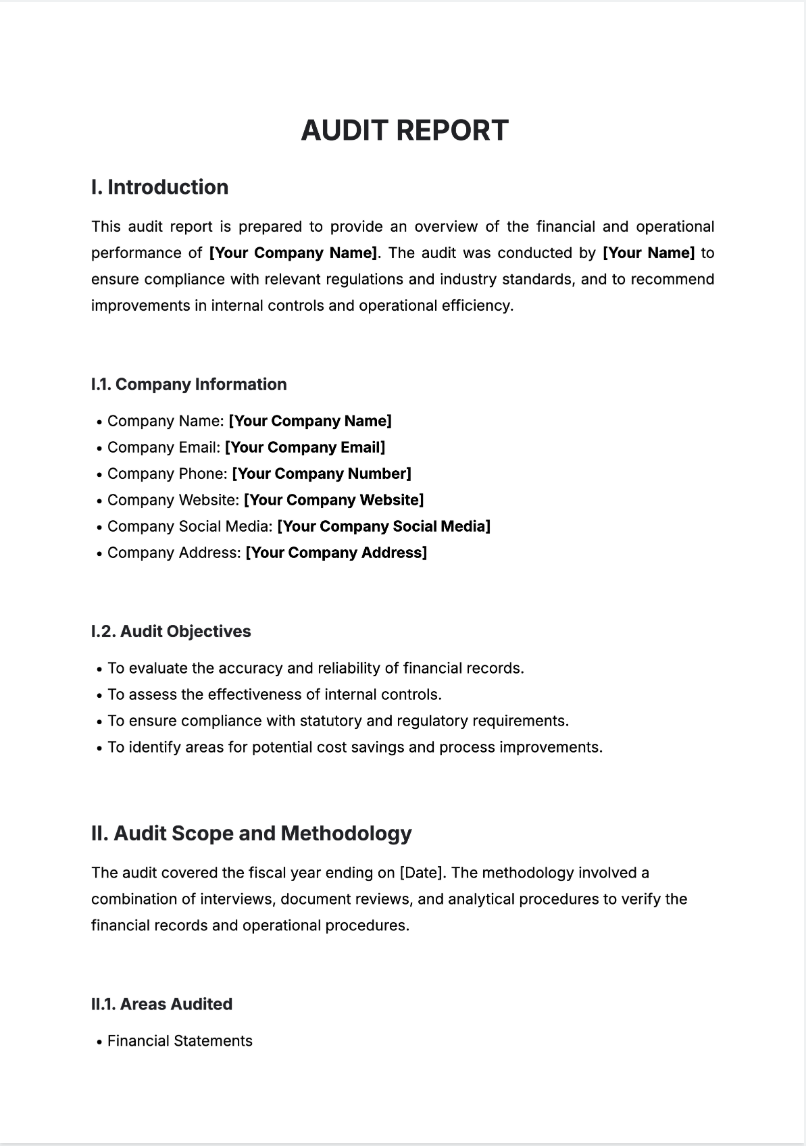
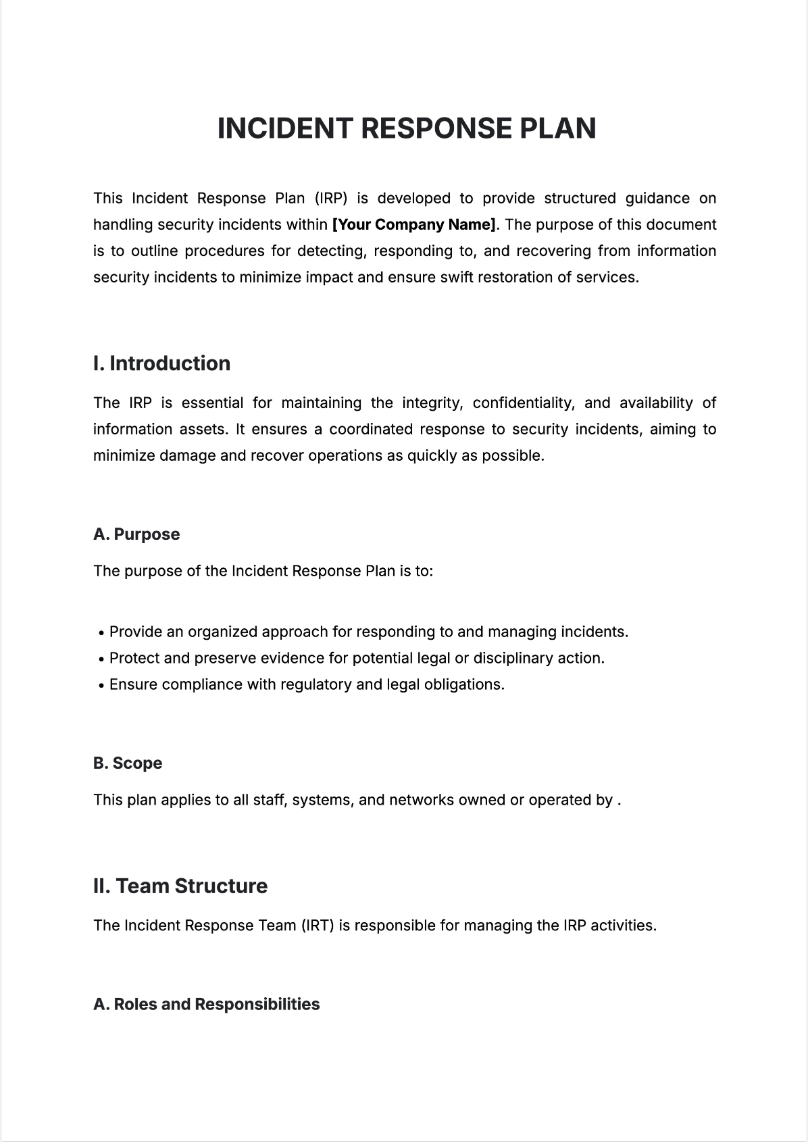
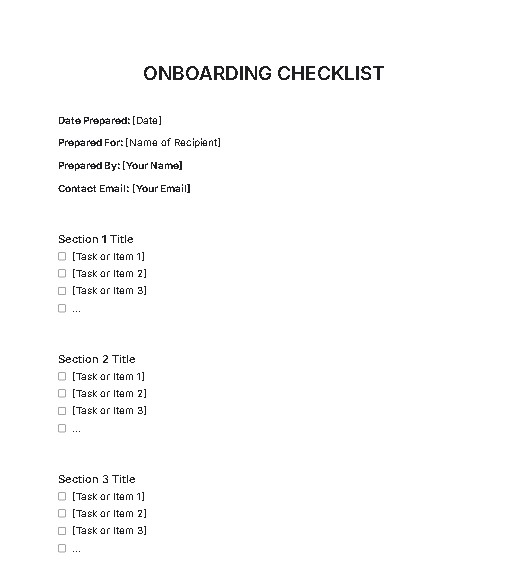
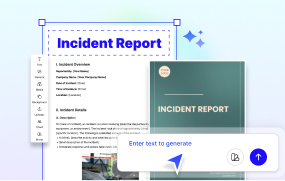
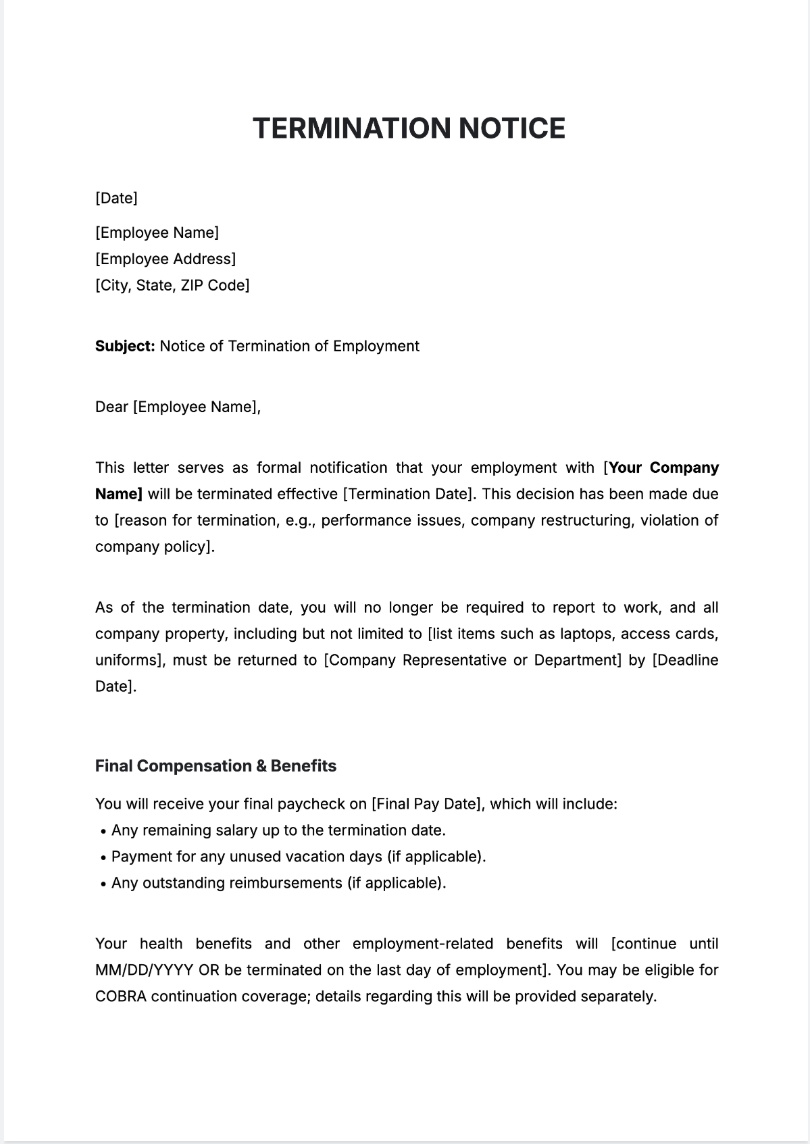
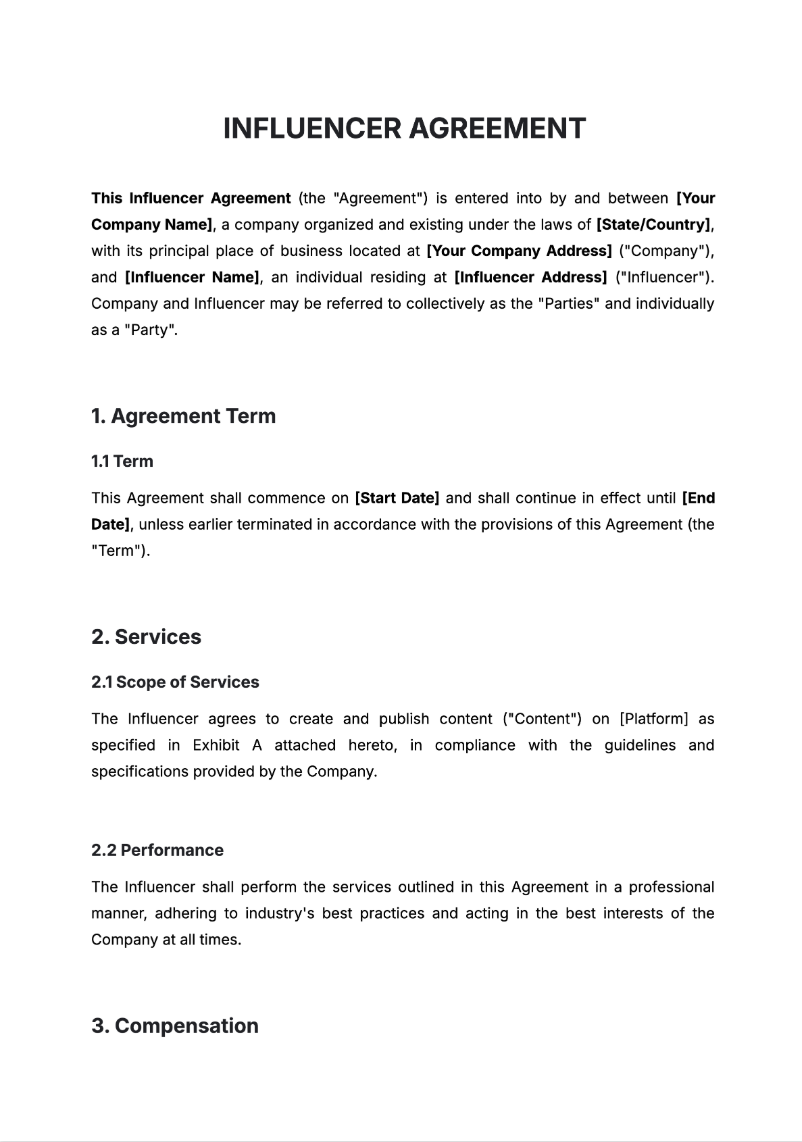
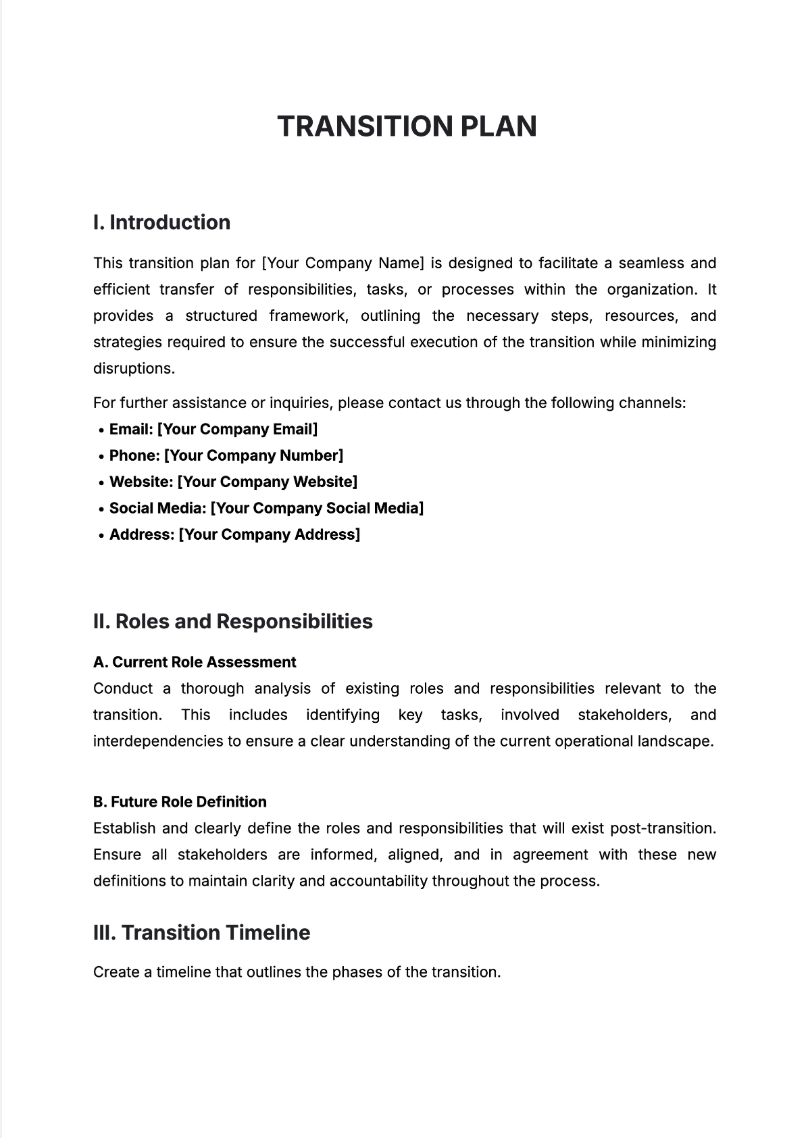
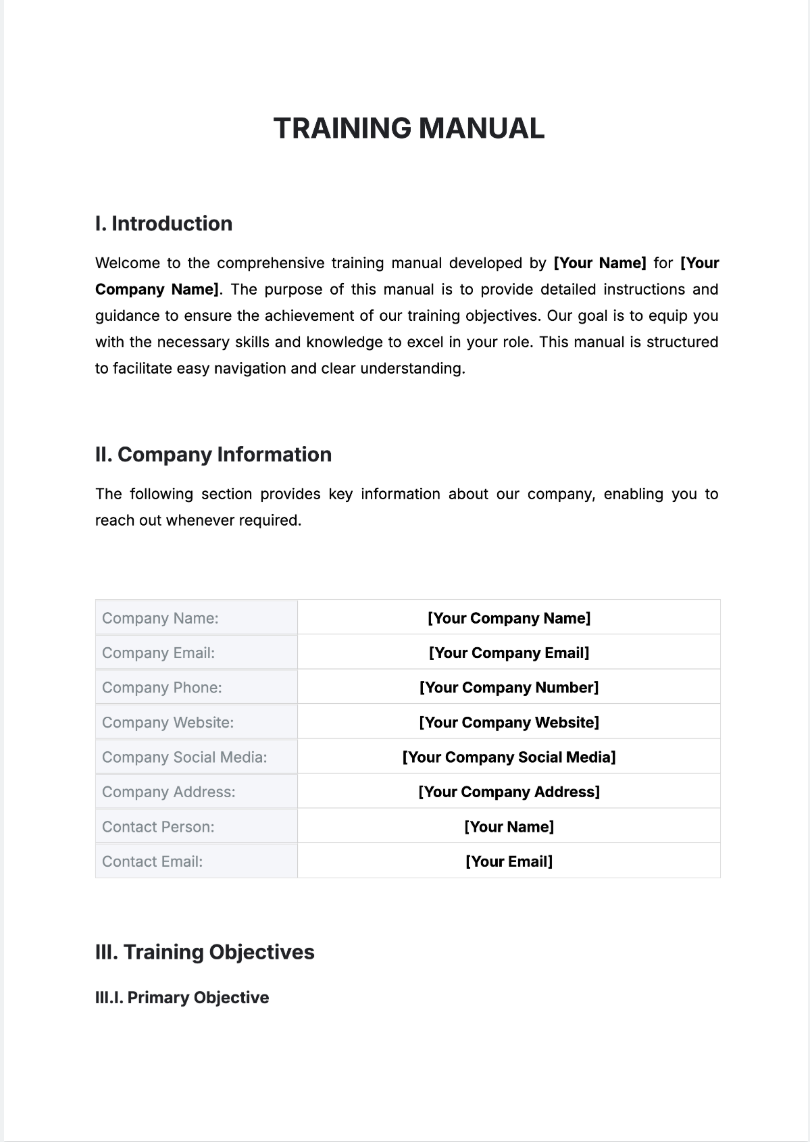
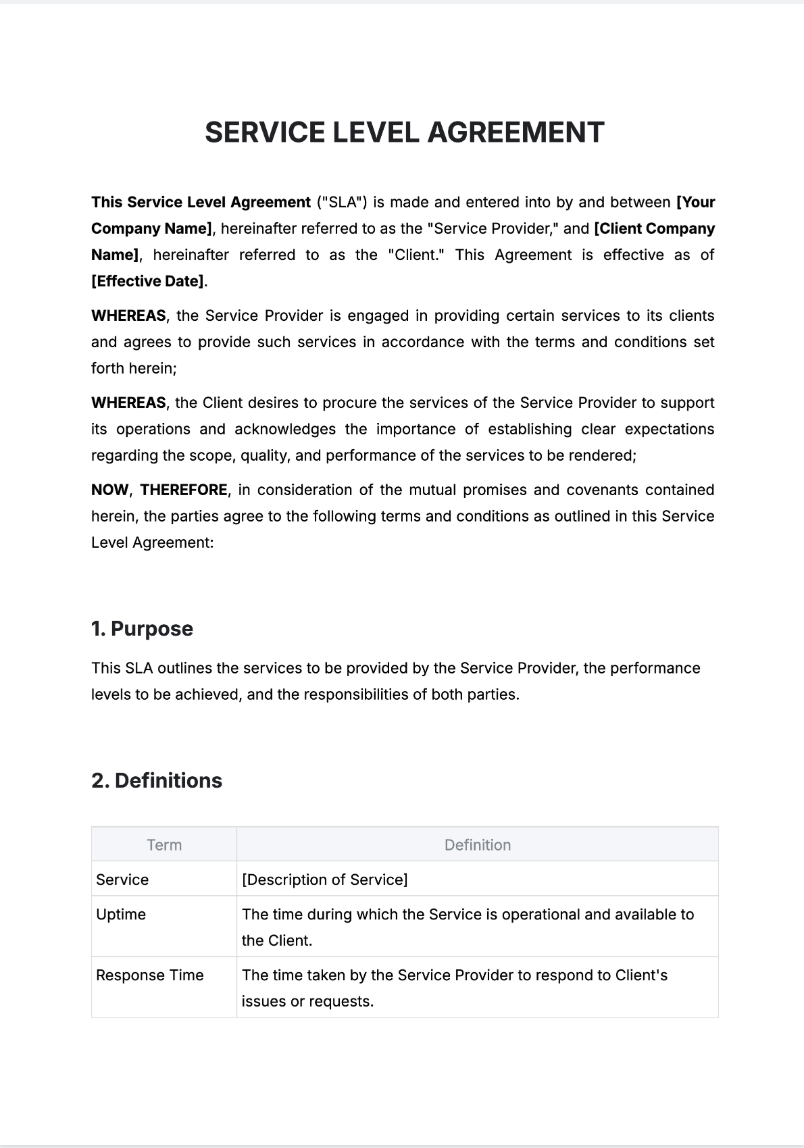
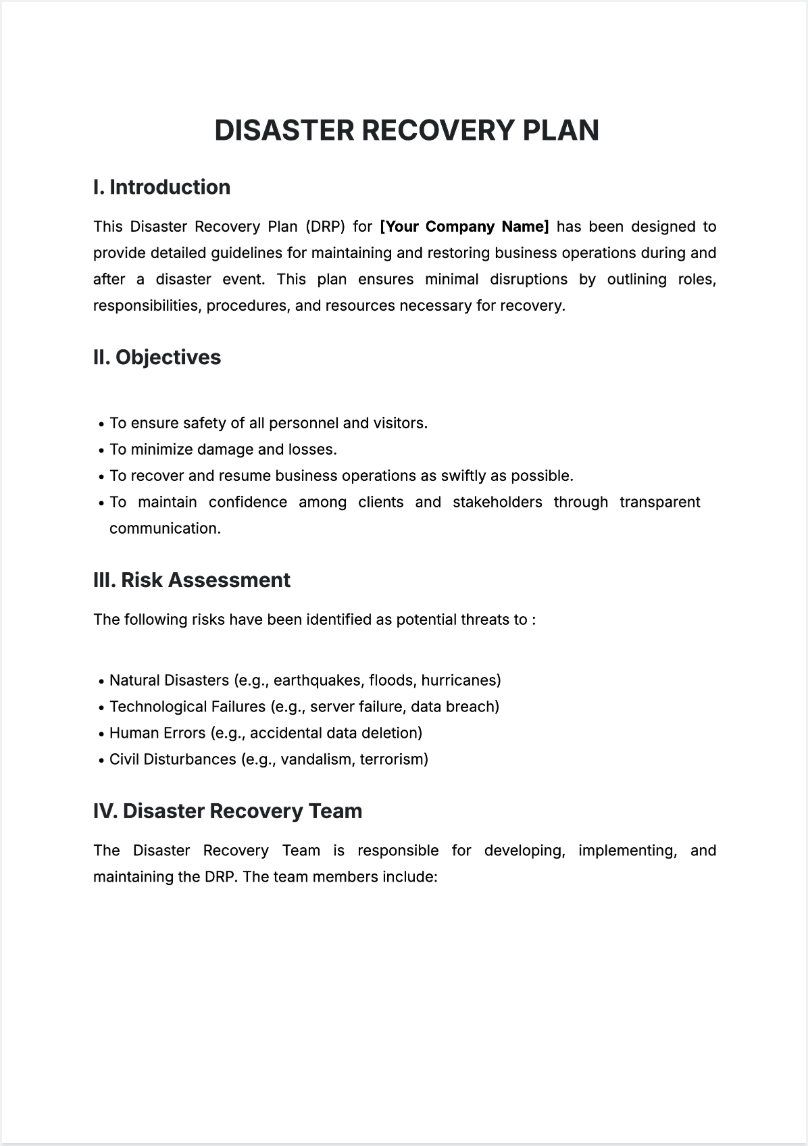
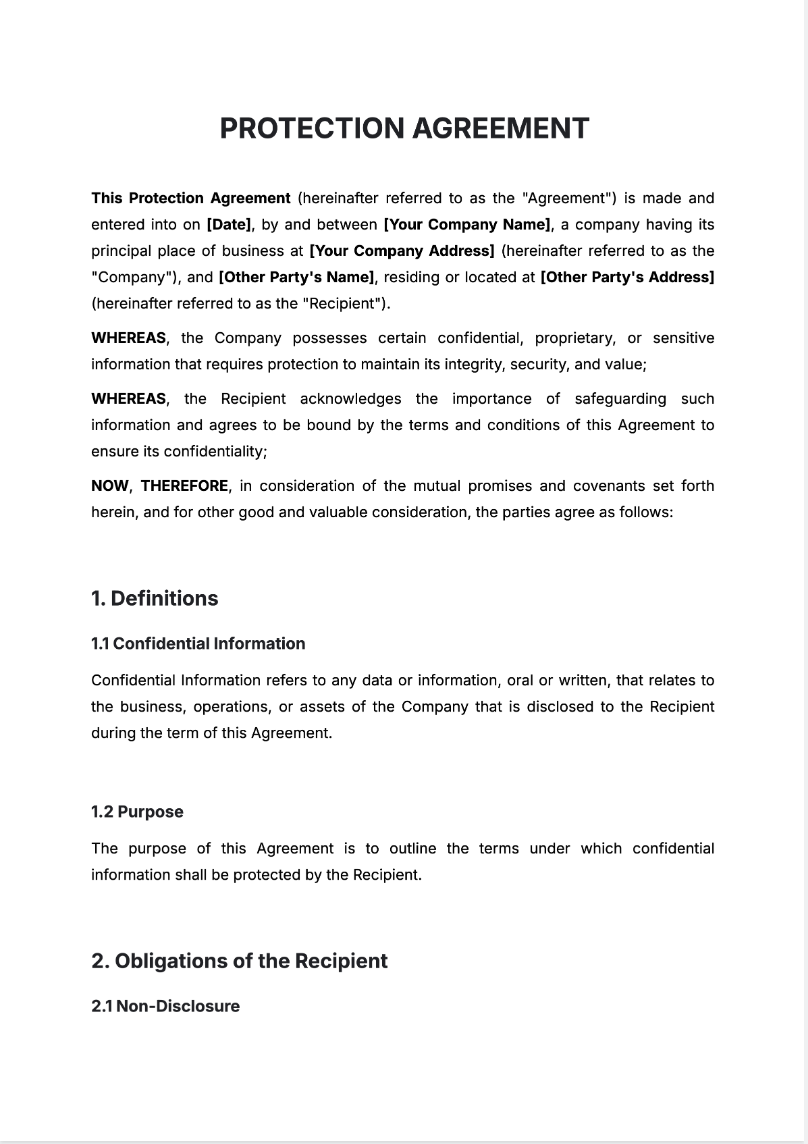
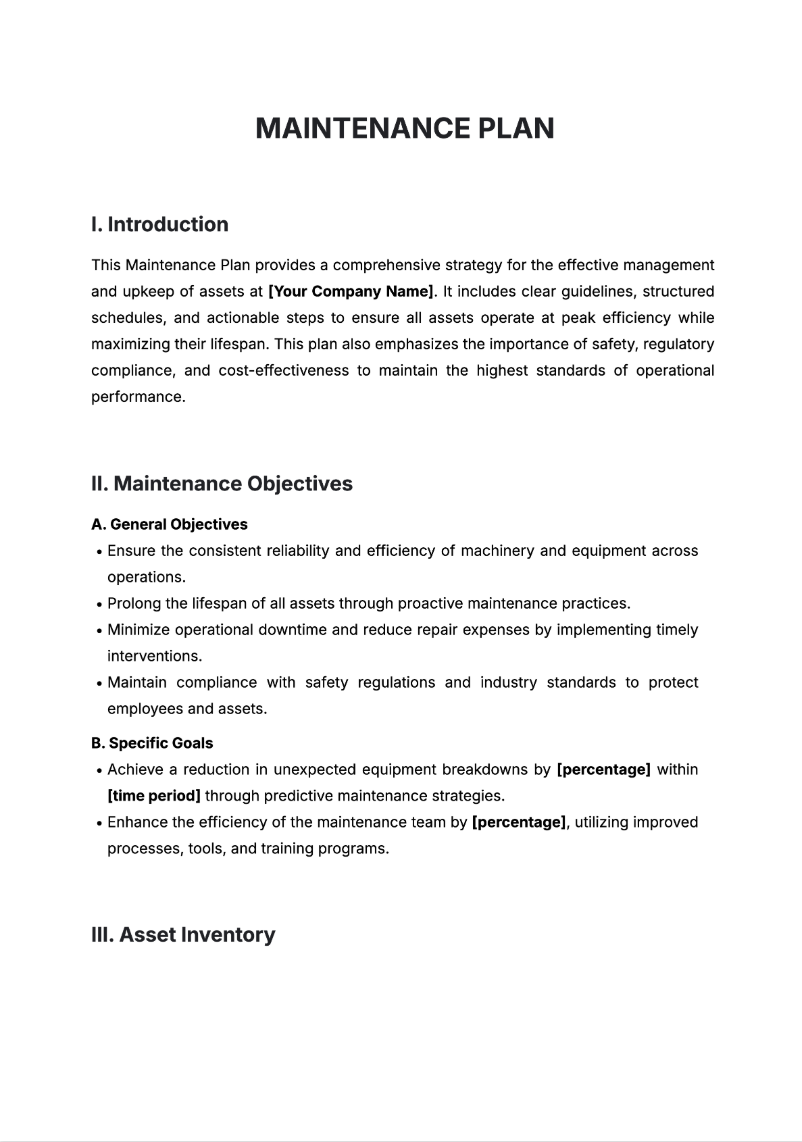
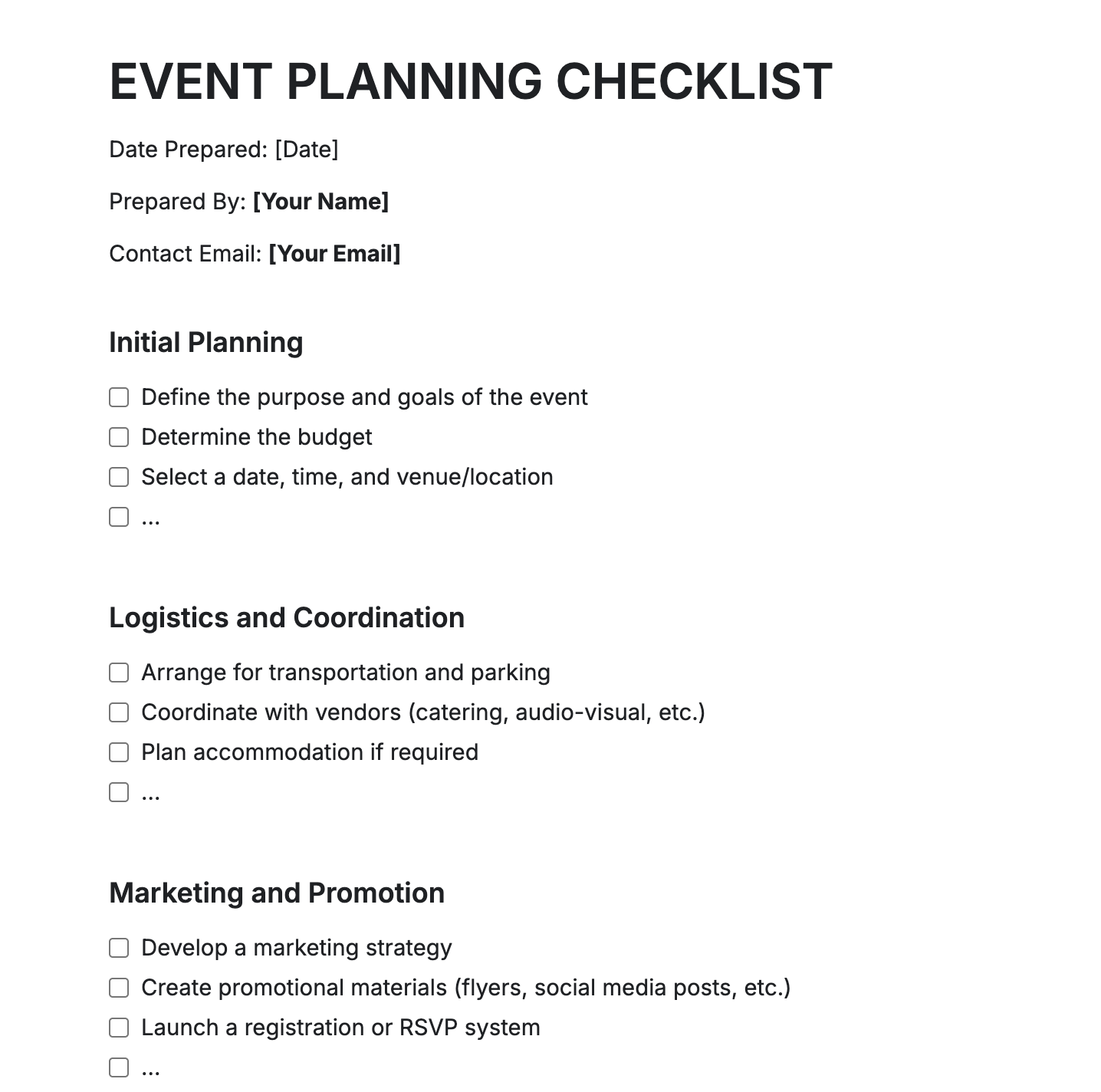
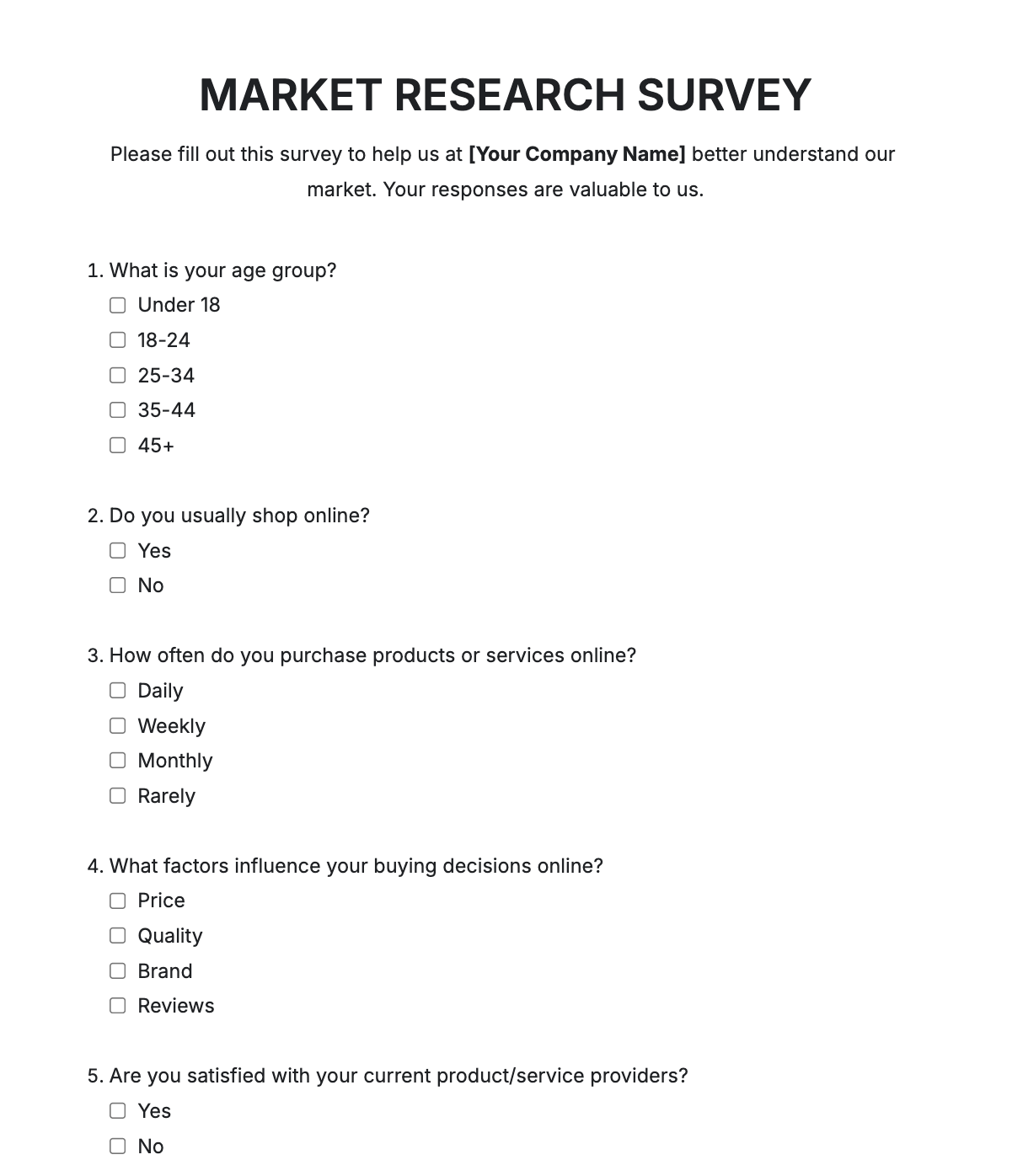
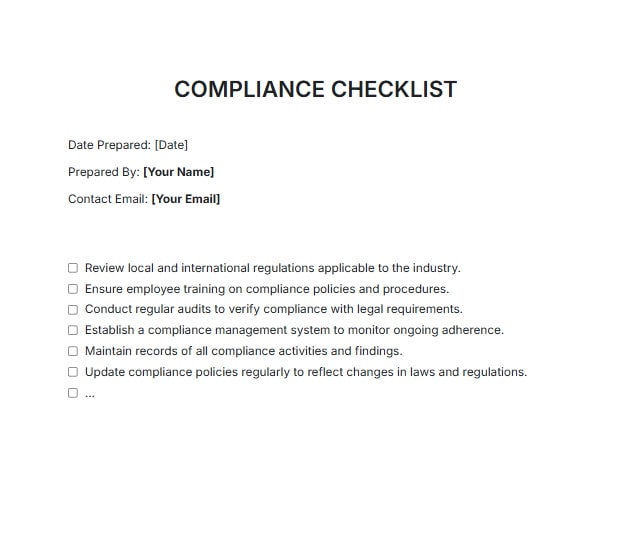
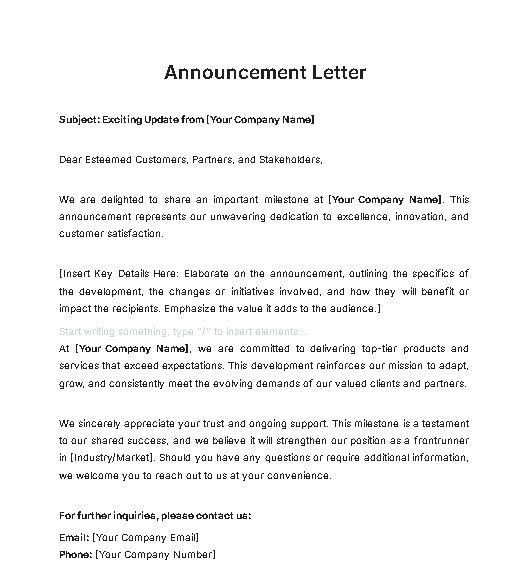
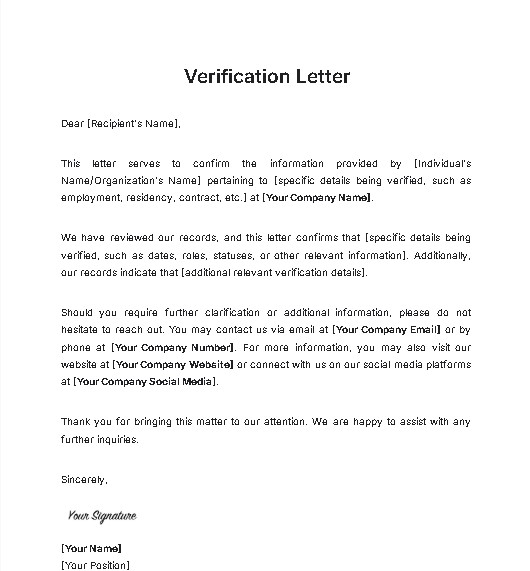
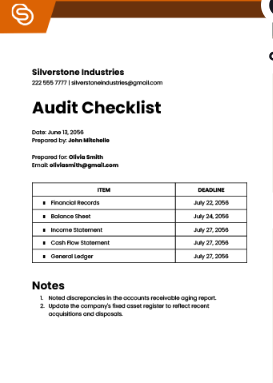
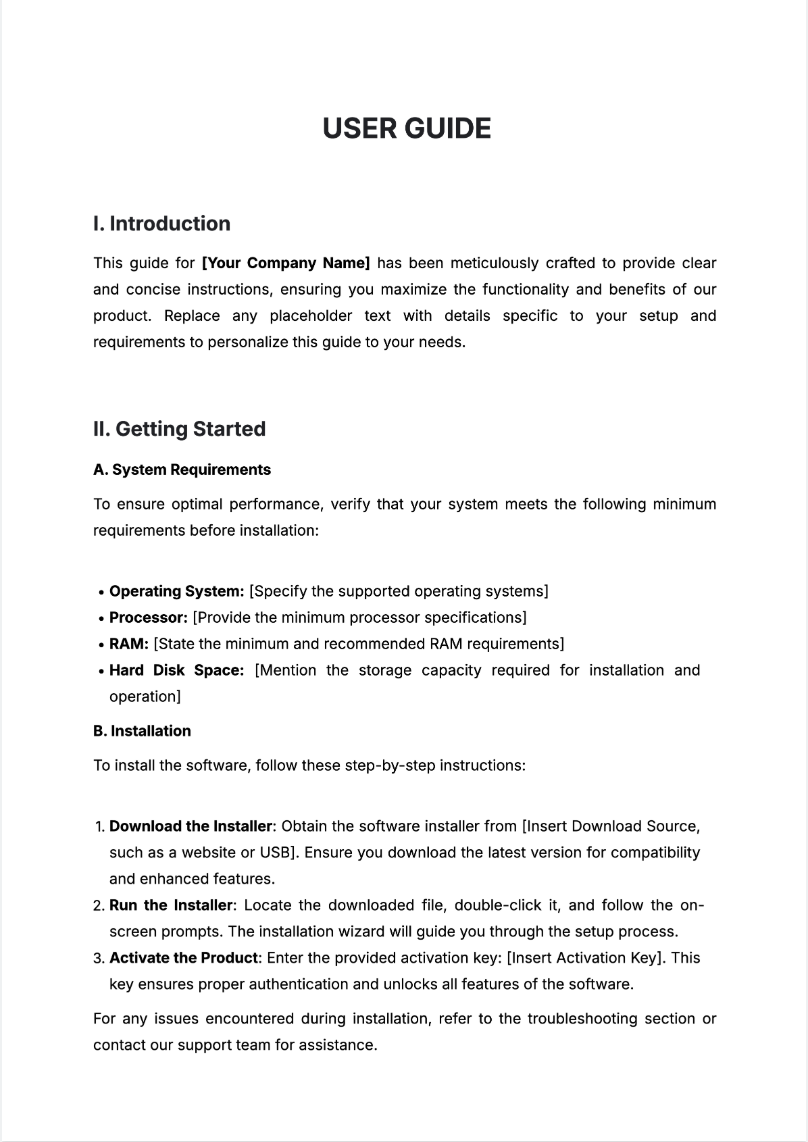
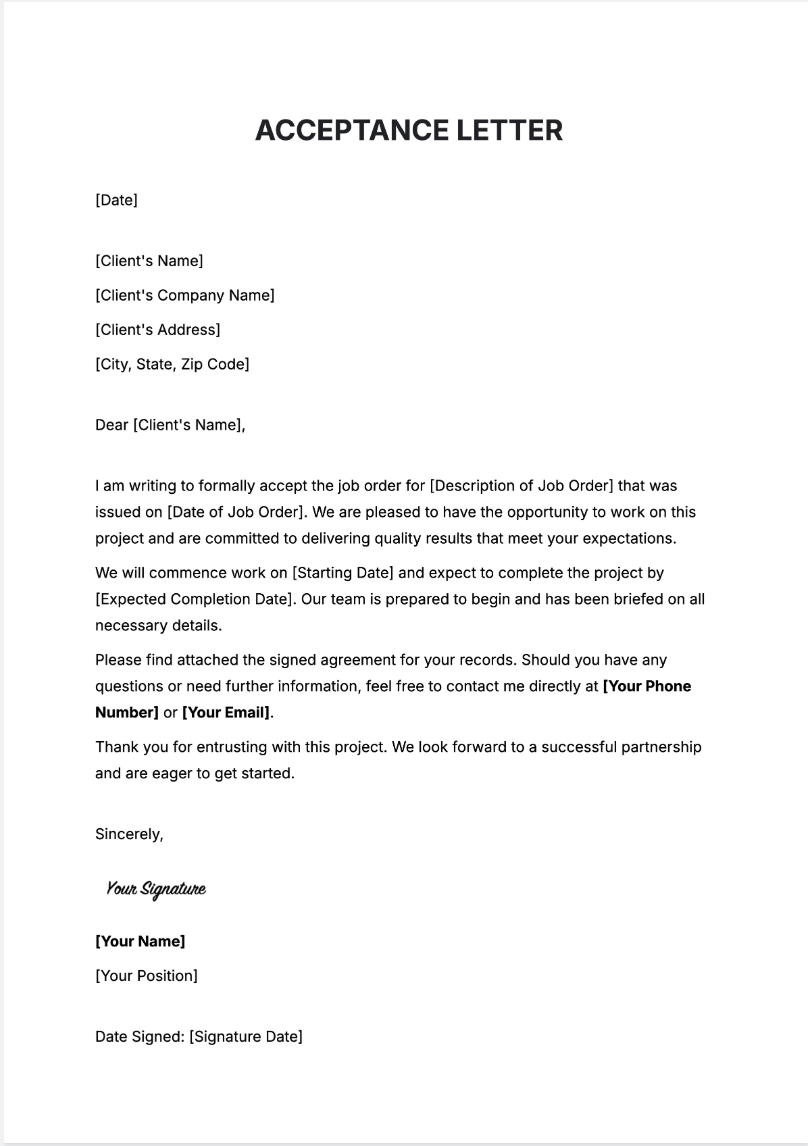
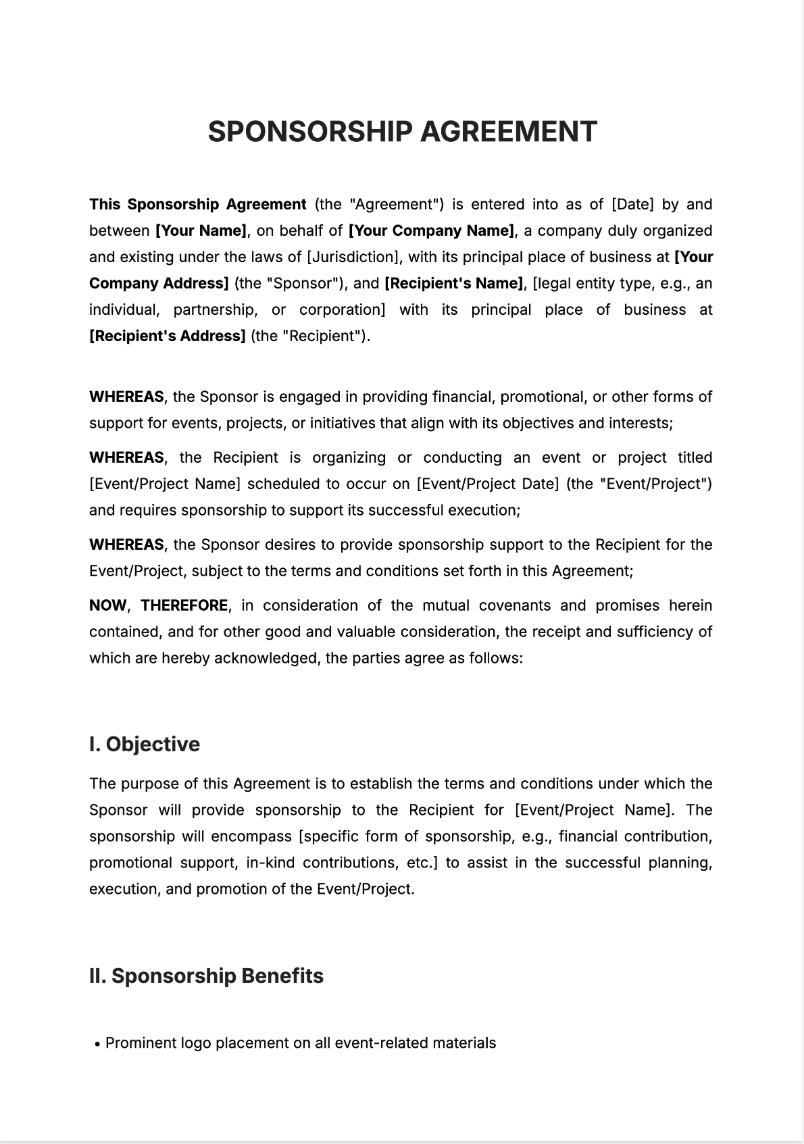
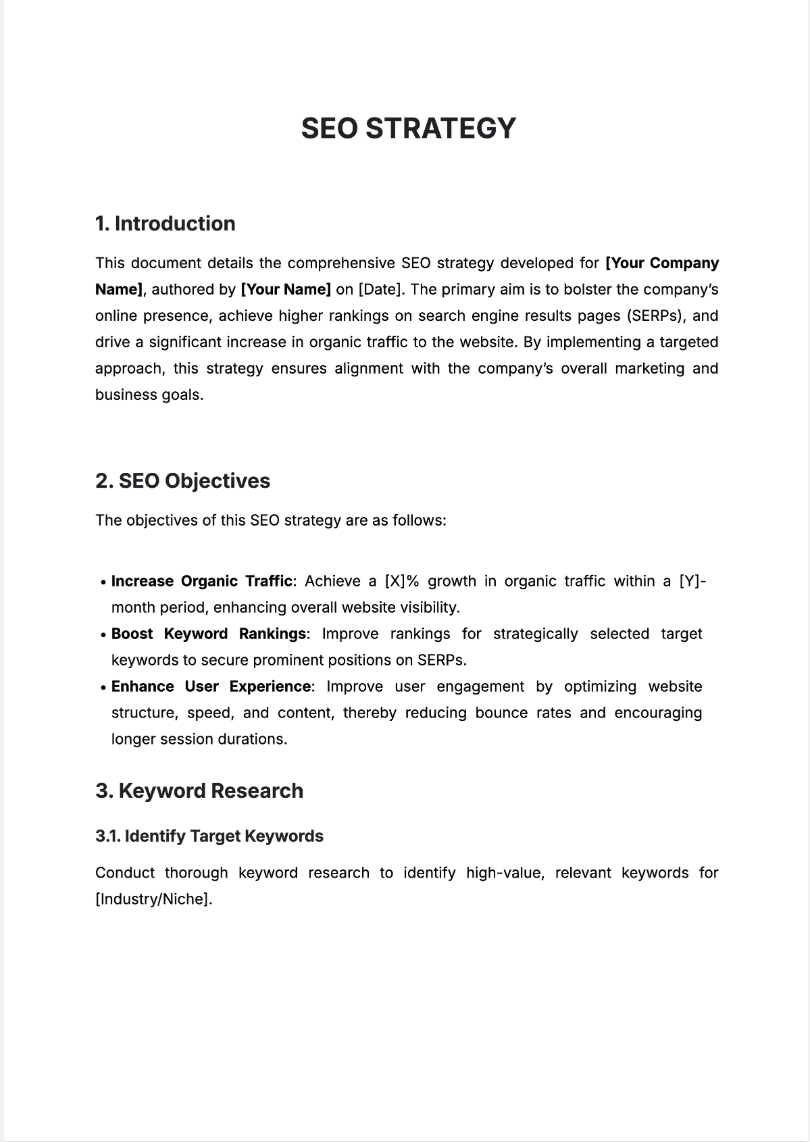
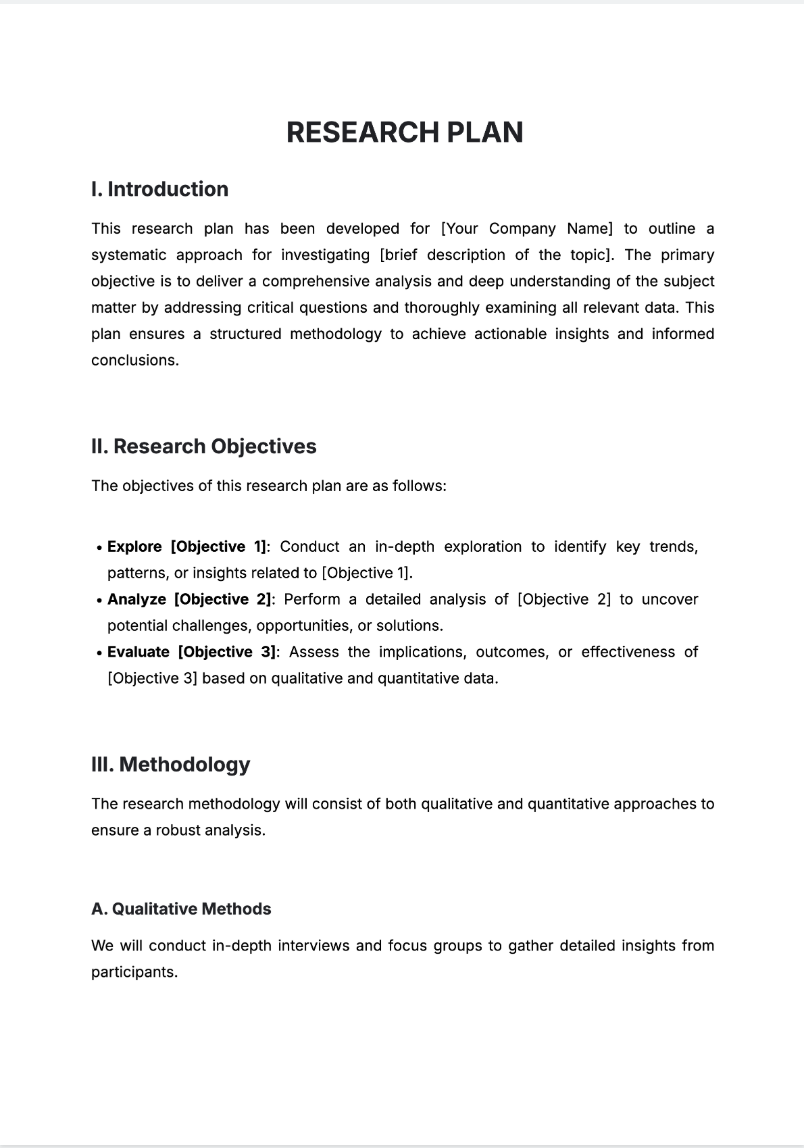
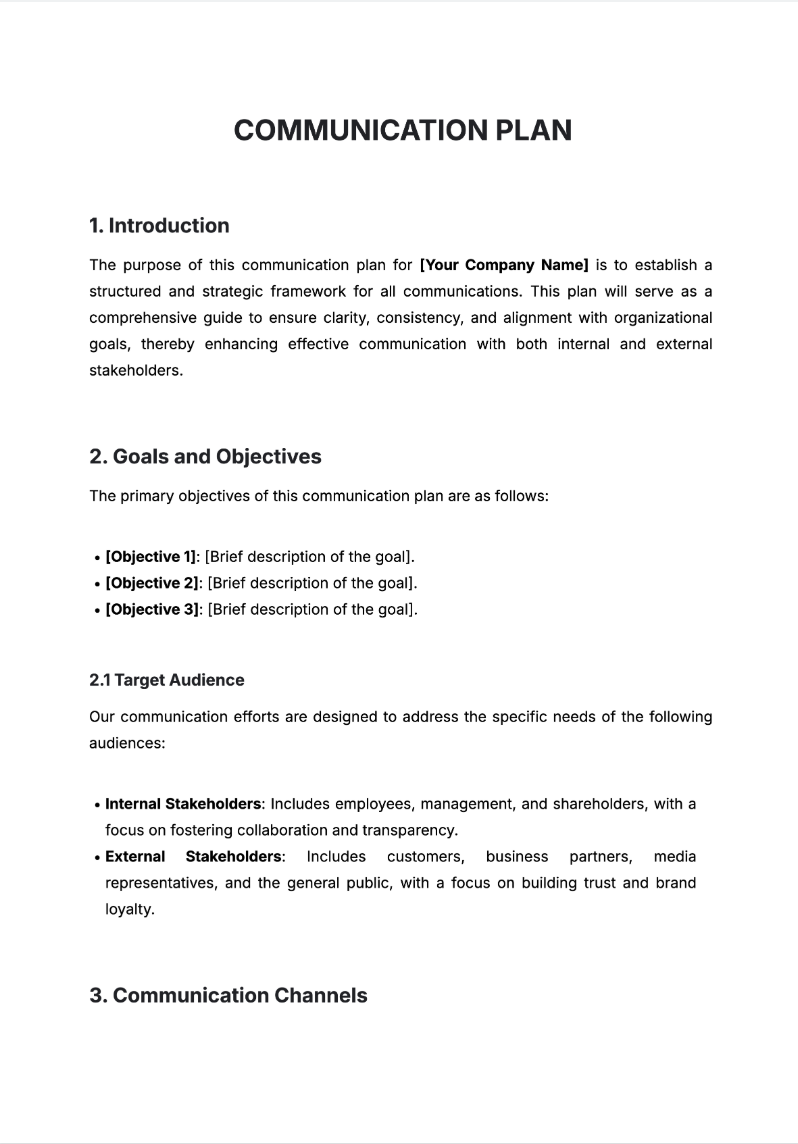
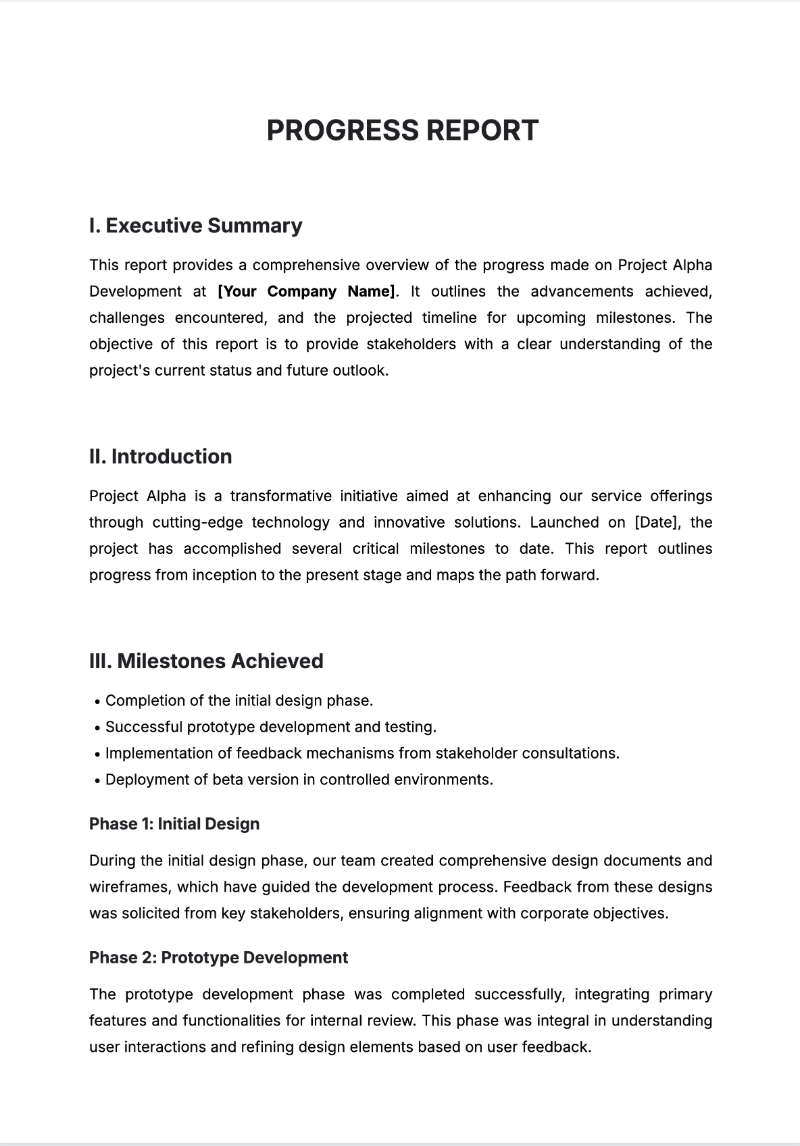
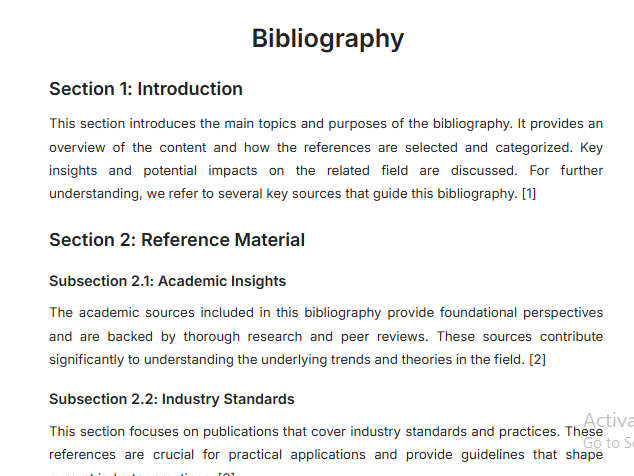
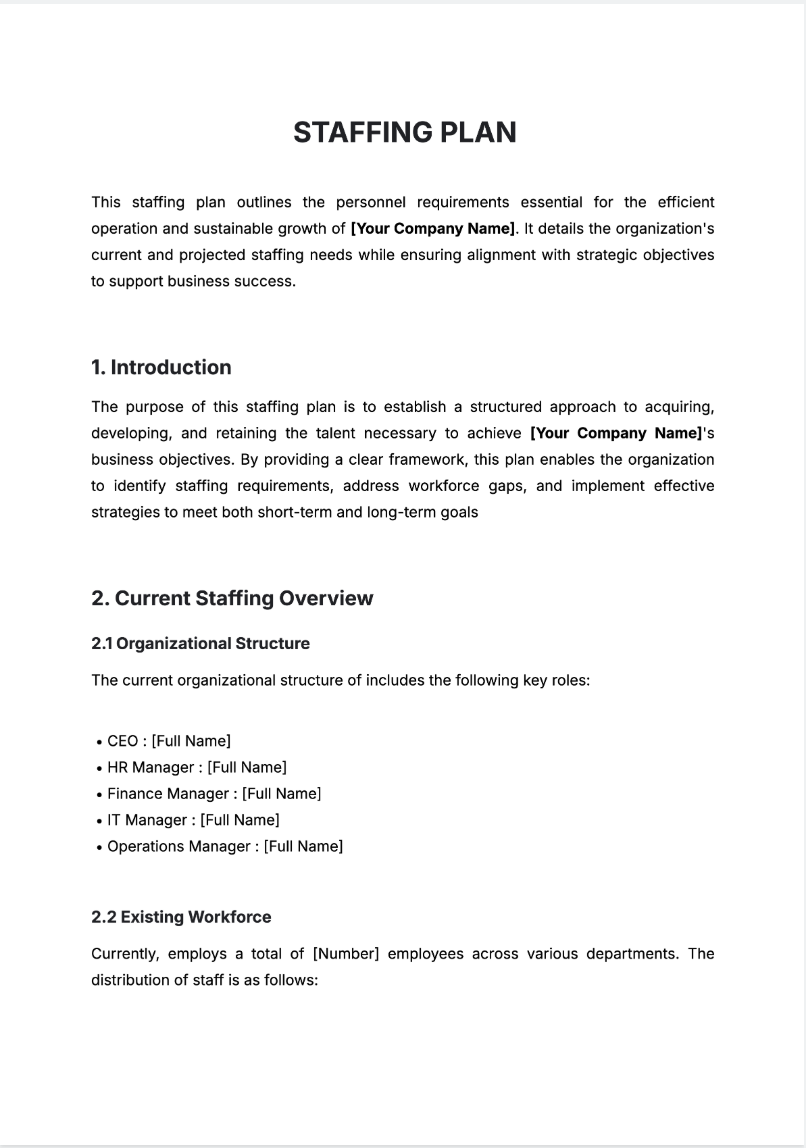
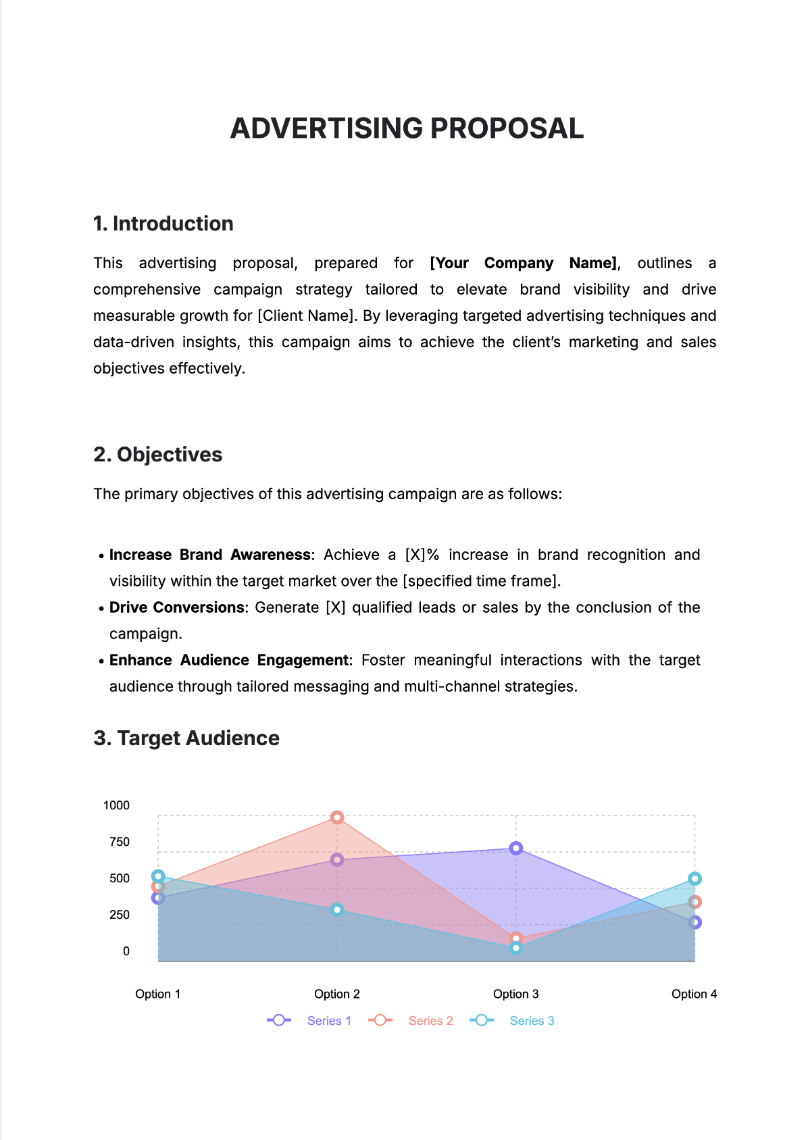
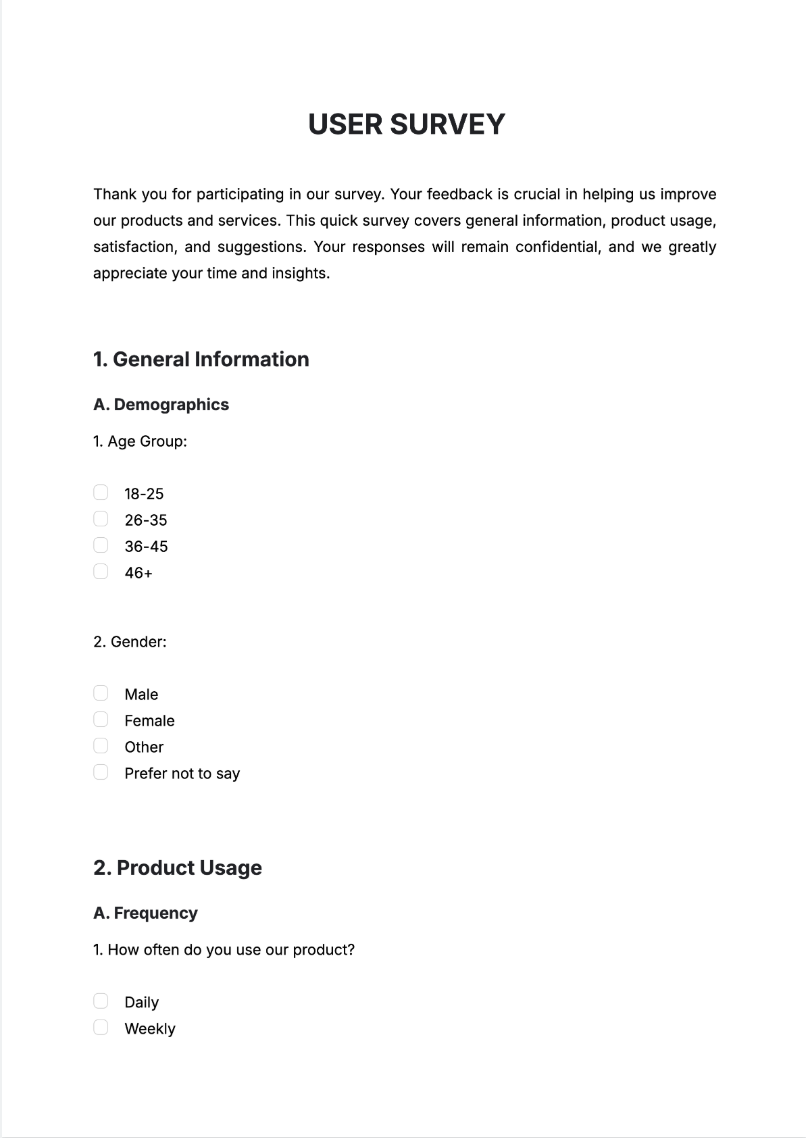
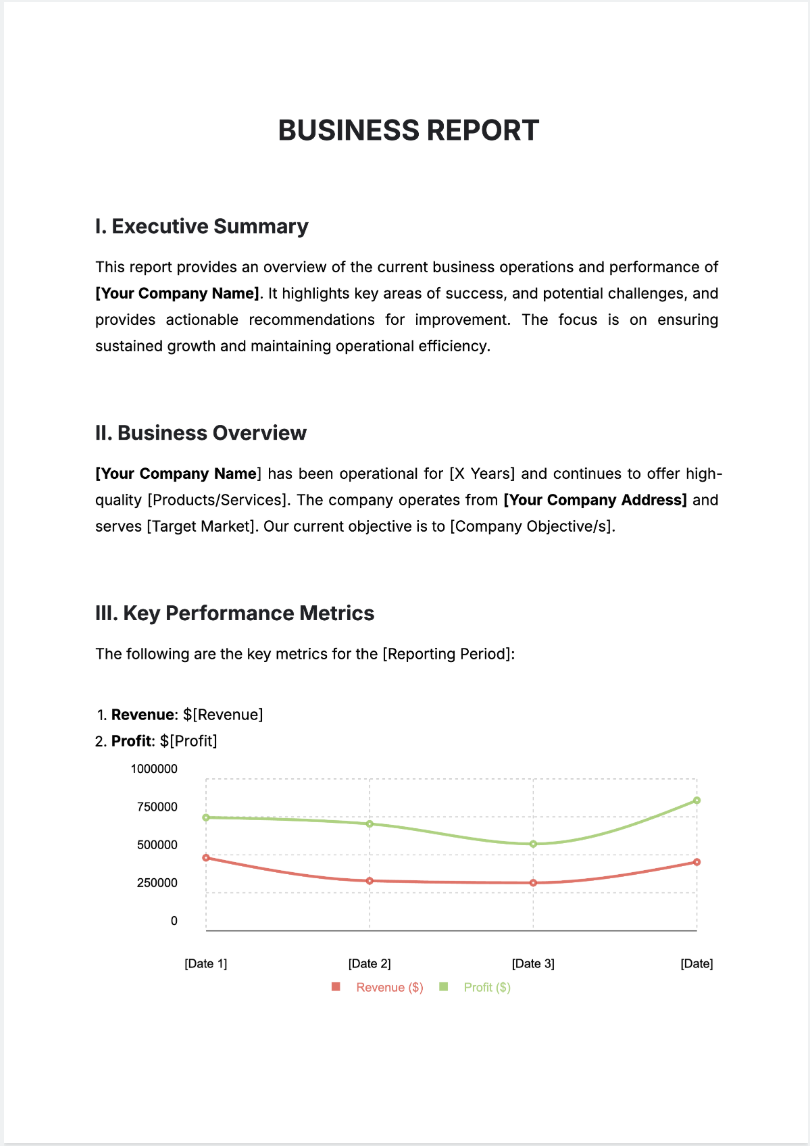
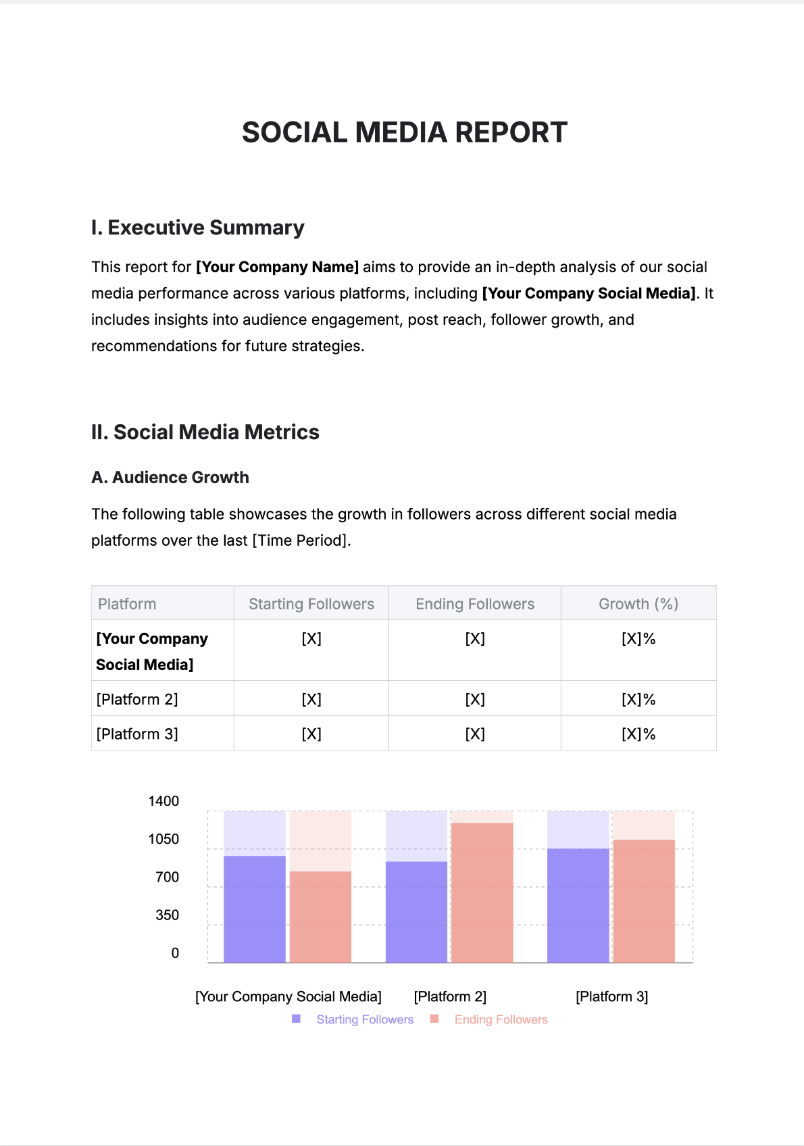
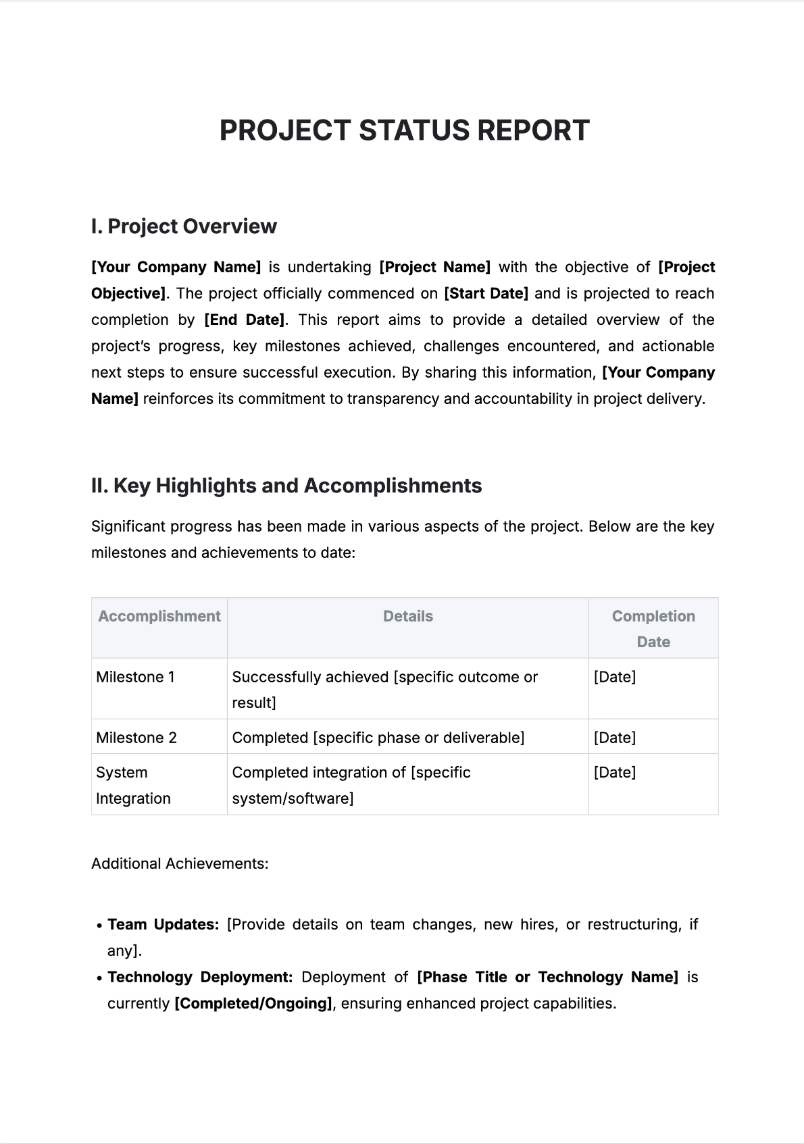
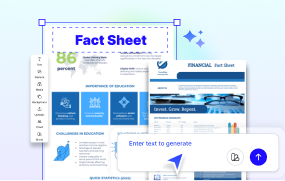
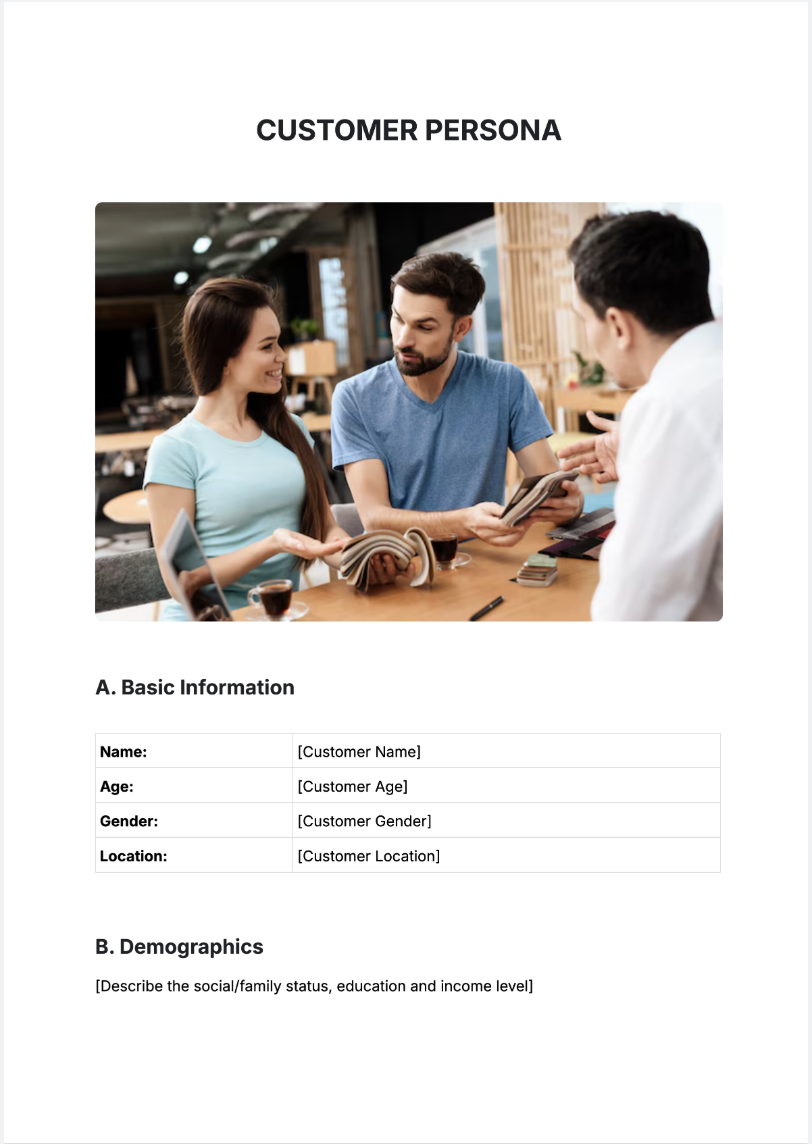
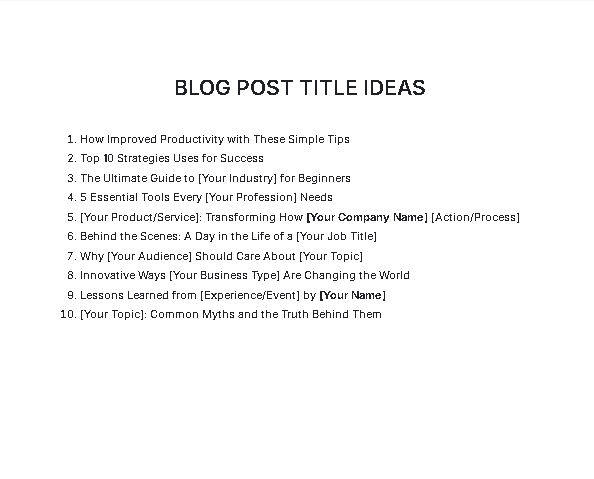
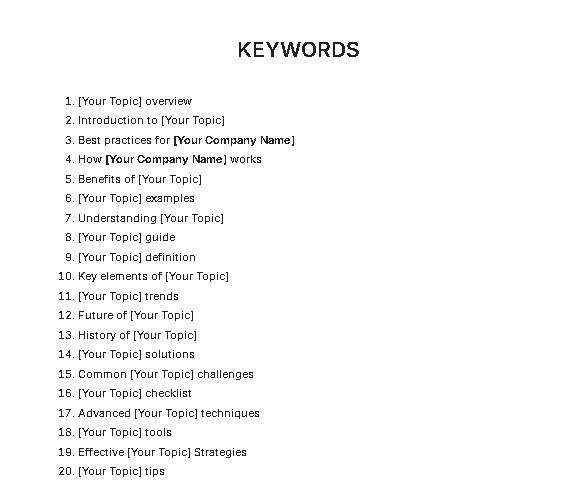
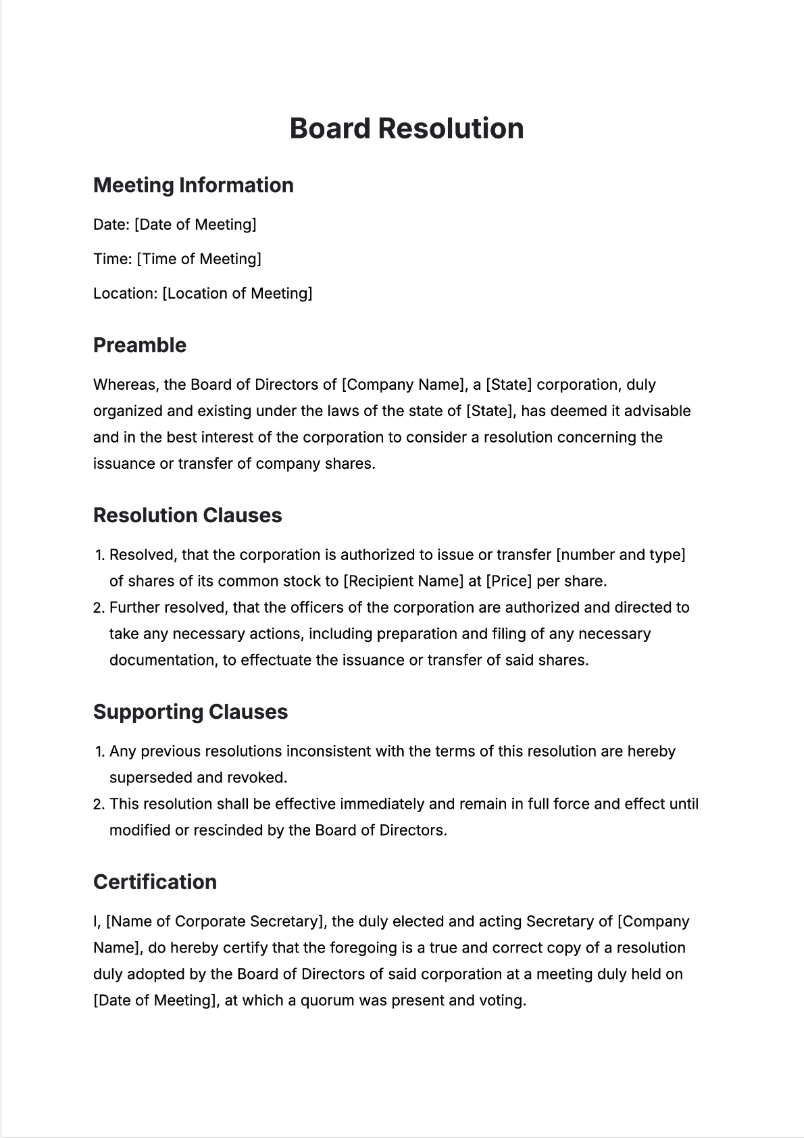
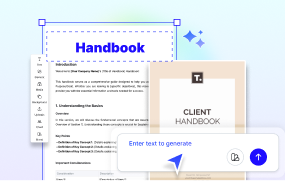
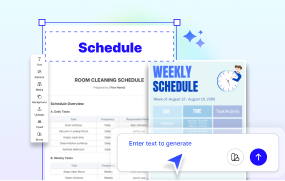
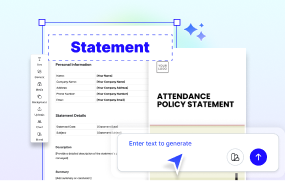
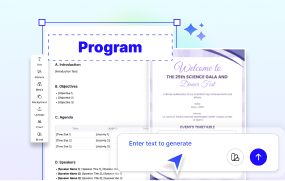
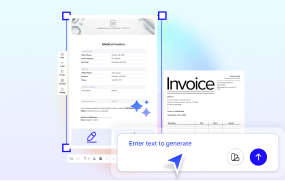
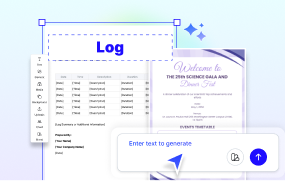
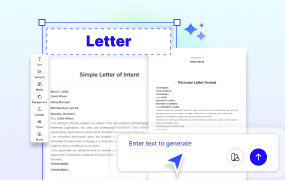
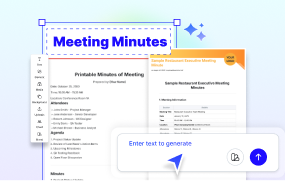
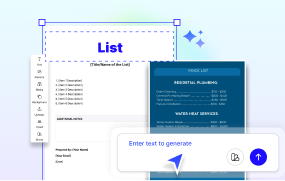
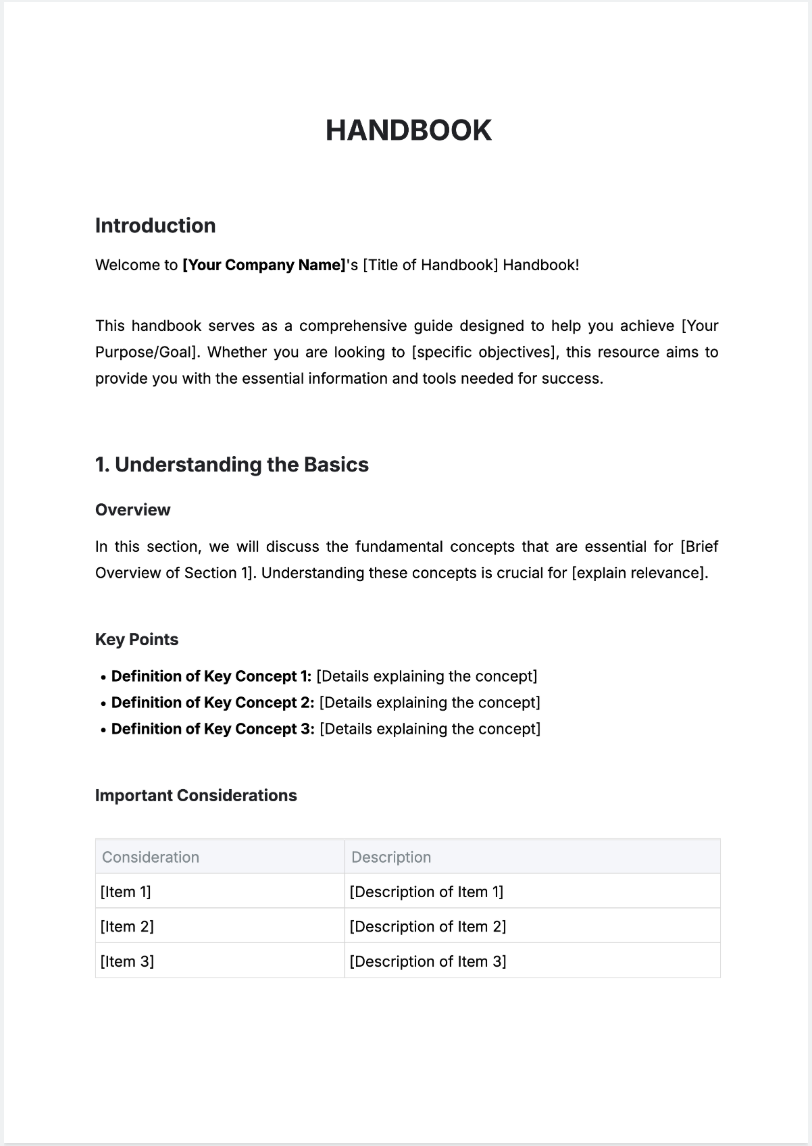
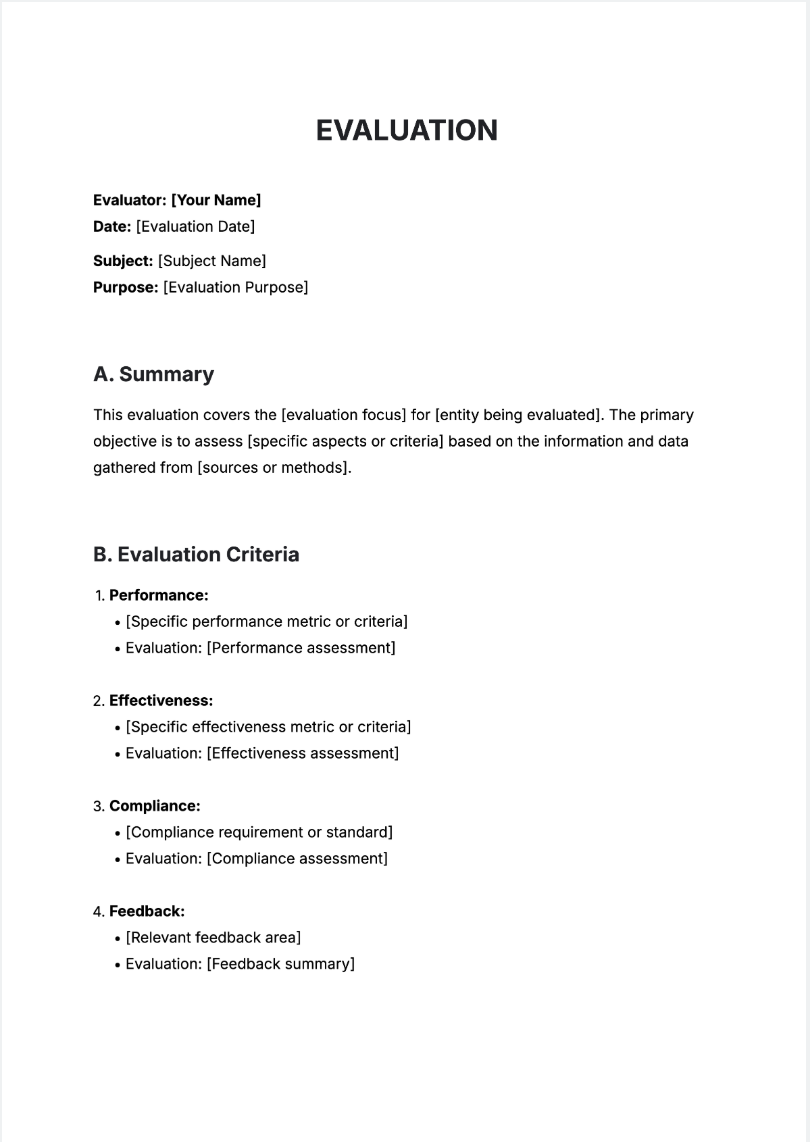
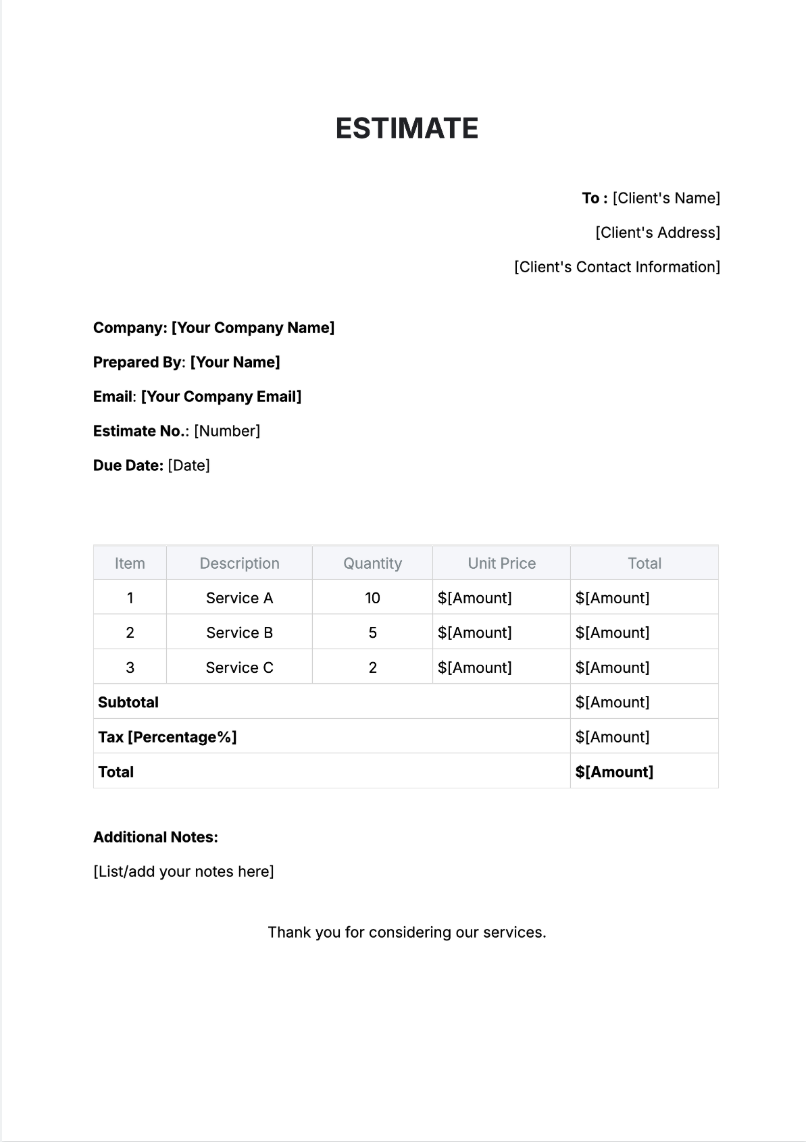
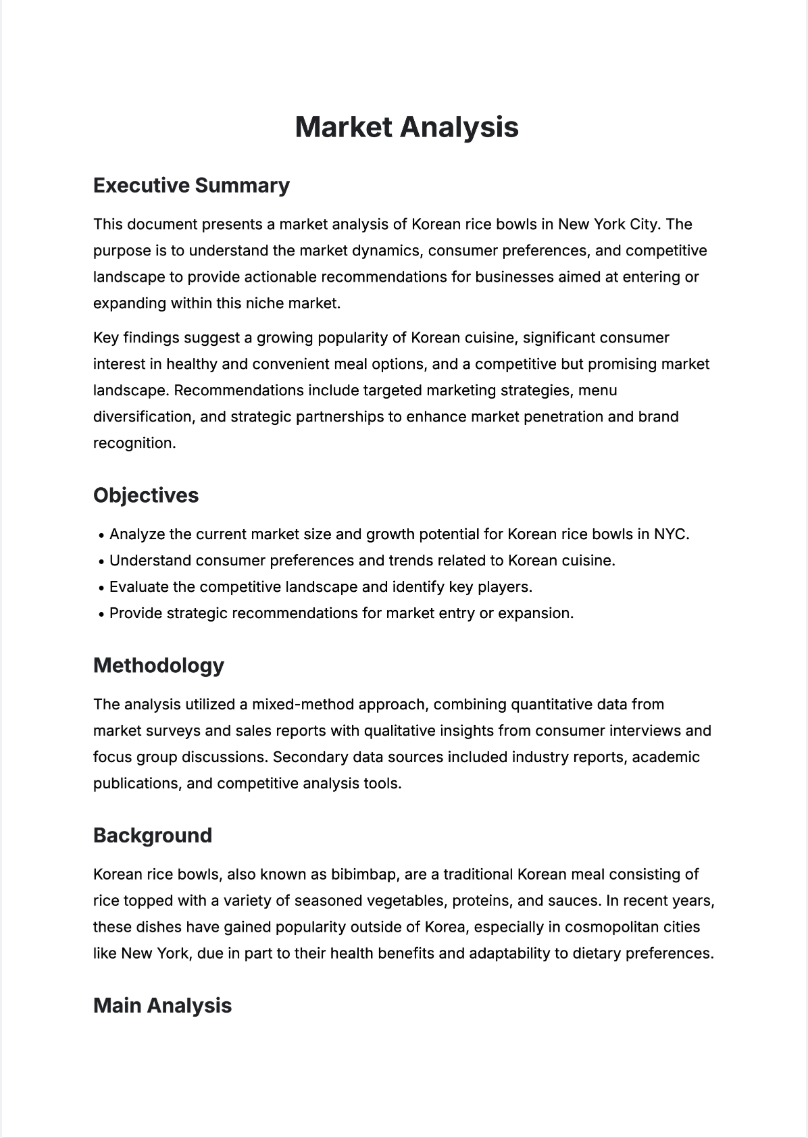
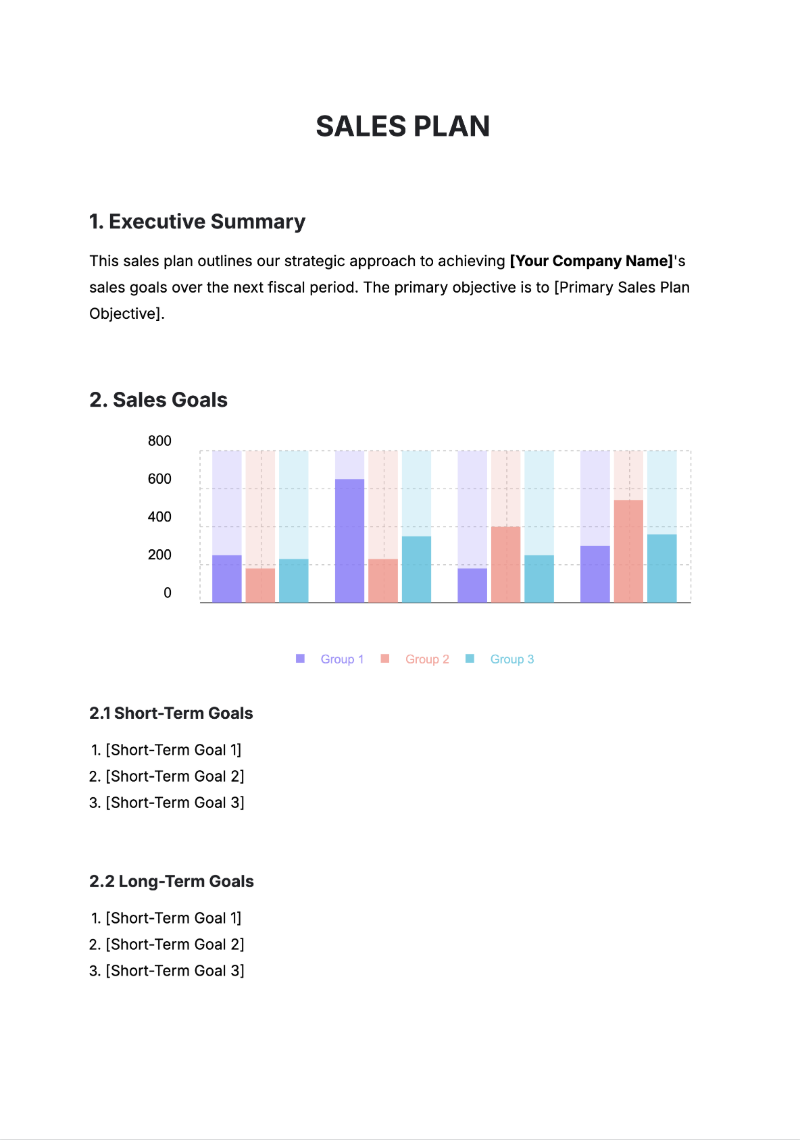
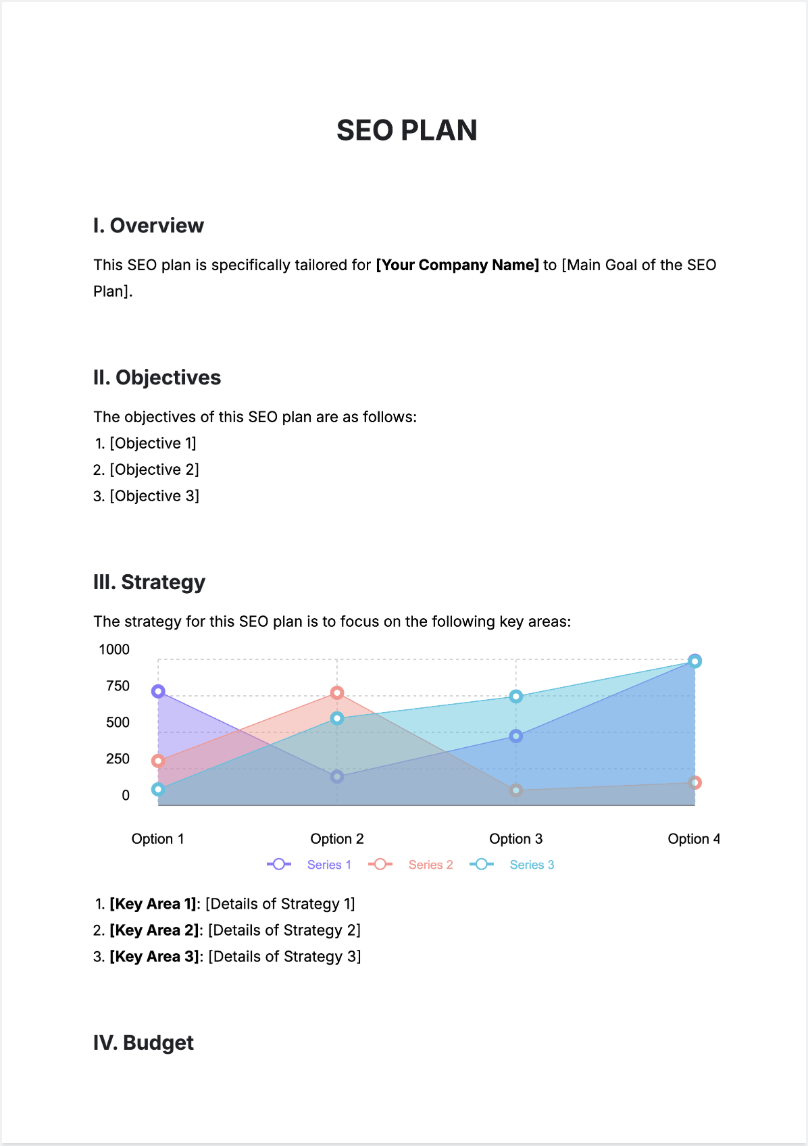
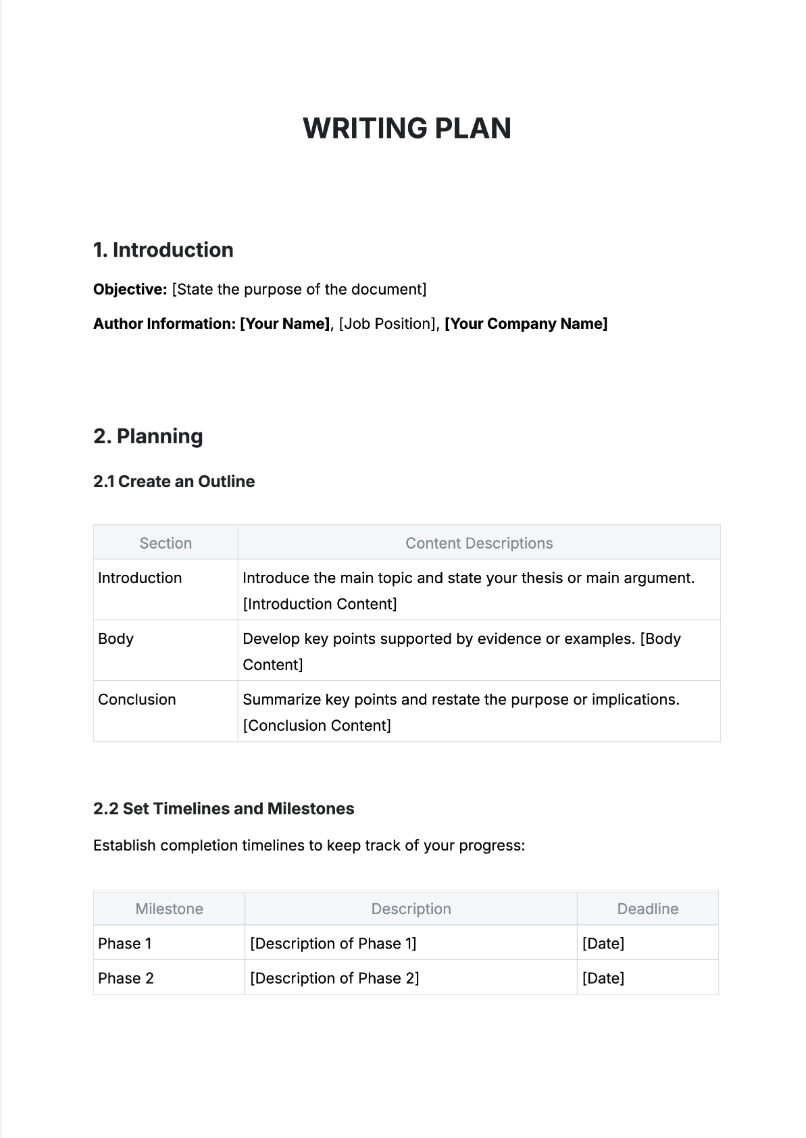
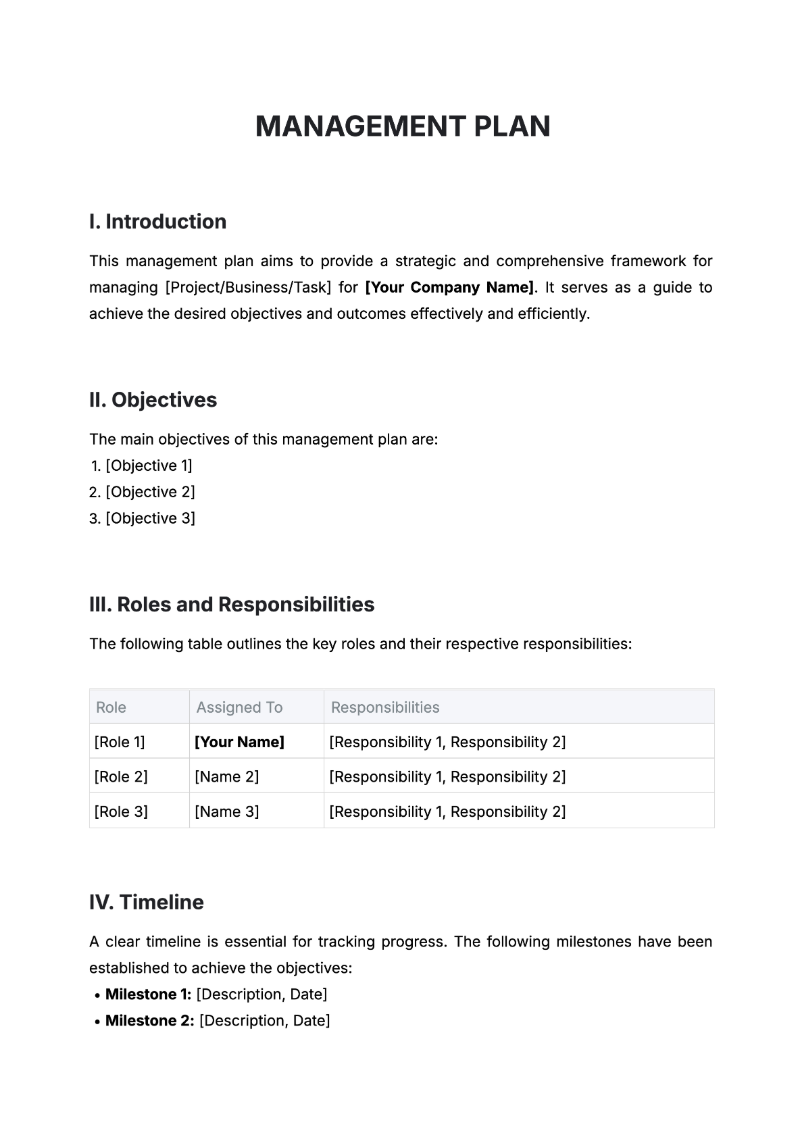
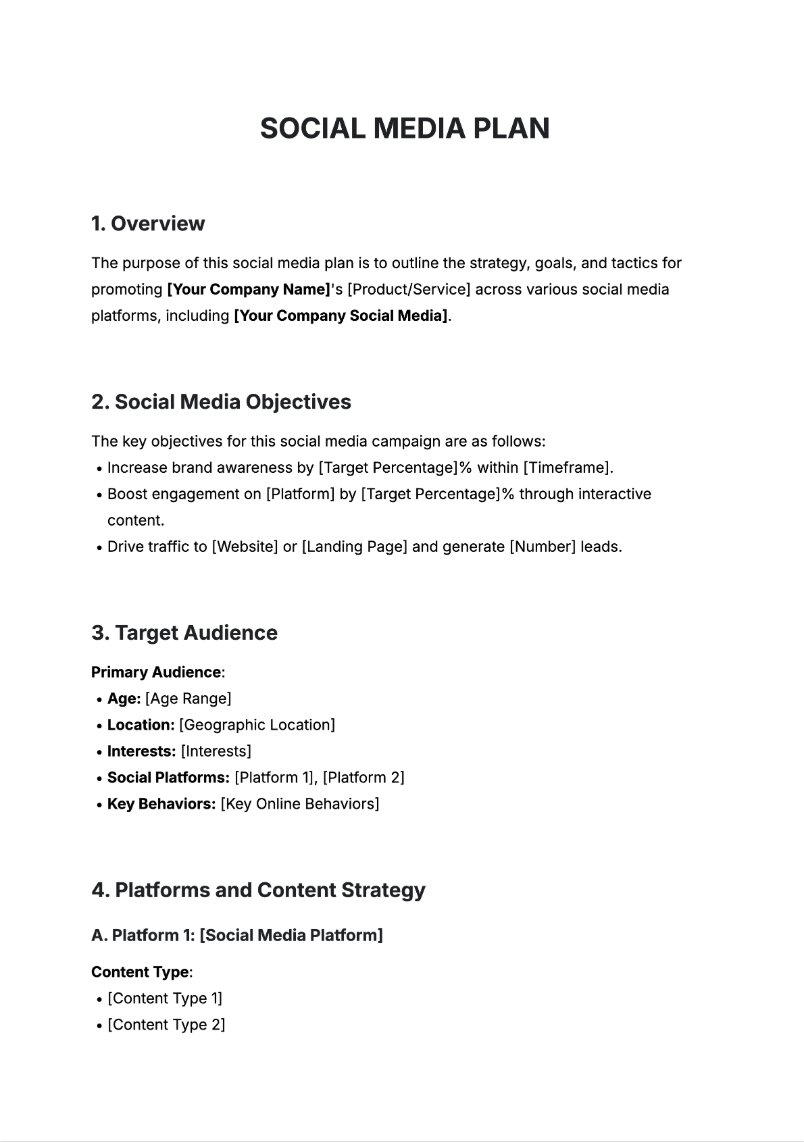
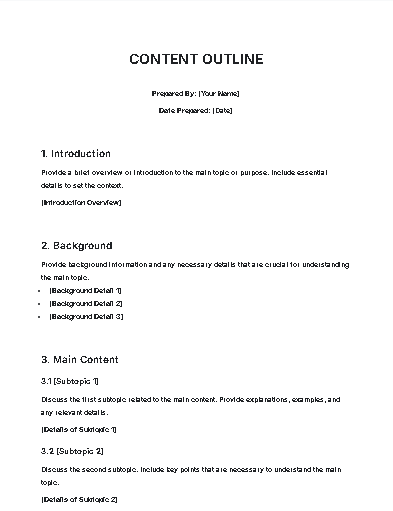
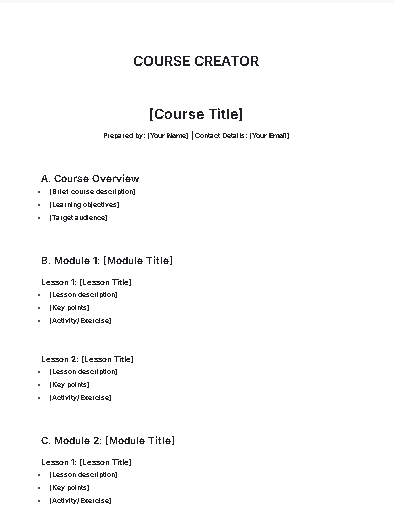
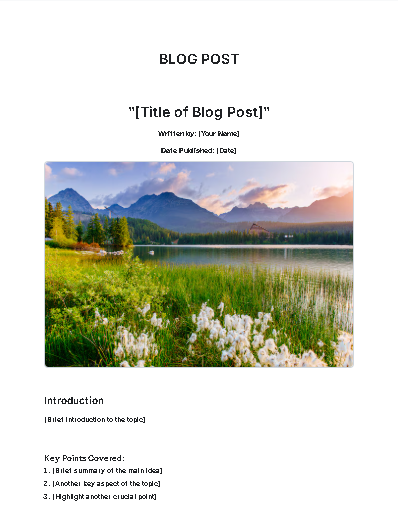
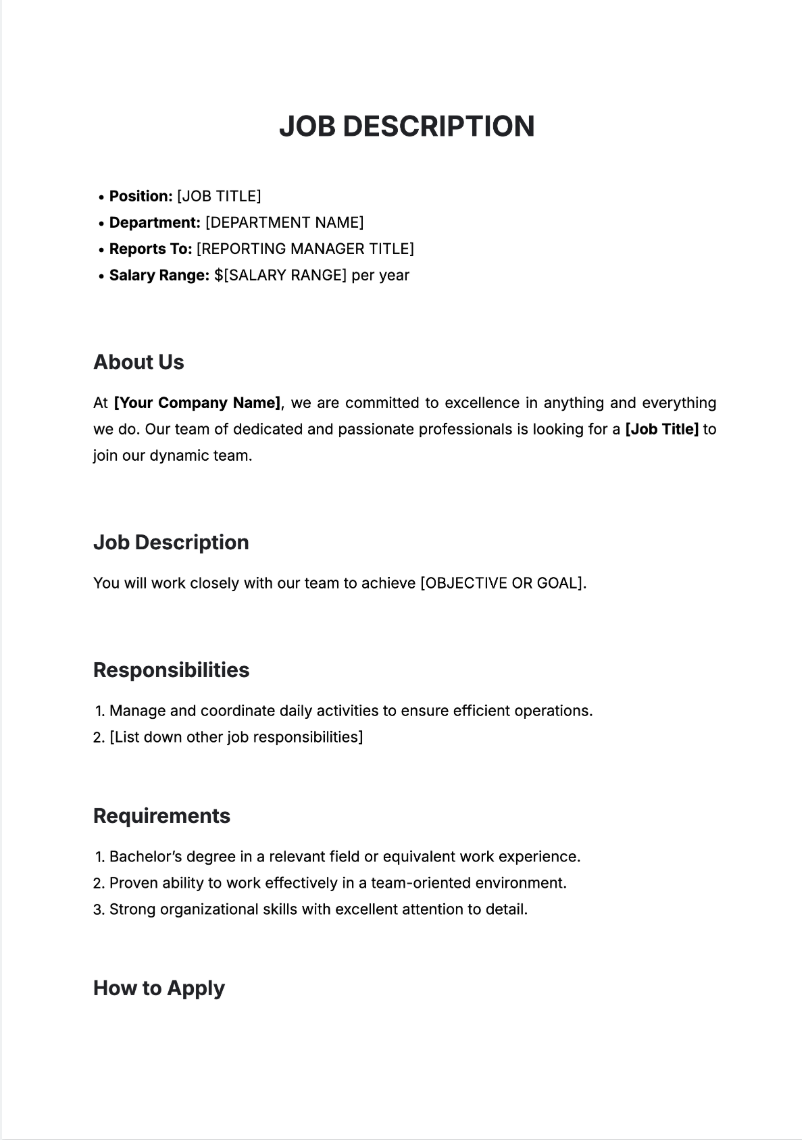
Make Documents, Edit Online with AI-Powered Editor
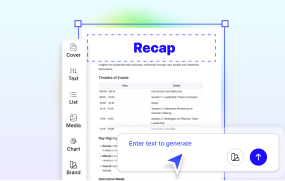
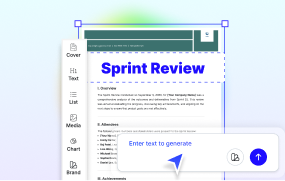
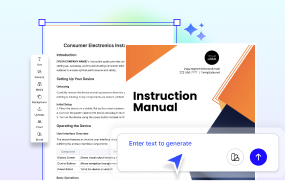
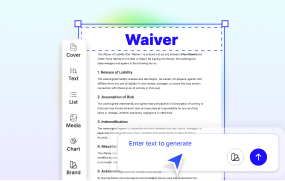
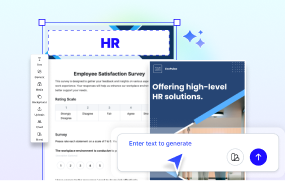
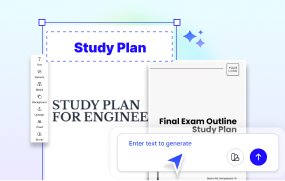
Template.net’s Free AI Document Generator turns your ideas into ready-to-edit content in seconds. From one-page letters to 50-page reports, write, revise, and export polished documents with ease using voice or text prompts.
Create Custom Editable Documents For Free
Everything you need to write and format professional documents—editable, fast, and online.

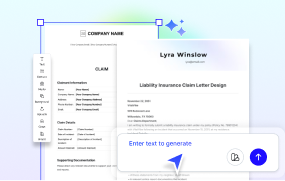
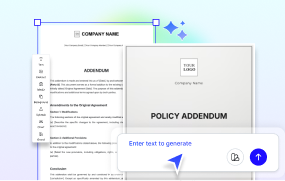
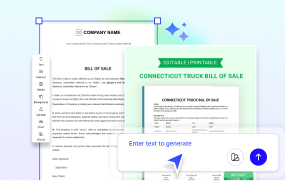
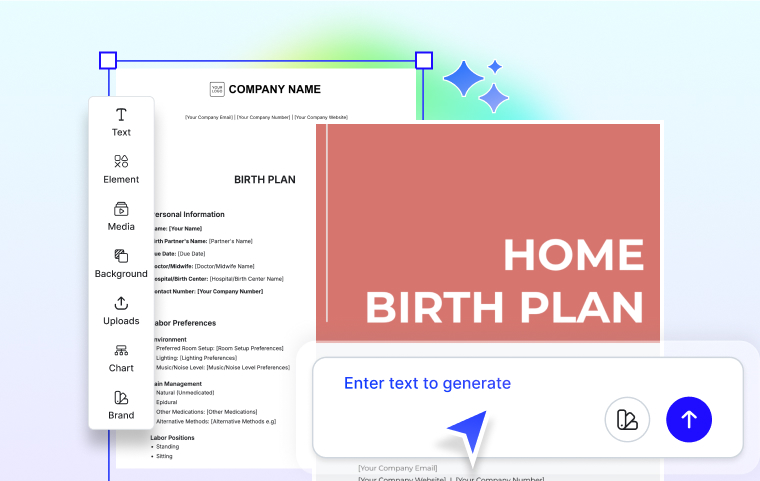
AI Document Generator
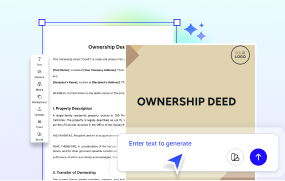
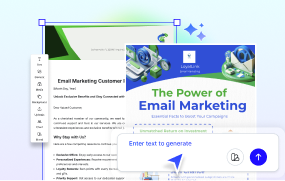
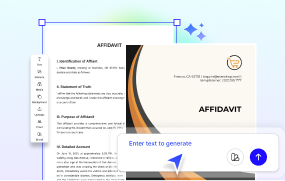
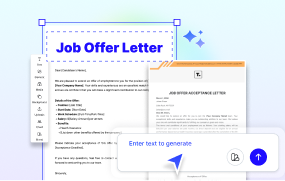
Turn your text or voice prompt into multi-page documents like business plans, reports, proposals, or contracts in seconds.

AI Writer Integration
Write cover letters, summaries, blog content, and reports with AI-generated drafts tailored to your tone and purpose.

Editable Document Templates
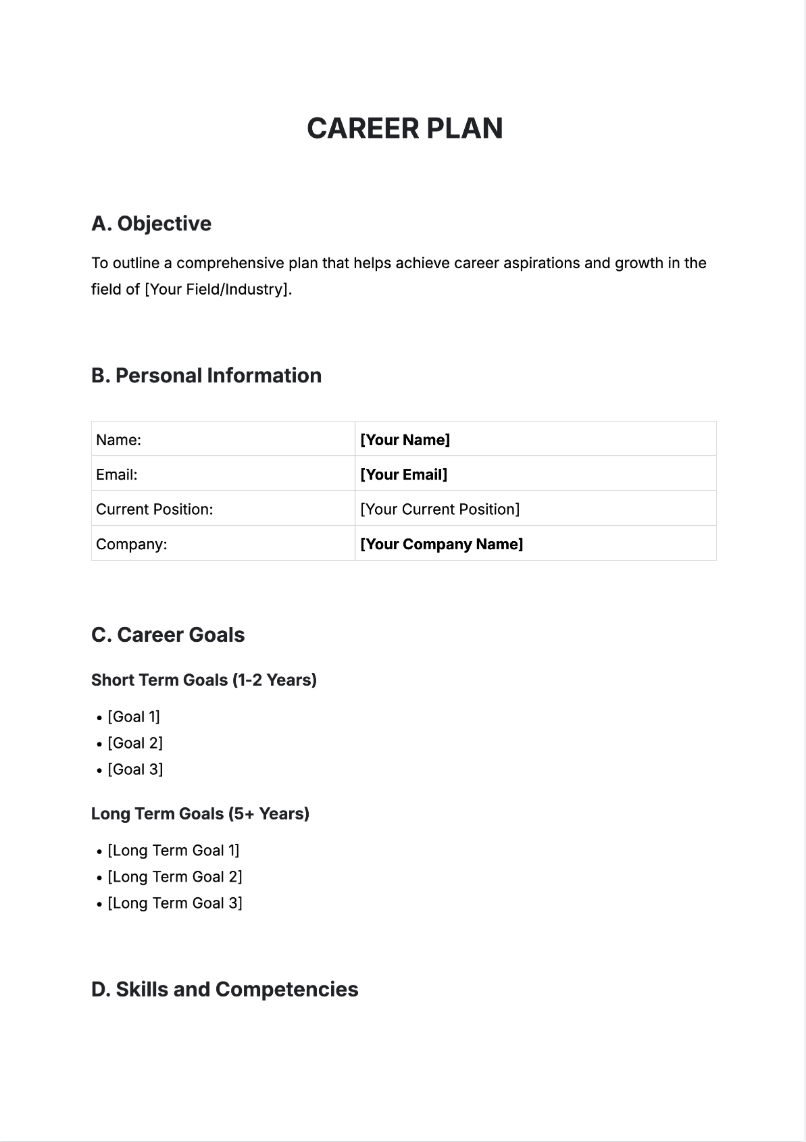
Start from our library of thousands of pre-designed templates for HR, legal, marketing, education, or operations—easy to edit and personalize.

Drag-and-Drop Editing Tools
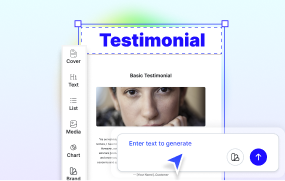
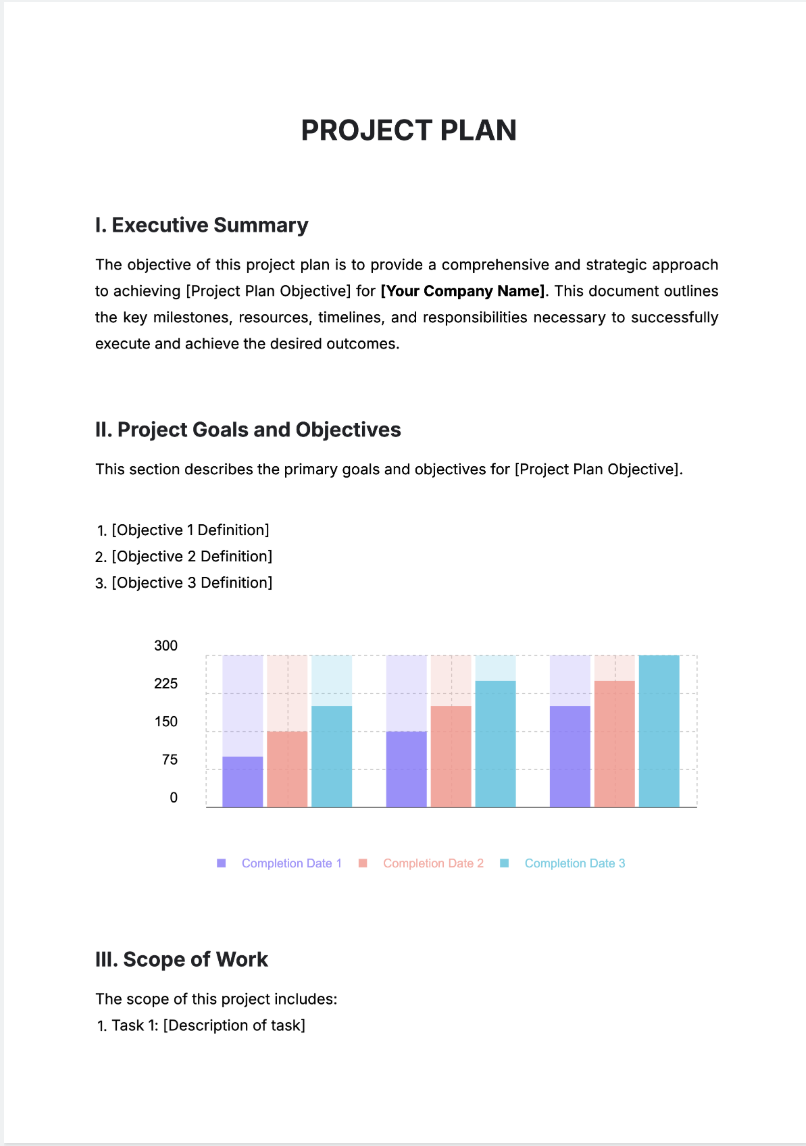
Rearrange sections, insert tables, add charts or visuals, and edit content in a visual editor—no formatting skills needed.

Tone and Rewriting Adjustments
Polish your message with tools that rephrase or rewrite paragraphs in casual, formal, or persuasive styles.

Autosave and Real-Time Editing
Work without worry—your drafts are saved automatically and can be edited anytime across devices.

Export in Multiple File Formats
Download your documents in PDF, DOCX, or TXT formats—ready to print, share, or upload anywhere.

Multilingual Document Creation
Write in English, Spanish, Hindi, Arabic, French, Chinese, Portuguese, Japanese, Russian, German, Korean, Italian, Turkish, Vietnamese, Urdu, Persian, Bengali, Polish, Thai, and Punjabi.

Branding and Layout Customization
Apply your brand colors, fonts, and logos across all content for consistent presentation and professional polish.
Create Documents in Seconds, Just Add Your Idea
Template.net helps you streamline document creation while keeping your layout consistent and your output professional. Our AI platform turns your prompt into a structured, editable file—ready for any use.
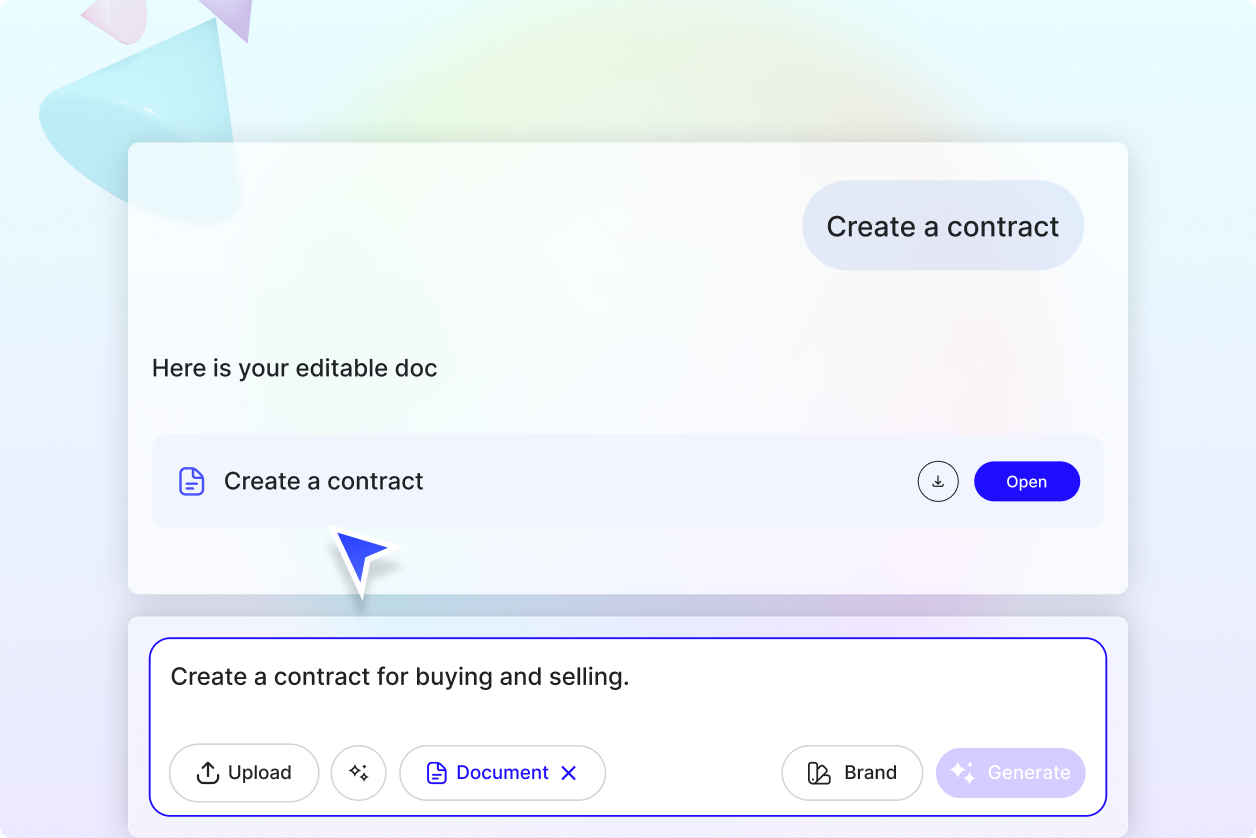
Generate Documents that Match Your Brand
Apply your brand identity across all writing—use your logos, colors, and text styles on every document with no manual formatting needed.
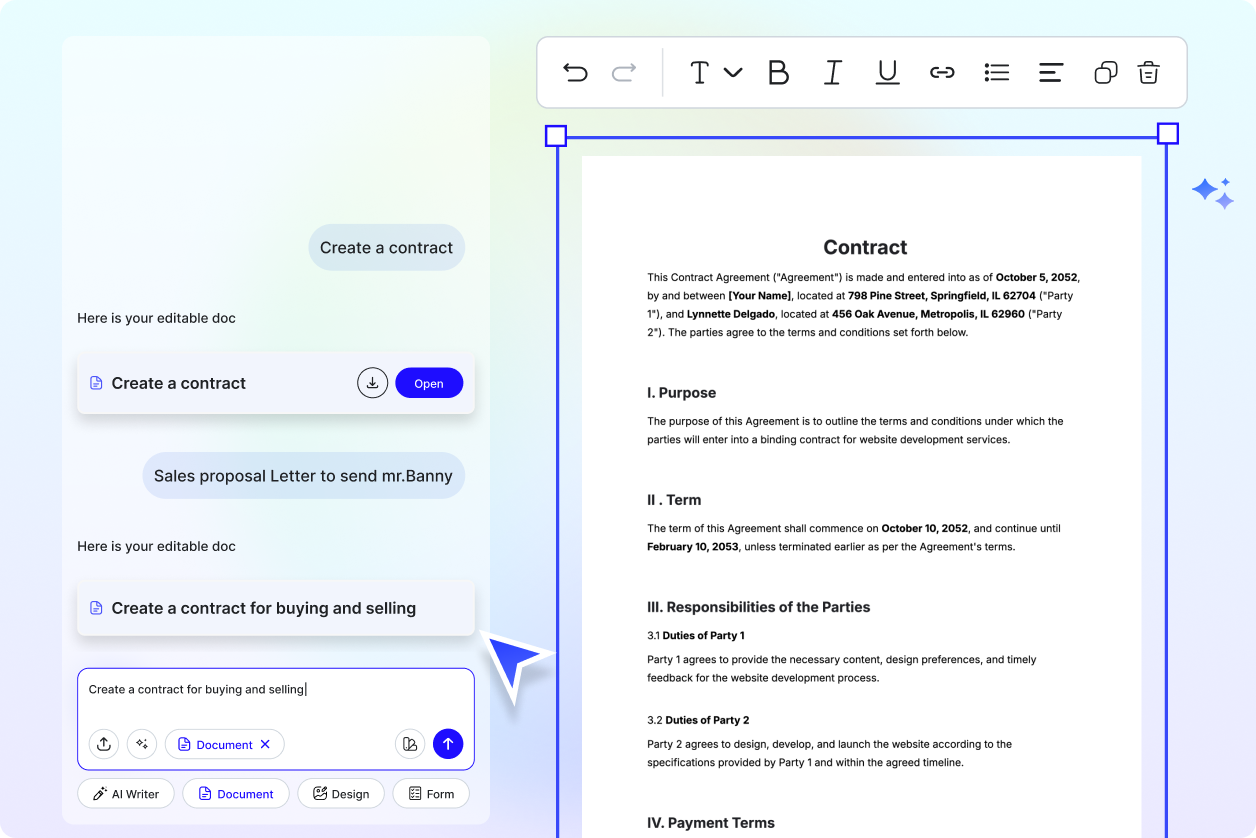
Customize Your Document
Duplicate and revise documents for departments, clients, or campaigns. Reuse layouts and content while keeping structure intact.
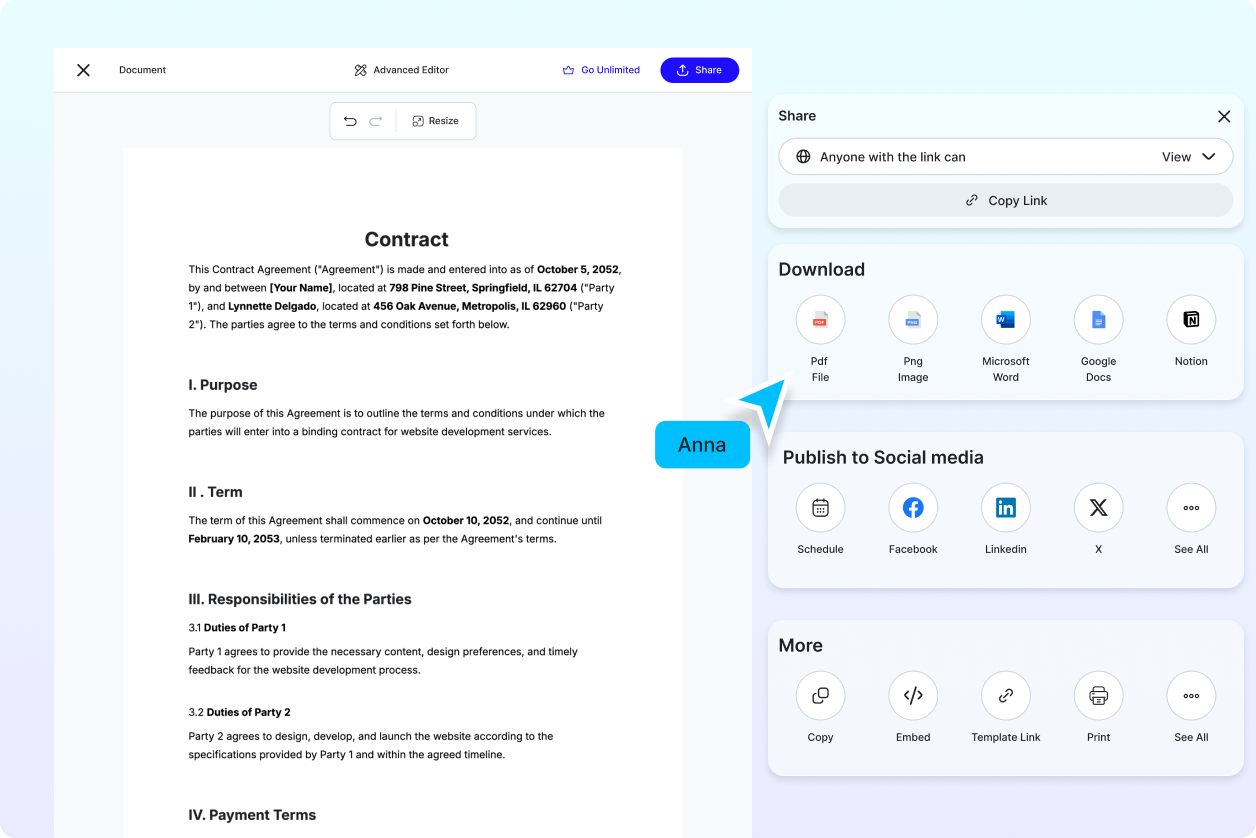
Share Anywhere, Collaborate Instantly
Export your documents in PDF, DOCX, or TXT. Share via links, email, or cloud folders. Work with your team in real time across all devices.
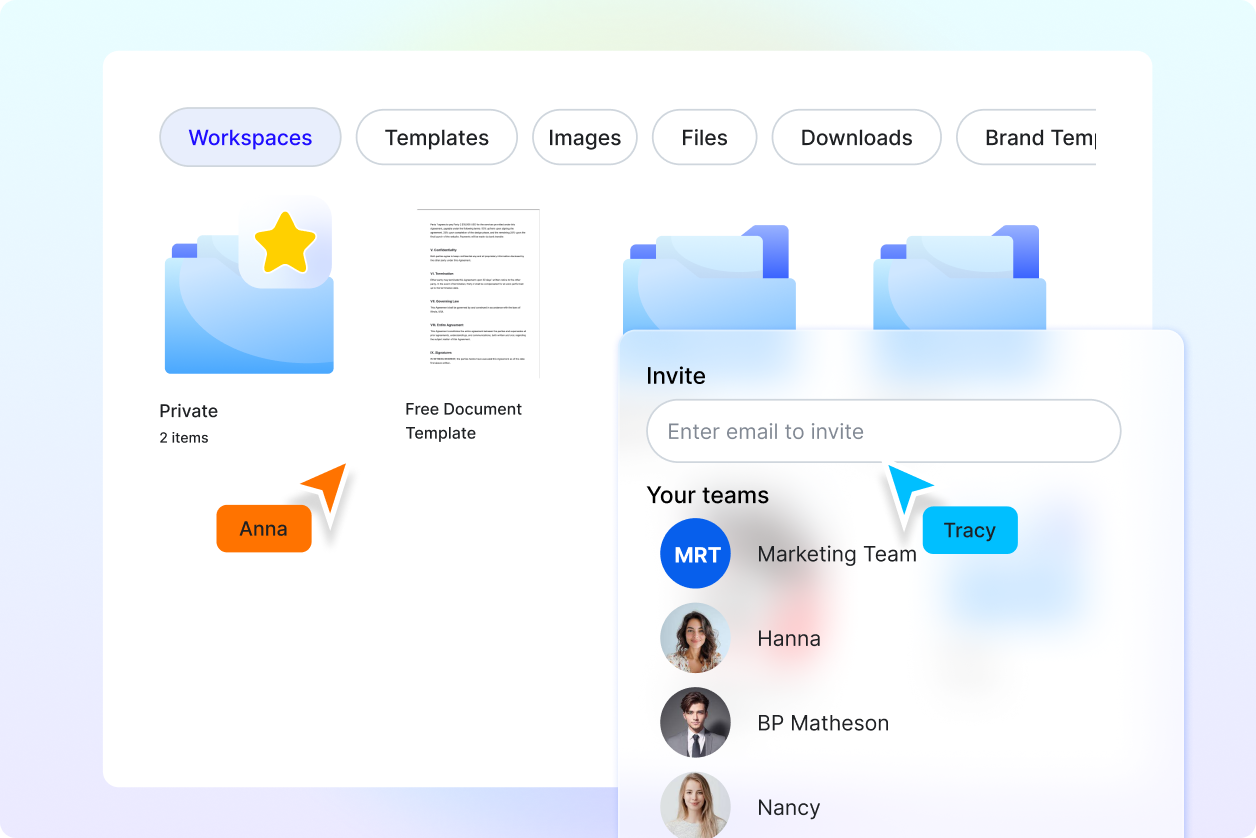
Smart Workspaces To Keep You Moving
Organize drafts, revisions, and final files in team-based folders. Manage roles, access, and branding from one central workspace for efficient editing and publishing.
AI Document FAQ
What is a document, definition?
A document is a structured file used to present written information such as reports, letters, proposals, or policies. With Template.net’s AI Document Writer, you can generate editable documents instantly from a simple text or voice prompt.
What types of documents can I create?
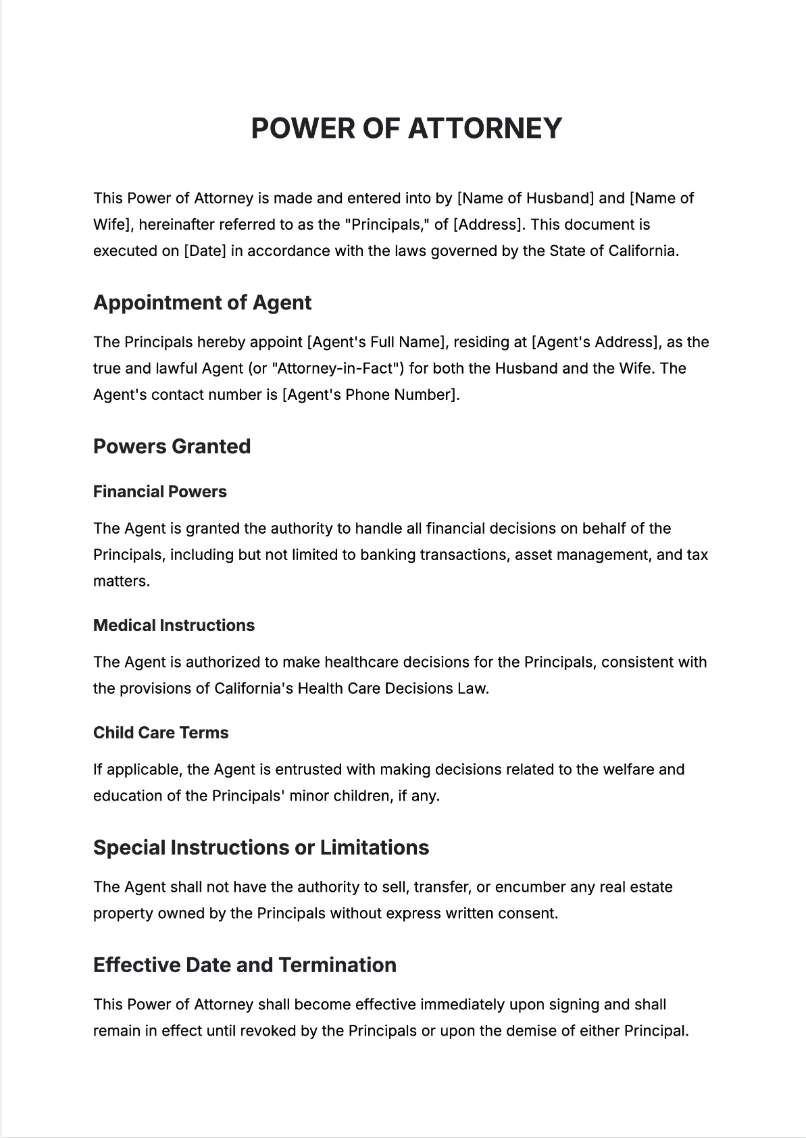
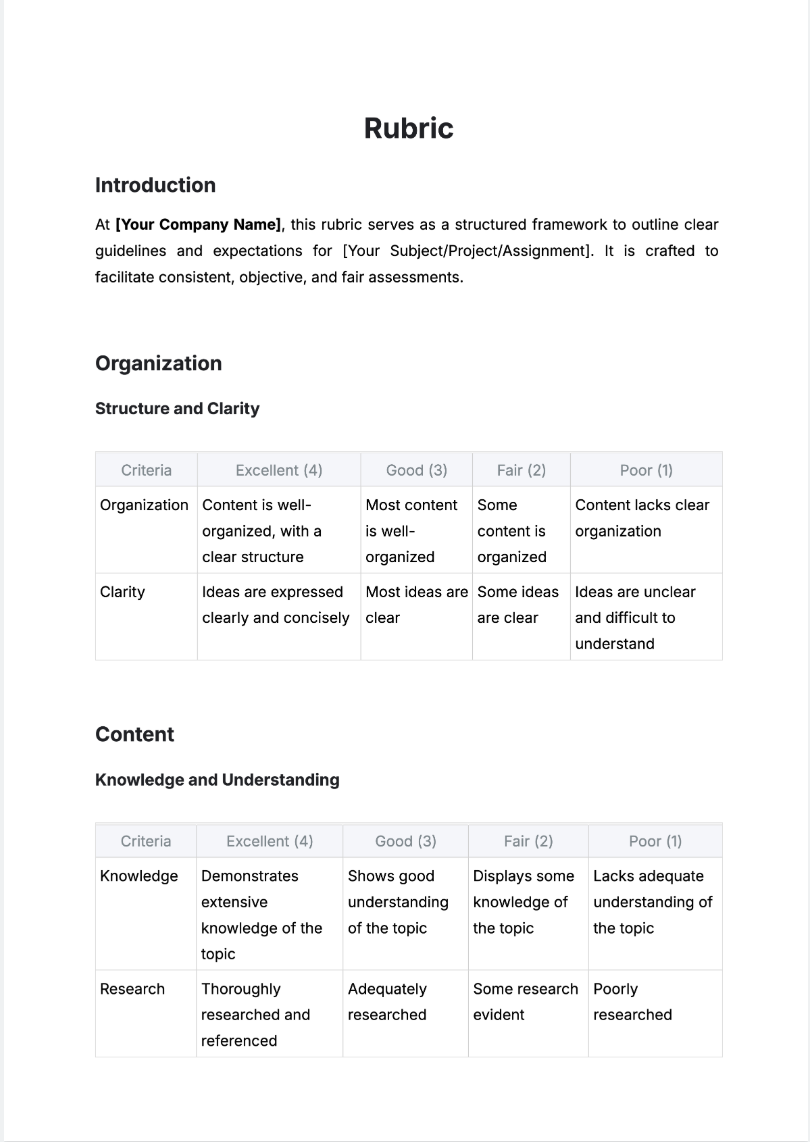
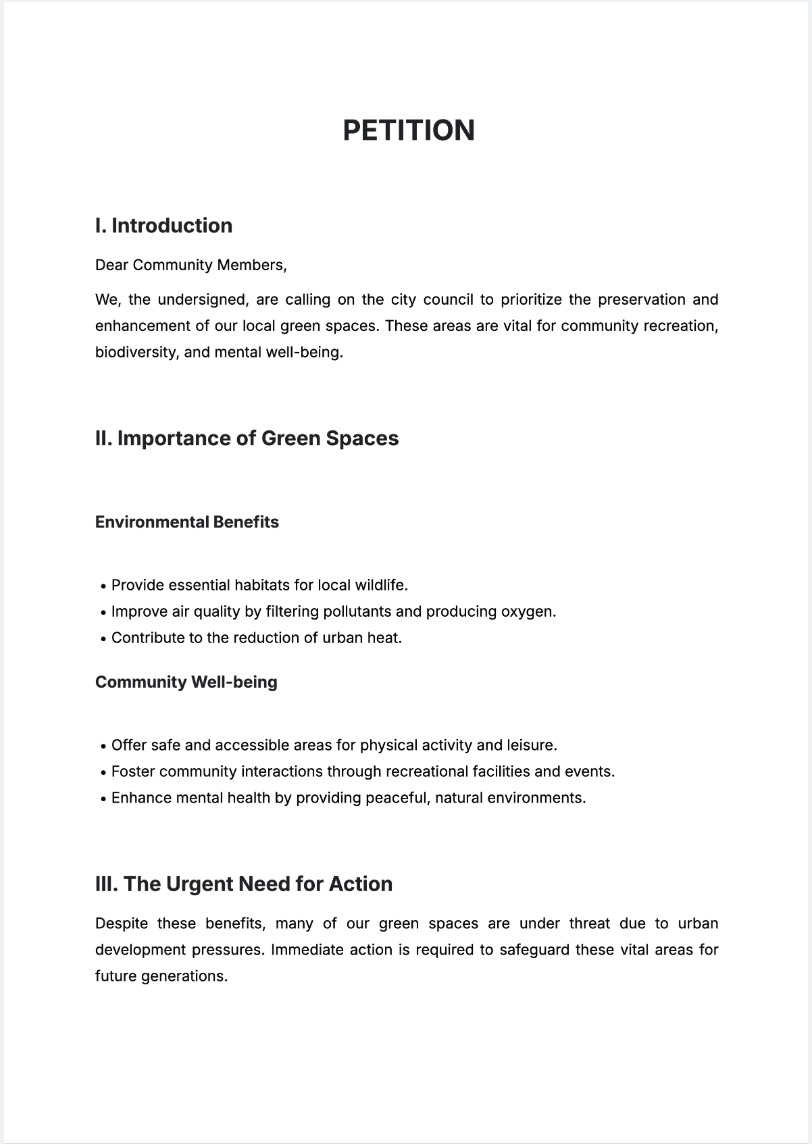
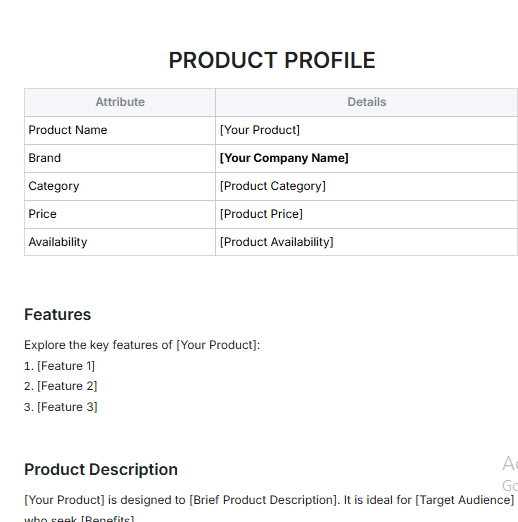
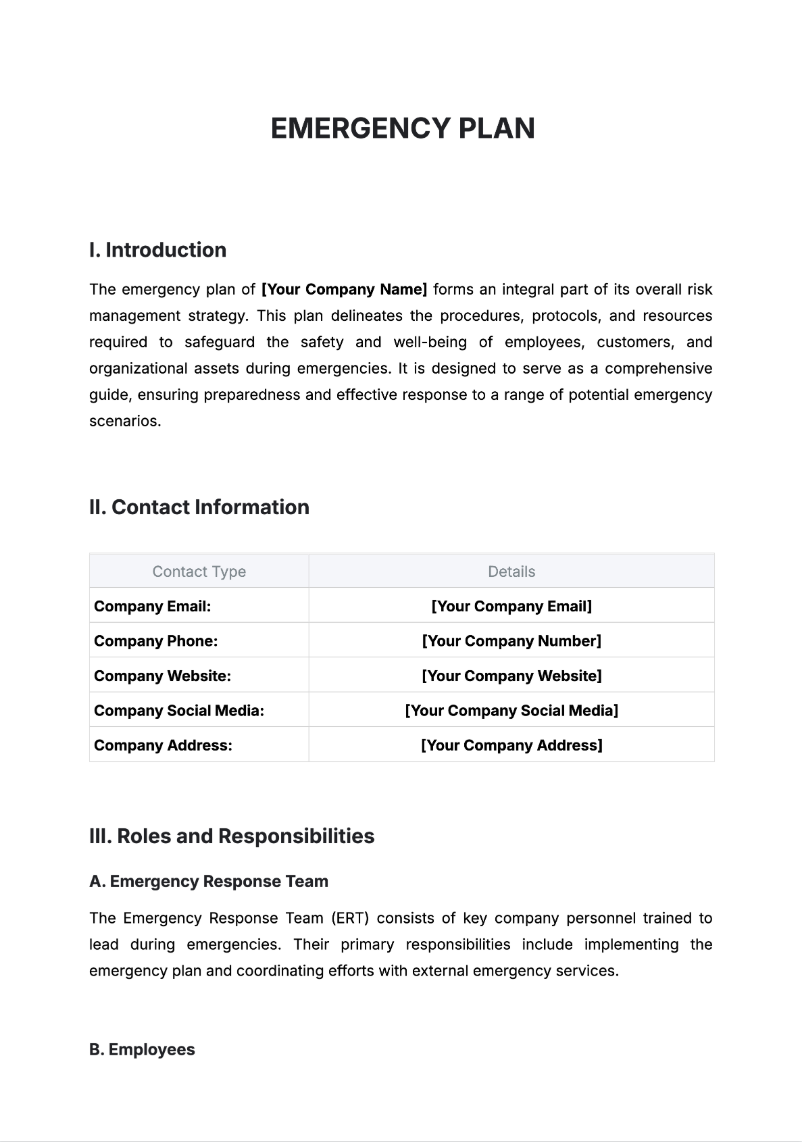
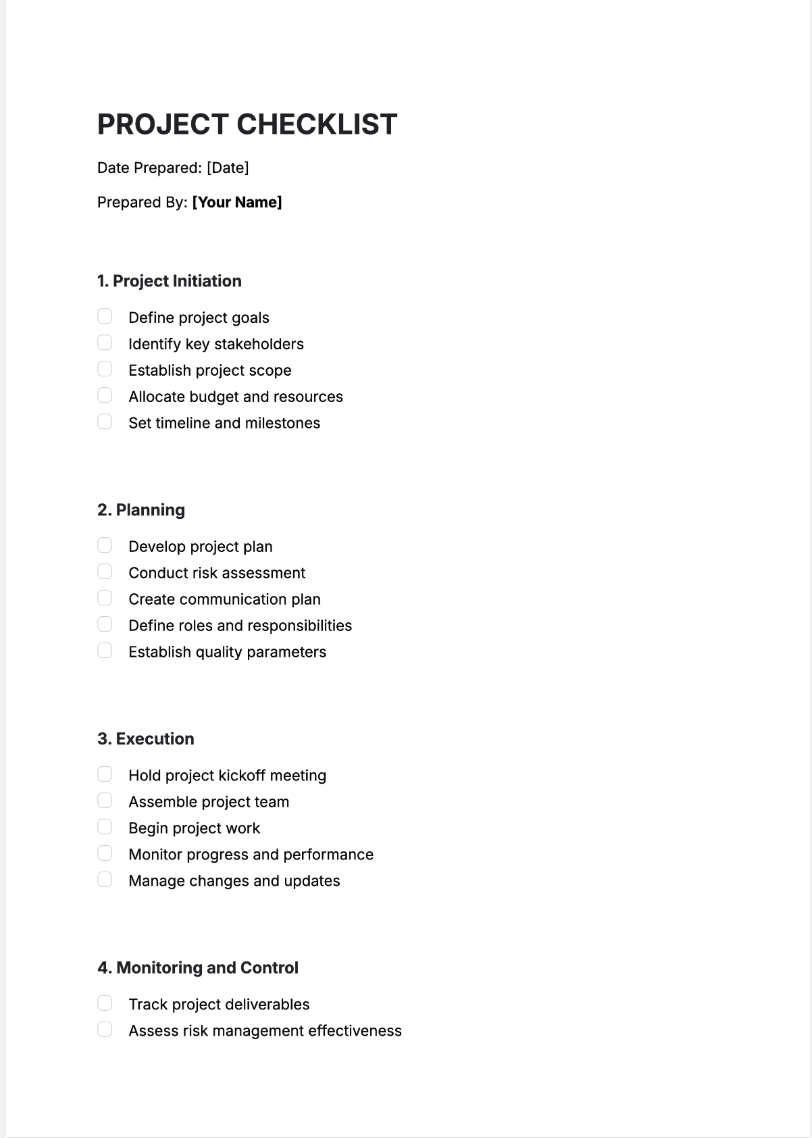
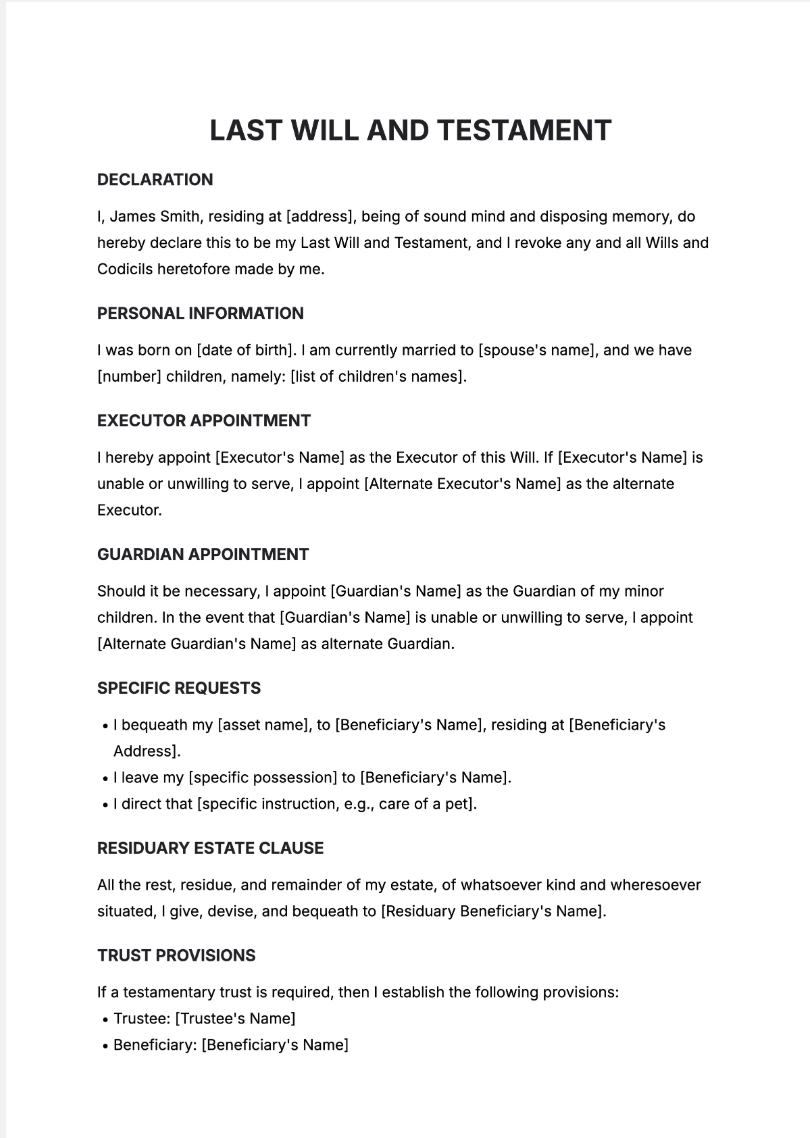
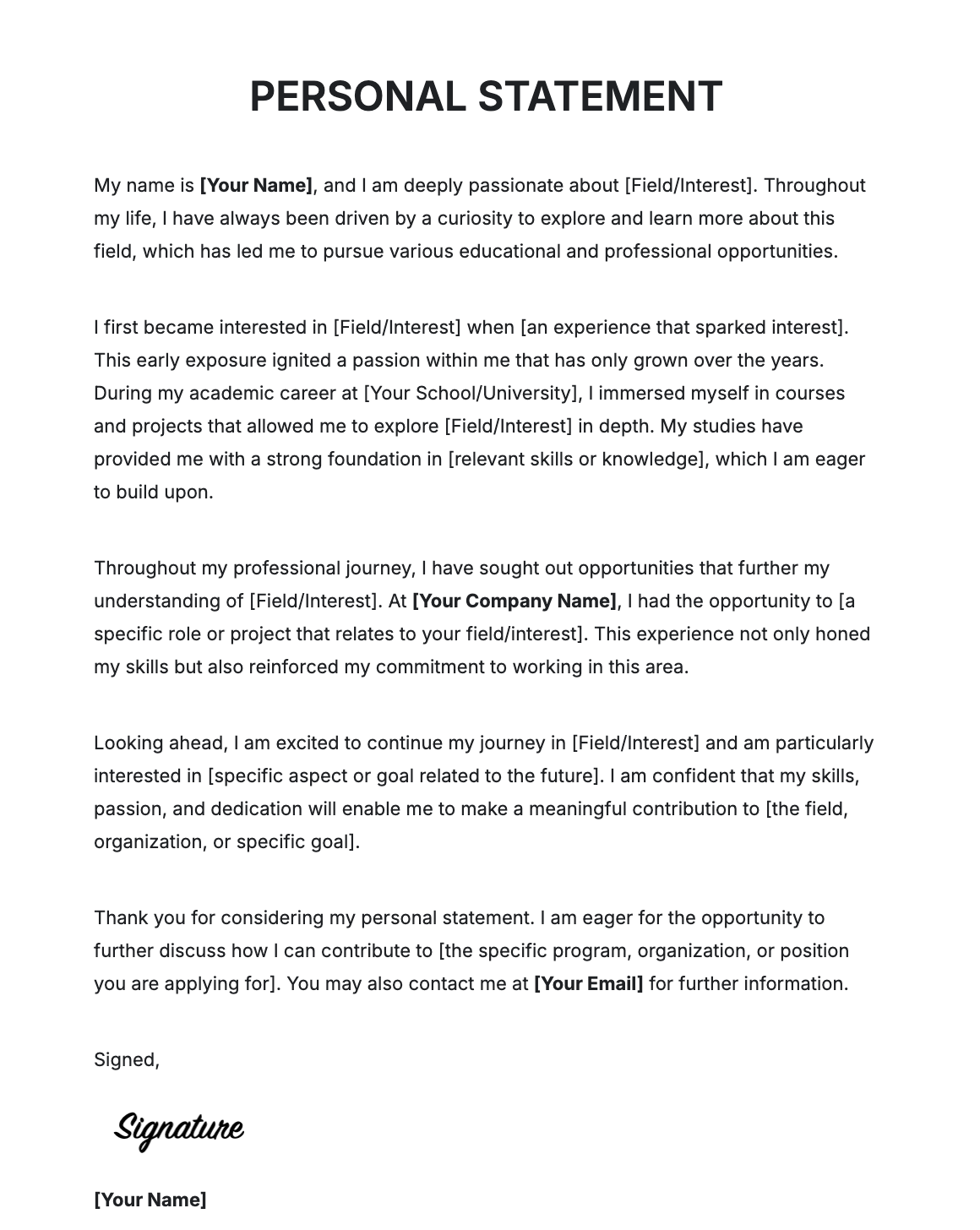
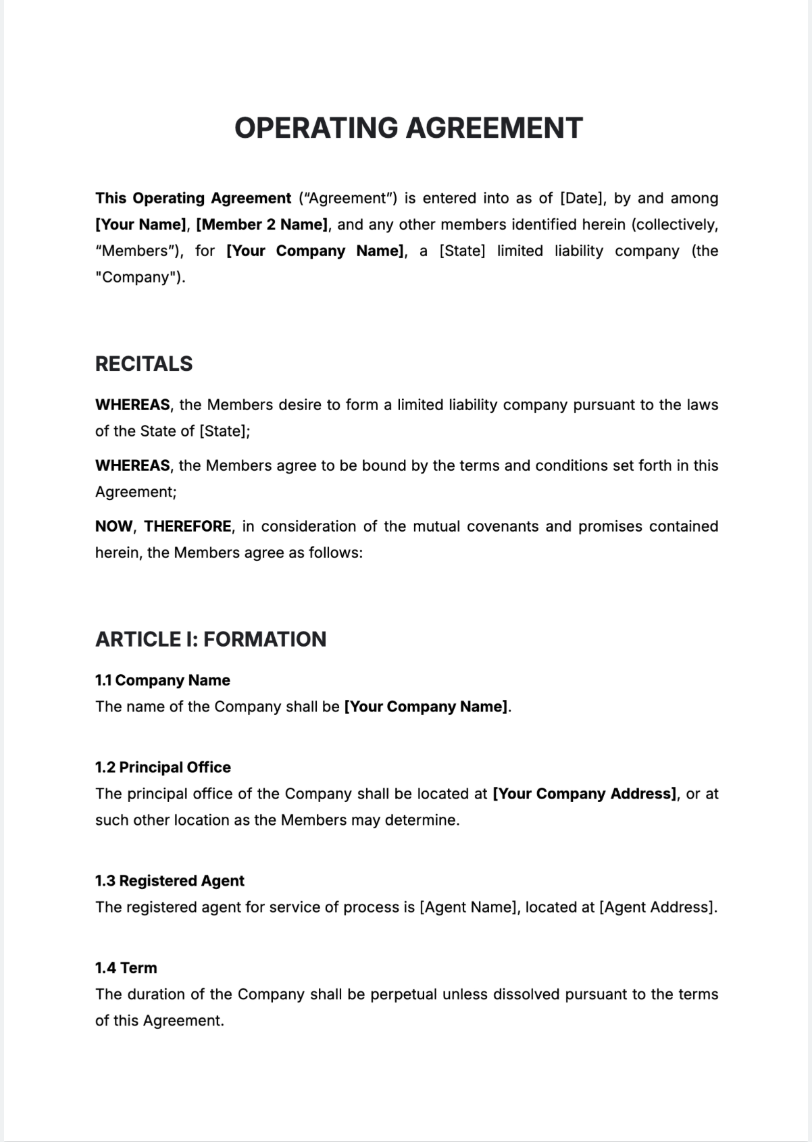
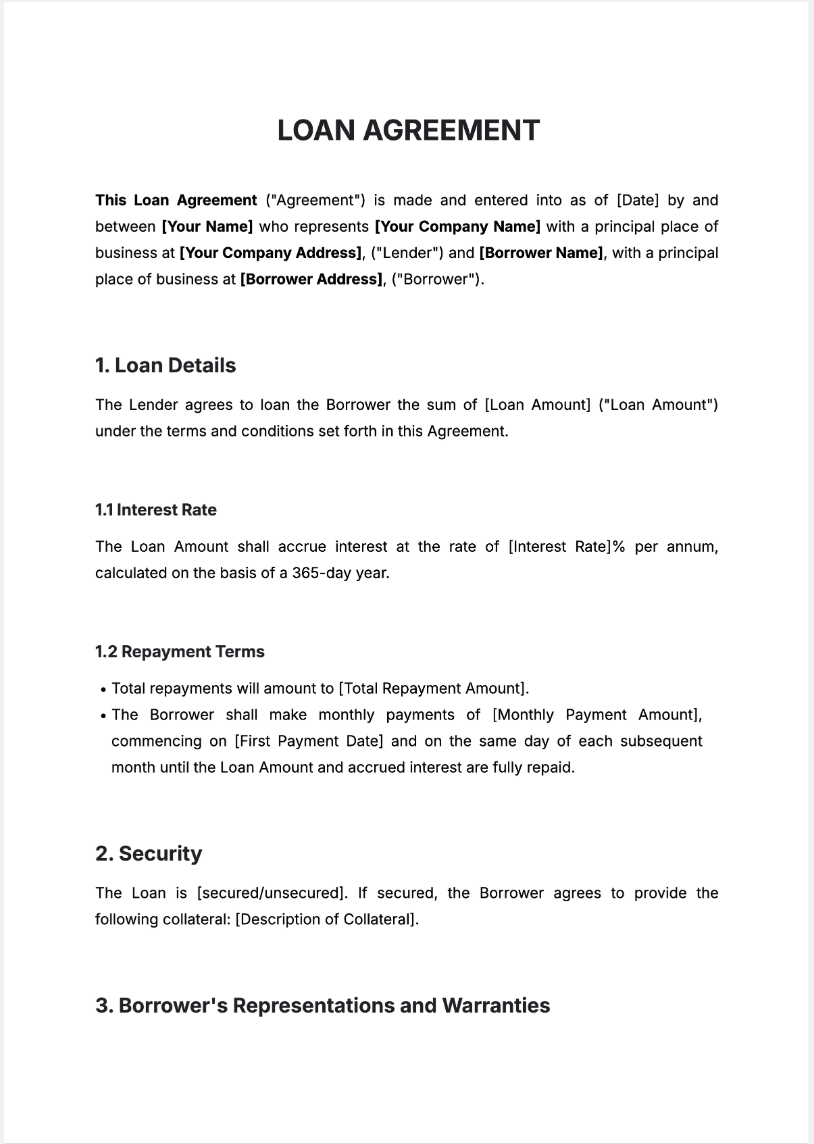
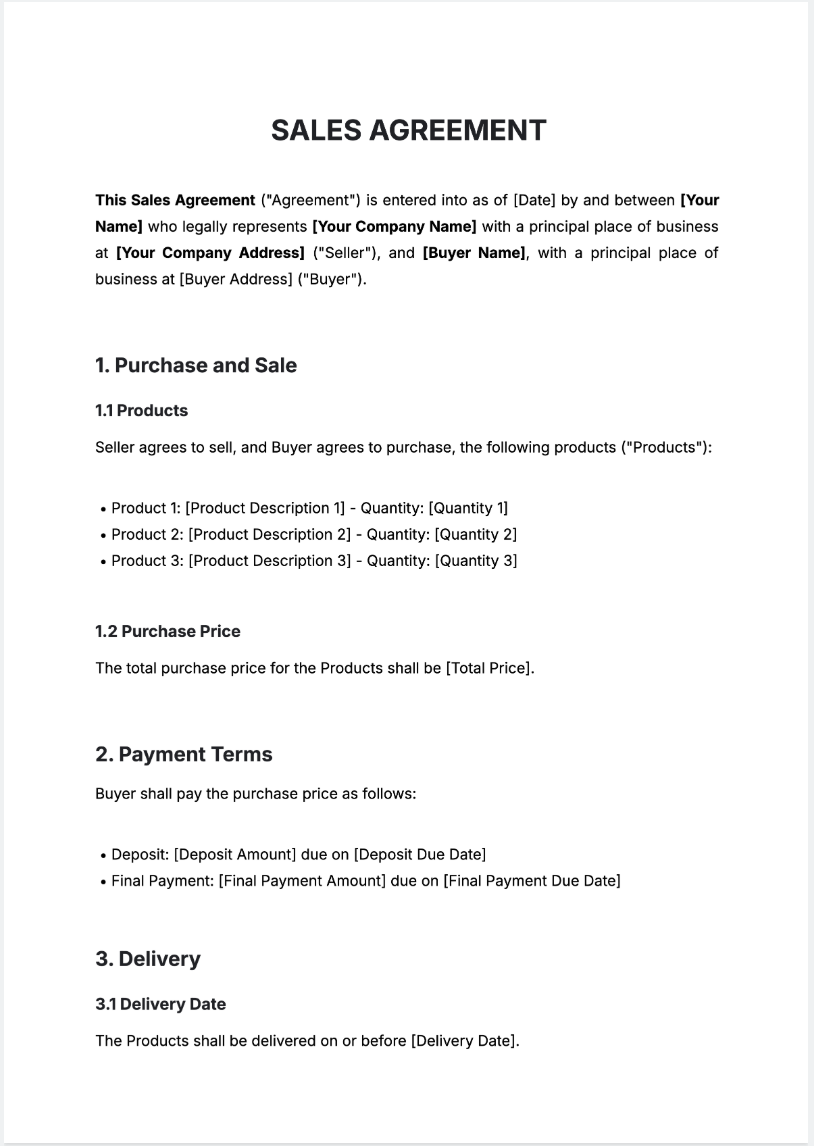
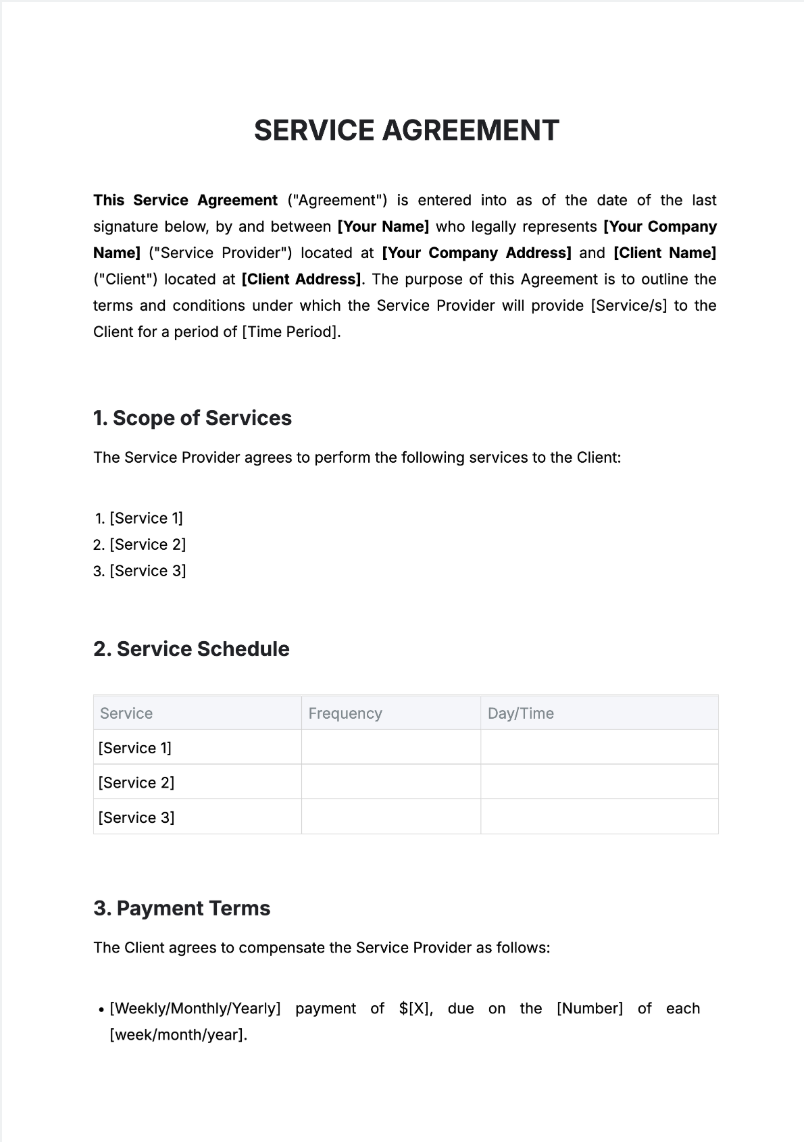
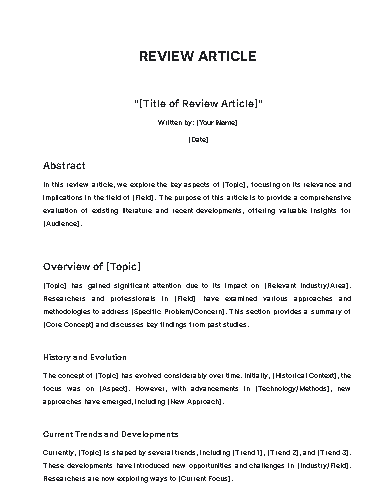
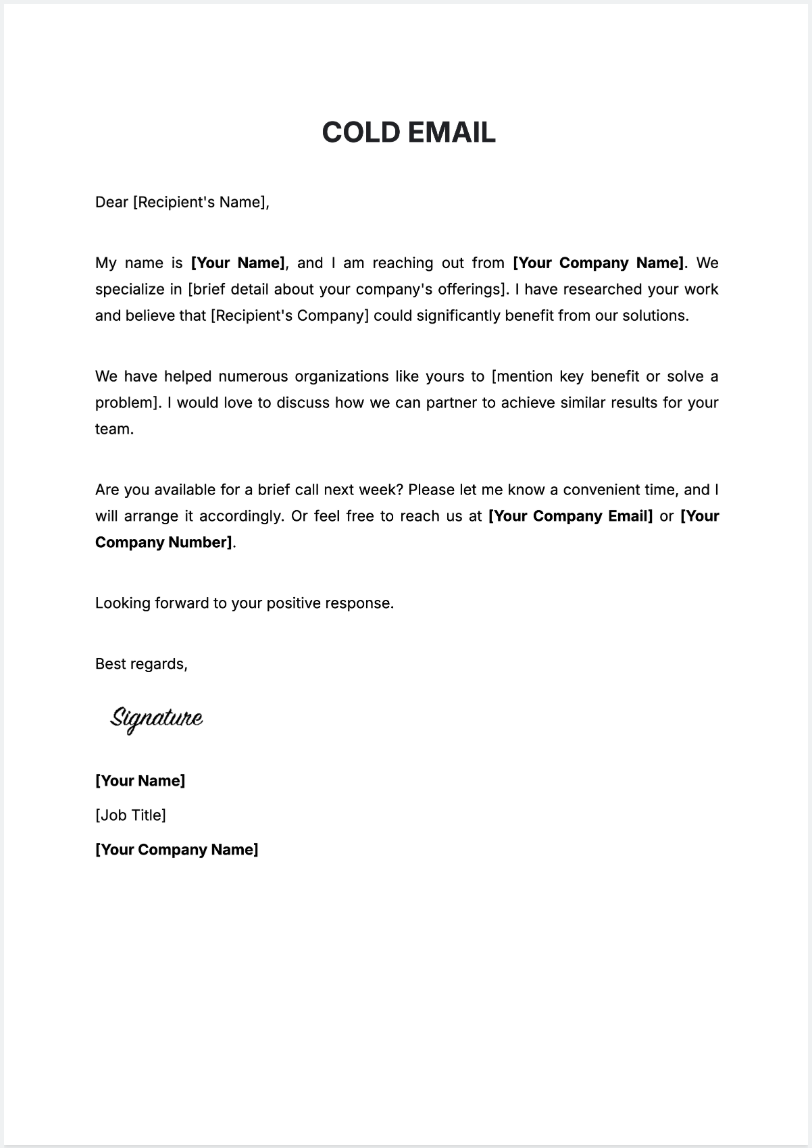
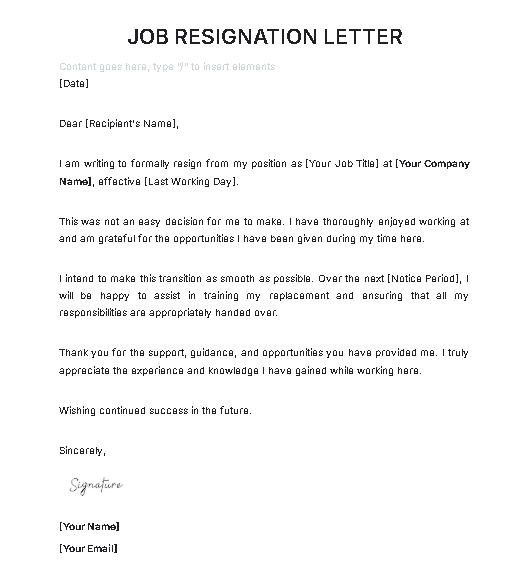
You can create business proposals, reports, letters, lesson plans, contracts, policies, essays, resumes, and more—ready to edit and download.
What document sizes are supported?
Template.net supports multiple standard sizes:
Documents – A4, US Letter, A5
Resumes – A4, US Letter
Reports & Proposals – A4, US Letter, Multi-page layouts with headings and sections
Can I use voice input instead of typing?
Yes. The AI Document Writer supports both voice and text prompts for fast content generation.
Is it easy to edit my generated document?
Yes. You can revise content, rearrange sections, and insert tables, charts, or lists using the drag-and-drop online editor.
What formats can I export the document in?
You can download your document in PDF, DOCX, or TXT formats—ready for printing, emailing, or uploading.
Is Template.net’s AI Document Writer free to use?
Yes. You can generate, edit, and download your documents 100% free—no sign-up required.
