
Free AI Upscale Photo Editor Online
Make Upscaled Images, Customize Online with Design Editor
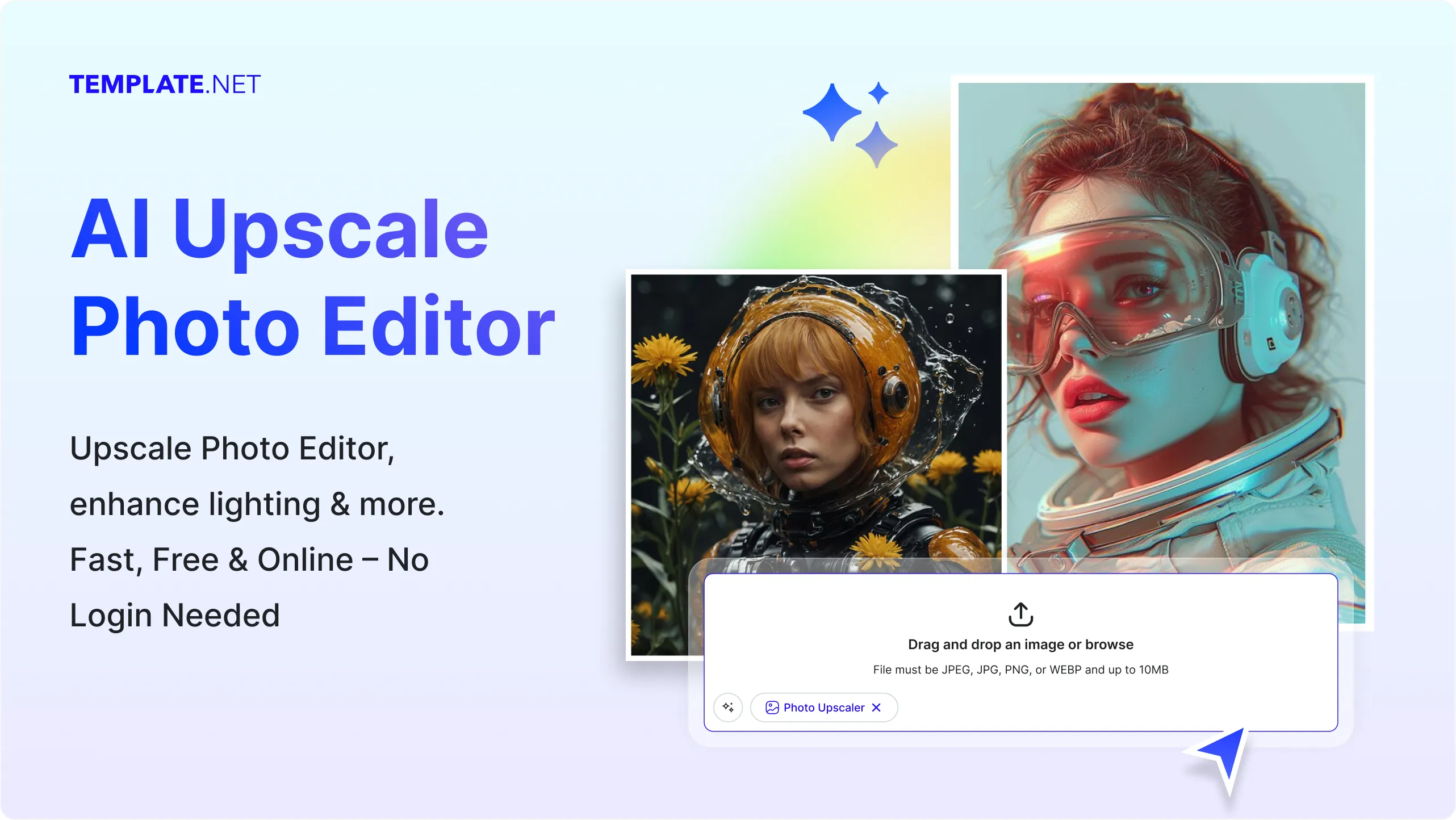
Template.net’s AI Upscale Photo Editor delivers sharper, cleaner visuals by enlarging your images up to 10 times their original resolution. Use the integrated design editor to add text, replace backgrounds, crop, or insert icons and graphics. You can also adapt your high-resolution image for marketing materials, websites, or personal projects without leaving the platform.
Design Custom, Printable Upscaled Images for Free
Transform low-resolution images into professional-quality visuals with advanced AI upscaling.

High-Resolution AI Upscaling
Enlarge images 2x, 4x, 6x, 8x, or 10x while maintaining detail, sharpness, and texture. Perfect for high-quality prints, product photography, and large-format displays.

Lossless Quality Enhancement
Boost clarity without introducing distortion or pixelation. Keep every element crisp and accurate for both digital and print outputs.

Background Removal & Replacement
Easily remove image backgrounds in one click. Replace them with solid colors, gradients, or your own custom images for a tailored design.

Built-In Cropping Tool
Crop and reframe your upscaled images without losing resolution. Adjust aspect ratios to suit social media, websites, or print layouts.

Add Text, Icons, and Graphics
Personalize your enhanced photos with titles, captions, or graphic elements. Choose from a wide range of fonts, icons, and decorative assets.

Artistic Style Upscaling
Retain the unique lines, colors, and textures of anime or illustrated artworks while increasing resolution. Ensure stylized images remain true to the original design.

Color & Tone Adjustments
Refine brightness, contrast, saturation, and hue for perfect balance. Achieve a polished and professional look in every project.

Brand Kit Integration
Apply your brand colors, fonts, and logos to any upscaled image instantly. Keep every asset consistent with your company’s visual identity.

Drag-and-Drop Editor
Reposition and resize elements quickly with an intuitive interface. Make design changes without advanced technical skills.

Reusable Templates
Save time by reusing templates for similar upscaling projects. Maintain consistency while speeding up your workflow.

Folder Organization
Store and manage your upscaling projects in dedicated folders. Keep related assets together for easy retrieval and collaboration.

Edit Anywhere
Work on your projects from a desktop, tablet, or mobile with no software installation needed. Continue editing seamlessly wherever you are.

Cloud Storage Integration
Export directly to Google Drive, OneDrive, or Dropbox for quick access and sharing. Keep your files safe and accessible anytime.

Multiple Export Formats
Download your final designs in SVG, PDF, HTML, or PNG. Choose the format that best fits your publishing or printing needs.

Social Media Sharing
Post your upscaled images directly to WhatsApp, Instagram, Facebook, LinkedIn, X (Twitter), Pinterest, Messenger, or Reddit. Share instantly without extra steps.

Instant Preview
See your edits and upscaling results in real time before downloading. Make adjustments on the spot for the perfect output.

Multilingual Text Support
Design in English, Spanish, Chinese, Hindi, Arabic, Portuguese, Bengali, Russian, Japanese, French, German, Korean, Italian, Turkish, Vietnamese, Urdu, Persian, Polish, Thai, or Punjabi, and many more. Reach diverse audiences with localized designs.

Flip and Rotate Tools
Quickly rotate or flip your upscaled images for better alignment or creative presentation.
How to Make a Free AI-Generated Upscaled Photo
Follow these steps to turn any image into a high-quality visual.
Step 1: Upload Your Image
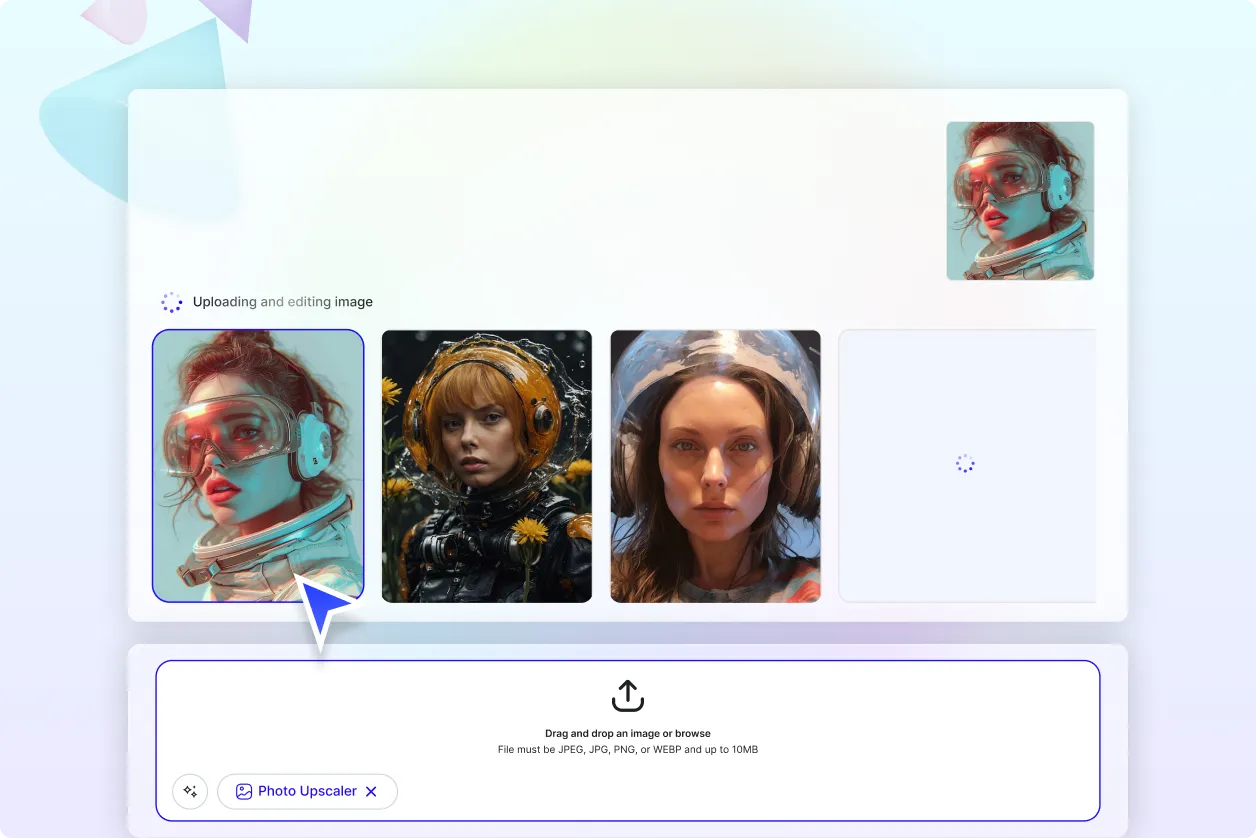
Click the upload button and choose a JPEG, JPG, WEBP, or PNG file (up to 10 MB). Select your preferred upscale level — 2x, 4x, 6x, 8x, or 10x — and let the AI process your image with precision. The system analyzes edges, textures, and colors to prepare a sharper version instantly.
Step 2: Edit and Enhance
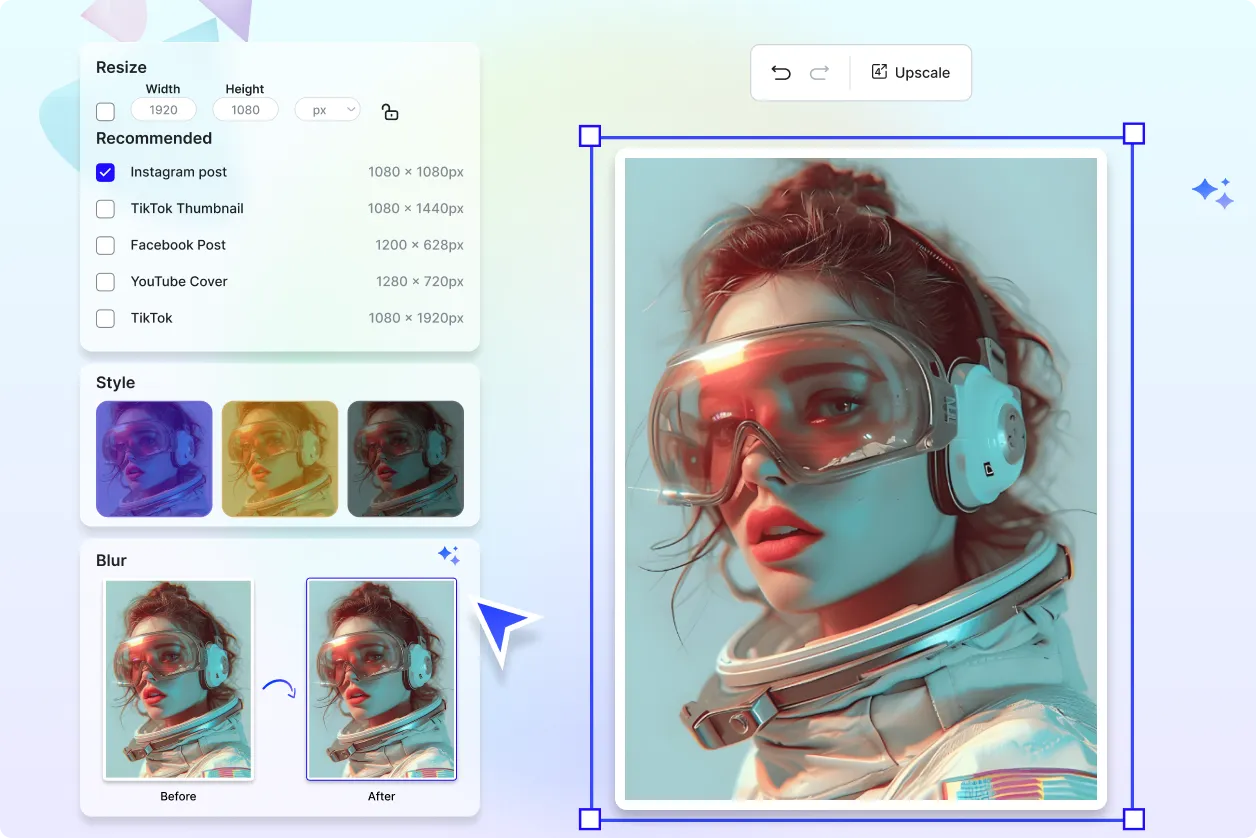
Once upscaled, fine-tune your image using the built-in editor. Remove or replace backgrounds, add text, insert icons, or crop to fit your project needs. Adjust brightness, contrast, and color balance to ensure perfect results for your intended platform.
Step 3: Save, Share, or Export
Download your enhanced image in SVG, PDF, HTML, or PNG. Export to Google Drive, OneDrive, or Dropbox, or share directly on WhatsApp, Instagram, Facebook, LinkedIn, X (Twitter), Pinterest, Messenger, or Reddit. Collaborate with clients or team members for instant feedback and approval.
Create Upscaled Images in Seconds and Start Presenting with Clarity
Upscale Photos with Your Brand
Upload and upscale your photos, then apply your brand kit to ensure your upscaled images reflect your fonts, colors, and visual style. Ideal for businesses and content creators who require consistent brand presentation across all digital and print platforms. Maintain professionalism and identity even in high-resolution outputs.
Customize Your Upscaled Images
Adapt your enlarged images for multiple uses, from billboards to product packaging. Keep your design style intact while adjusting layouts, backgrounds, or focal points for targeted campaigns. The flexible editor ensures every image meets your exact requirements.
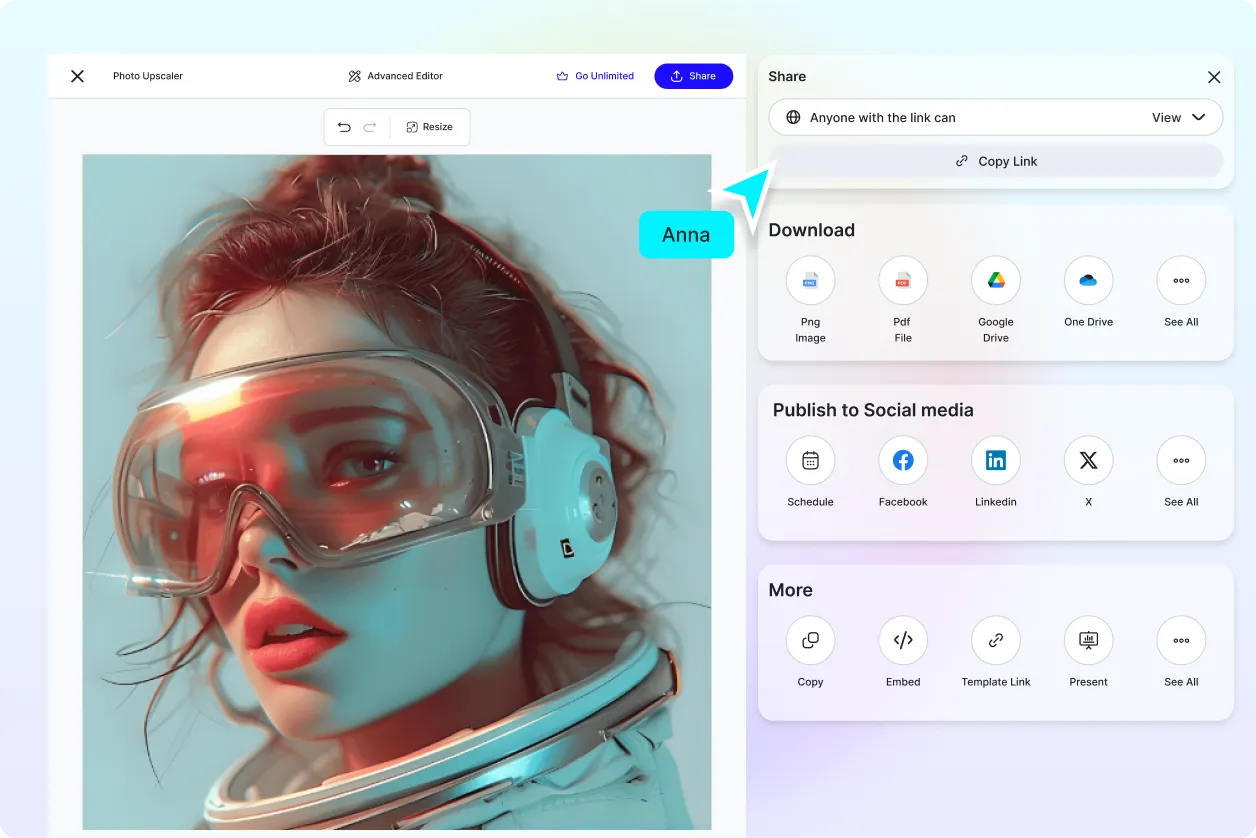
Share Anywhere, Collaborate Instantly
Export to Google Drive, OneDrive, Google Slides, and PowerPoint for easy integration into presentations or projects. Share directly to WhatsApp, Instagram, Facebook, LinkedIn, X (Twitter), Pinterest, Messenger, or Reddit for maximum reach. Real-time collaboration allows for faster approvals and revisions.
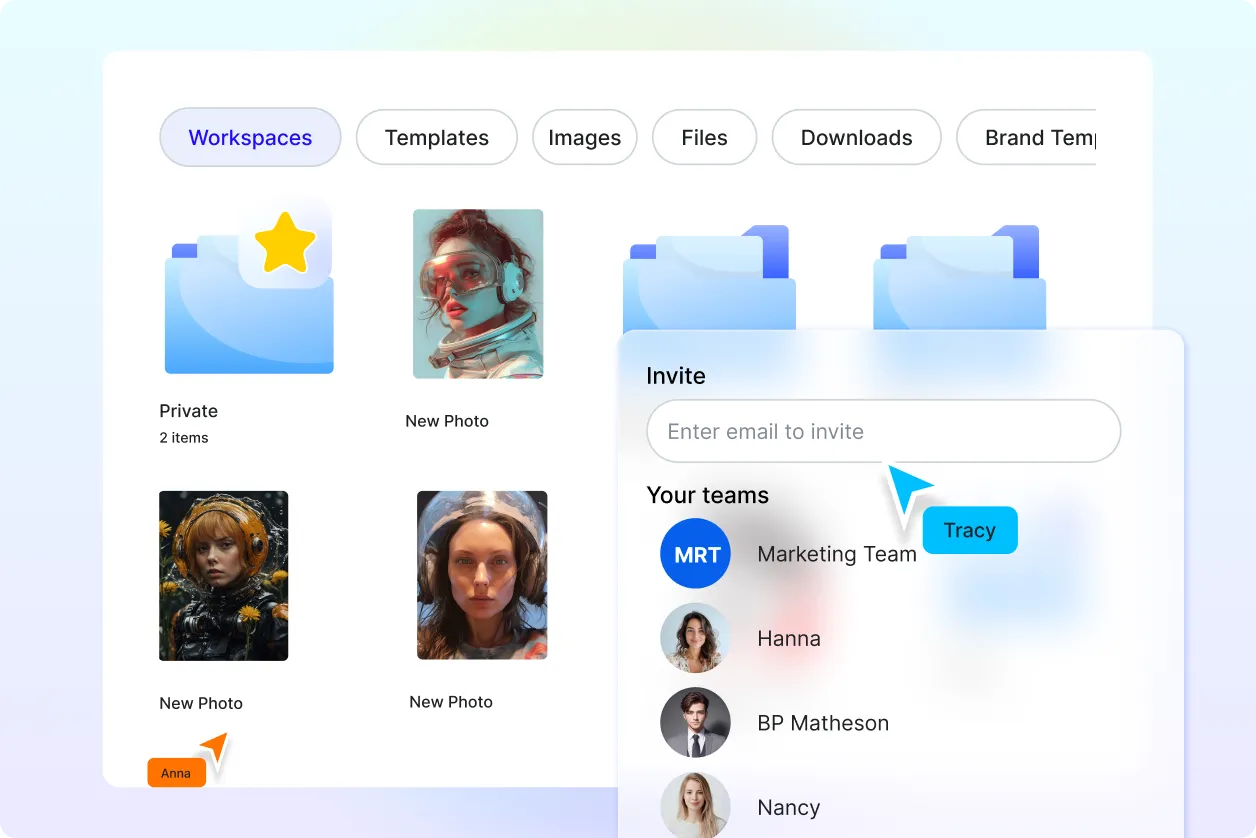
Smart Workspaces to Keep You Moving
Organize your upscaling projects in shared folders and assign editing roles for team efficiency. Reuse saved templates to streamline future work while keeping all assets accessible. Stay on top of campaigns with a centralized, well-managed workspace.
Upscale Photo Editor FAQ
What is upscaling in photo editing?
Upscaling increases the resolution of an image, making it larger and sharper without losing quality. It’s commonly used to prepare images for printing, high-definition displays, or detailed digital projects.
Is the AI Upscale Photo Editor free to use?
Yes, you can use the AI Upscale Photo Editor for free to upscale and enhance your images. Premium features may be available for more advanced needs.
How to use the AI Upscale Photo Editor?
Upload a JPEG, JPG, WEBP, or PNG (up to 10 MB), select your upscale level, and let the AI enhance your image. Use the editor to make additional adjustments, then download or share your final result.
What are the standard sizes for high-resolution images?
Common digital resolutions include 1920 × 1080 px, 3840 × 2160 px (4K), and 7680 × 4320 px (8K). The editor allows you to set custom sizes for specific uses.
Does upscaling work for all image types?
Yes, you can upscale photos, illustrations, digital art, and scanned images. The AI adapts its process to the content type for optimal results.
Where can I share my upscaled images?
Directly share your creations to WhatsApp, Instagram, Facebook, LinkedIn, X (Twitter), Pinterest, Messenger, or Reddit. You can also export to cloud storage for collaboration or archiving.
